7
Connections
PREPARATION
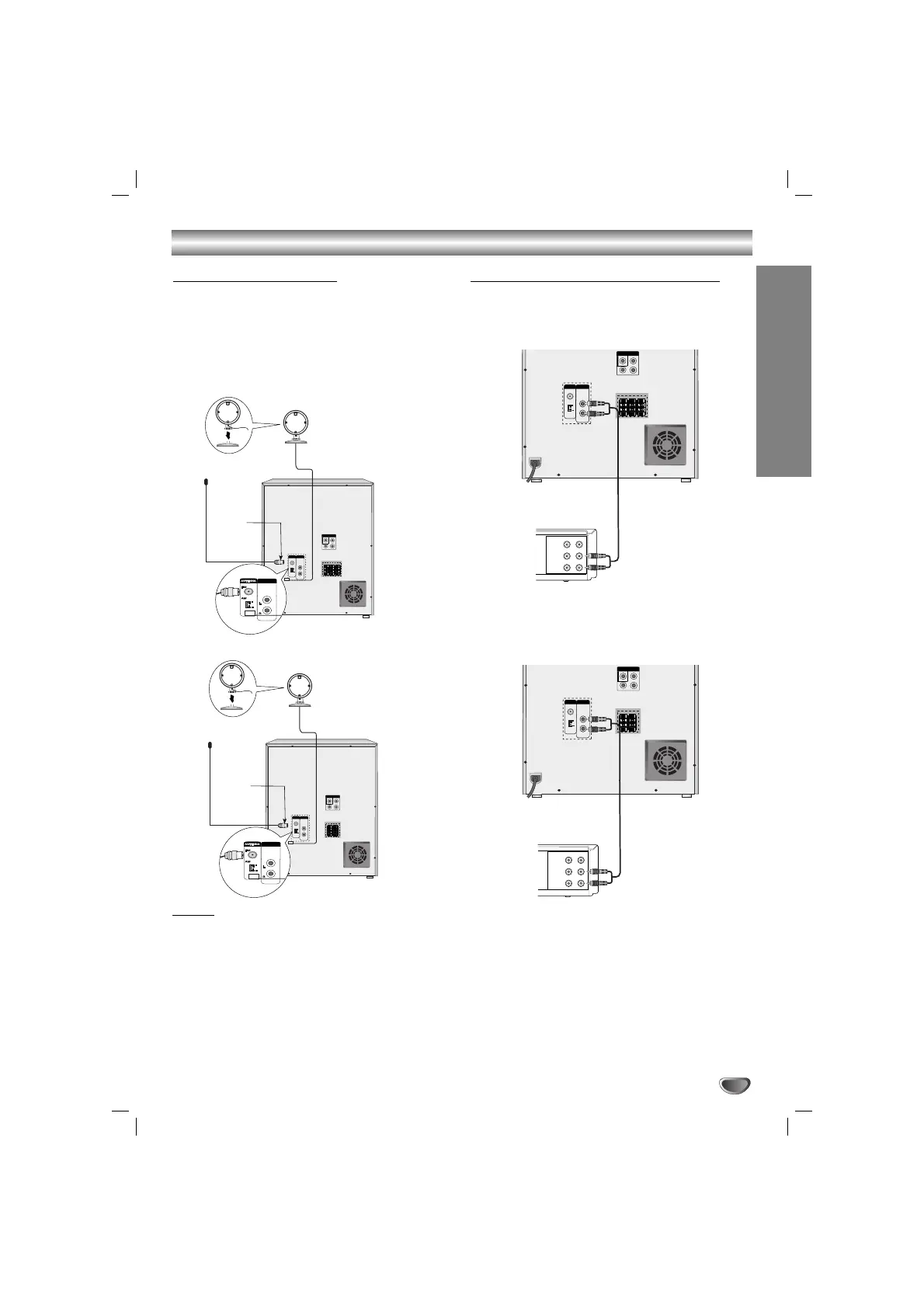
Connecting to Antenna
Connect the supplied FM/AM antennas to listen to the
radio.
• Connect the AM loop antenna to the AM antenna
connector.
• Connect the FM wire antenna to the FM antenna
connector.
Notes
Notes
• To prevent noise pickup, keep the AM loop antenna
away from the unit and other component.
• Be sure to fully extend the FM wire antenna.
• After connecting the FM wire antenna, keep it as
horizontal as possible.
Connecting to Auxiliary Equipment
You can use VCR or other unit connected to the AUX
connector.
11
Connect a VCR or auxiliary device, etc to the
AUX connector.
22
Press the AUX button on the front panel or the
remote control until the “AUX” indicator is
displayed in the display window.
AM(MW) loop
antenna (aerial)
(Supplied)
For AM(MW) reception, connect the
loop antenna (aerial) to the terminal
marked AM
FM wire
antenna
(supplied)
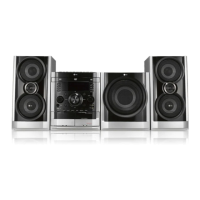
MDD262 Model
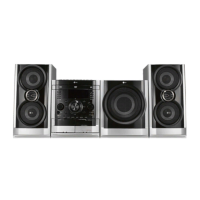
MDT352 Model
AM(MW) loop
antenna (aerial)
(Supplied)
For AM(MW) reception, connect the
loop antenna (aerial) to the terminal
marked AM
FM wire
antenna
(supplied)



 To Next Page