LG Nexus 4 E960 – Disassemble Guide
Page 3 of 8
hp://www.fixez.com/
Loudspeaker Assembly
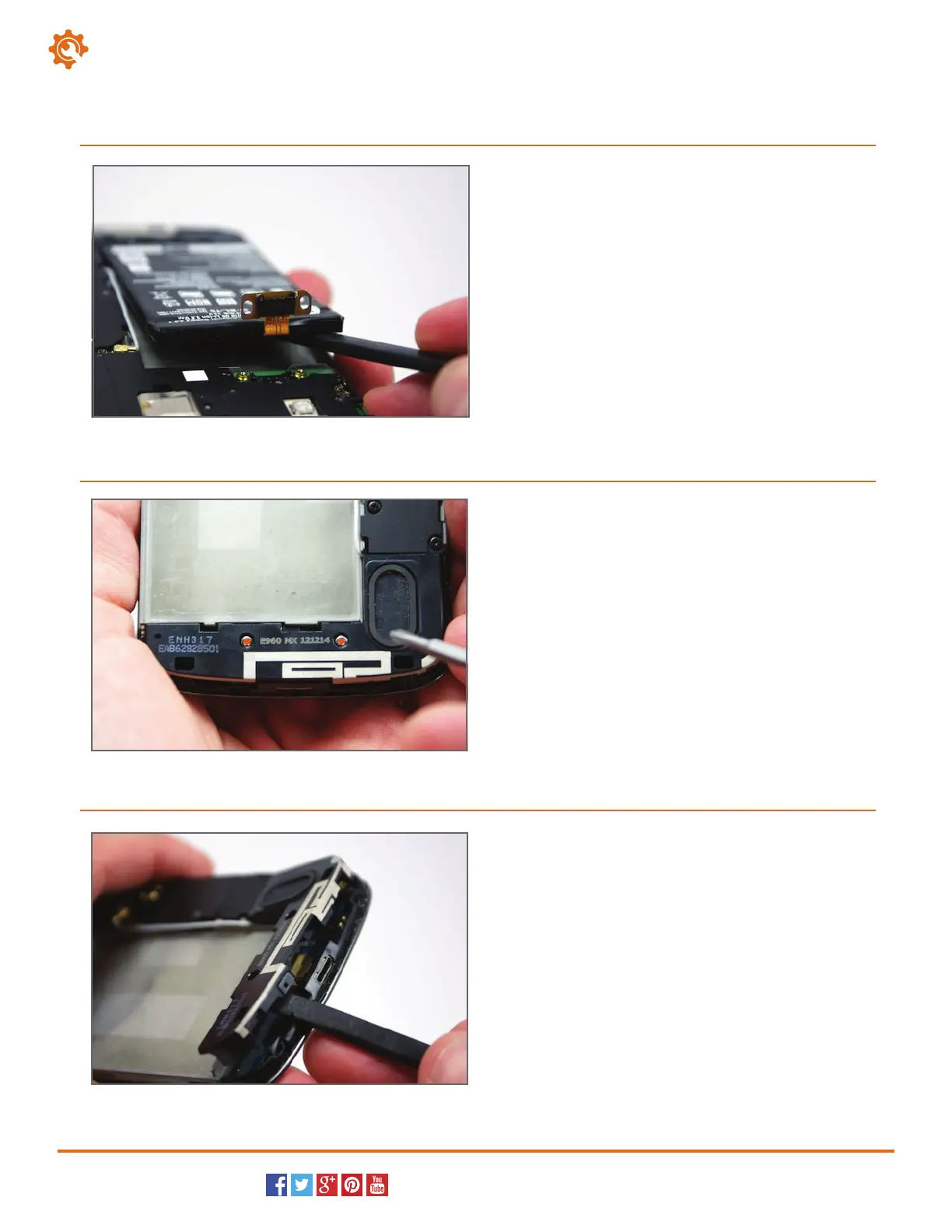
With the terminal screws removed, the battery can
easily be
removed. It is secured down with a small
amount of adhesive. Use the spudger to separate the
battery from the adhesive securing it to the LG E960.
4
Locate and remove the two Phillips screws (#00)
holding the loudspeaker to the smartphone with the
appropriate screwdriver.
5
Use the spudger to maneuver and remove the
loudspeaker assembly out of its housing in the
Nexus 4.
6



 To Next Page