•
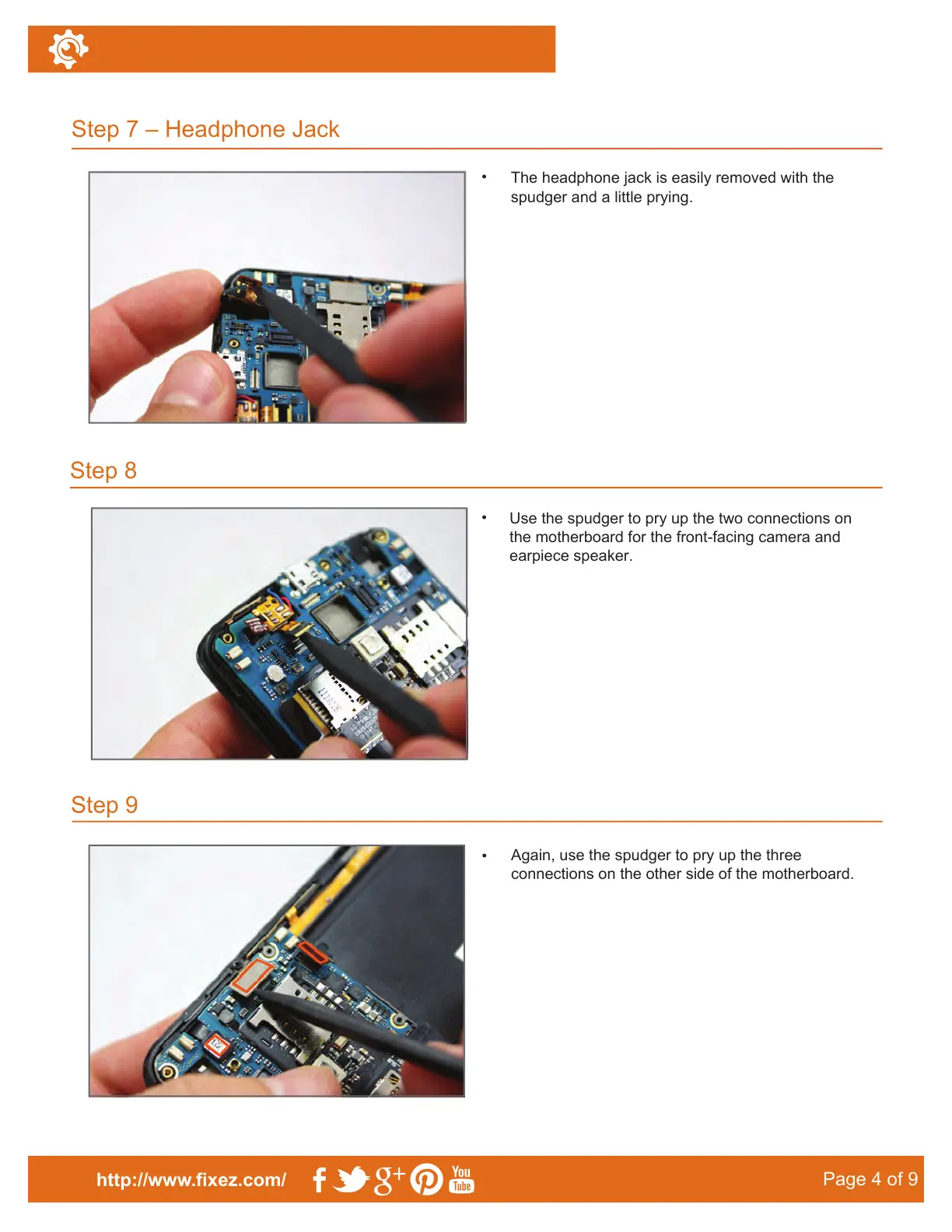
The headphone jack is easily removed with the
spudger and a little prying.
•
Use the spudger to pry up the two connections on
the motherboard for the front-facing camera and
earpiece speaker.
Step 9
•
Again, use the spudger to pry up the three
connections on the other side of the motherboard.
Step 7 – Headphone Jack
Step 8
http://www.fixez.com/
Page 4 of 9



 To Next Page