•
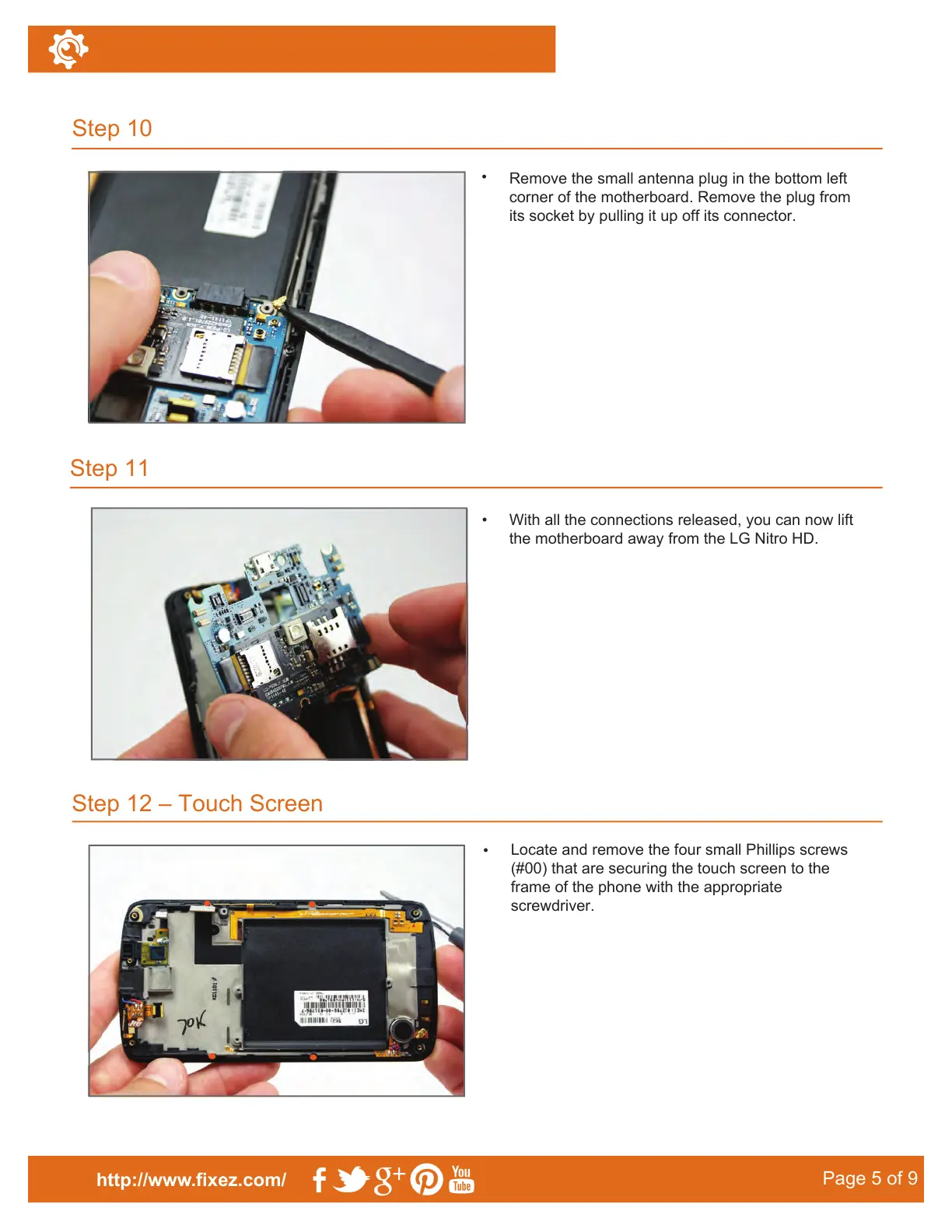
Remove the small antenna plug in the bottom left
corner of the motherboard. Remove the plug from
its socket by pulling it up off its connector.
Step 12 – Touch Screen
Step 10
Step 11
http://www.fixez.com/
Page 5 of 9
•
With all the connections released, you can now lift
the motherboard away from the LG Nitro HD.
•
Locate and remove the four small Phillips screws
(#00) that are securing the touch screen to the
frame of the phone with the appropriate
screwdriver.



 To Next Page