•
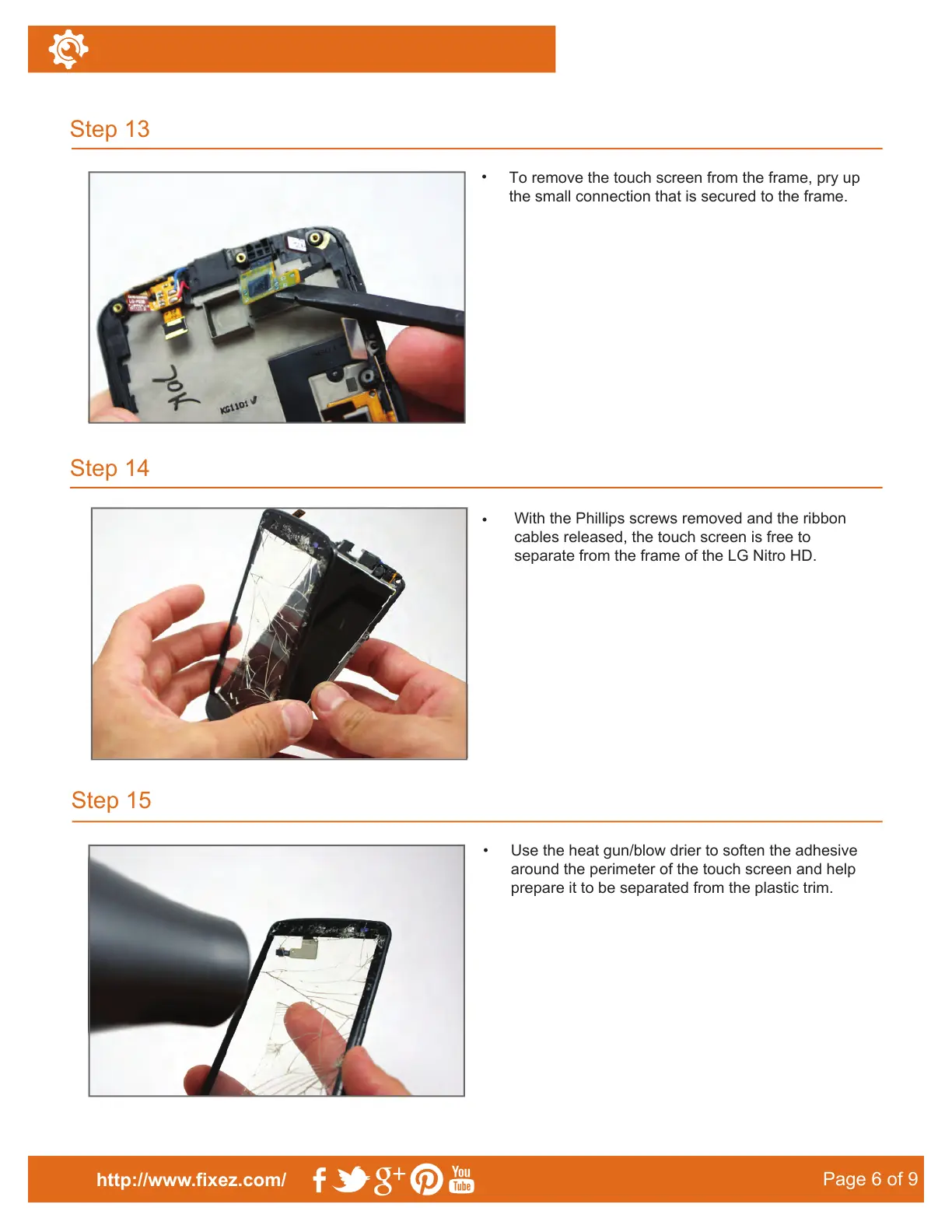
To remove the touch screen from the frame, pry up
the small connection that is secured to the frame.
Step 15
Step 13
Step 14
http://www.fixez.com/
Page 6 of 9
•
With the Phillips screws removed and the ribbon
cables released, the touch screen is free to
separate from the frame of the LG Nitro HD.
•
Use the heat gun/blow drier to soften the adhesive
around the perimeter of the touch screen and help
prepare it to be separated from the plastic trim.
release the connection.



 To Next Page