1
2
4
5
1
2
3
4 5
6
1
1
8
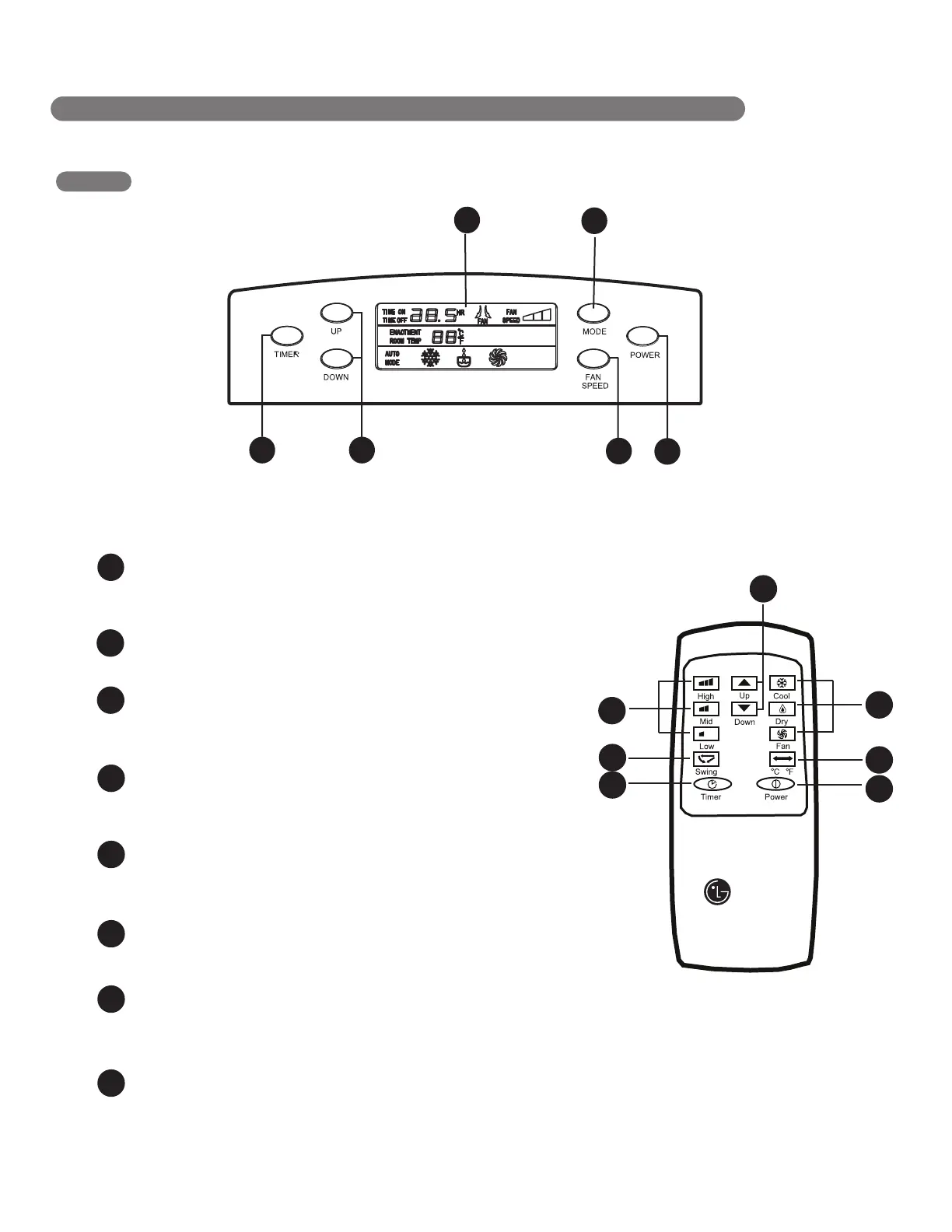
Press these buttons to set room temperature
or time when in Time On/Off mode.
6
Display different signals accordingly.
7
AUTO SWING
8
CELSIUS AND FAHRENHEIT EXCHANGE BUTTON
To vary from Fahrenheit to Celsius, press both UP and DOWN button
3
CONTROL PANEL AND REMOTE
Operation of functions is the same when using the remote or the control panel,
unless otherwise stated.
POWER
Operation begins when this button is pressed and stops
when you press the button again
MODE
Press this button to select COOL, DRY, FAN mode
FAN SPEED
Adjusts the circulation fan speed between HIGH,
MID, LOW fan speed.
TIMER
Press this button to set TIMER ON, TIMER OFF
or NO TIME
UP & DOWN
LCD Display
This button can automatically control
the air flow direction
NOTE
1
8
3
5
2
4
7
8
1
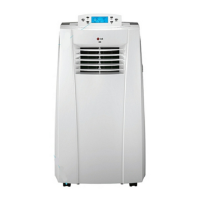
PARTS AND FEATURES
6


 To Next Page