9
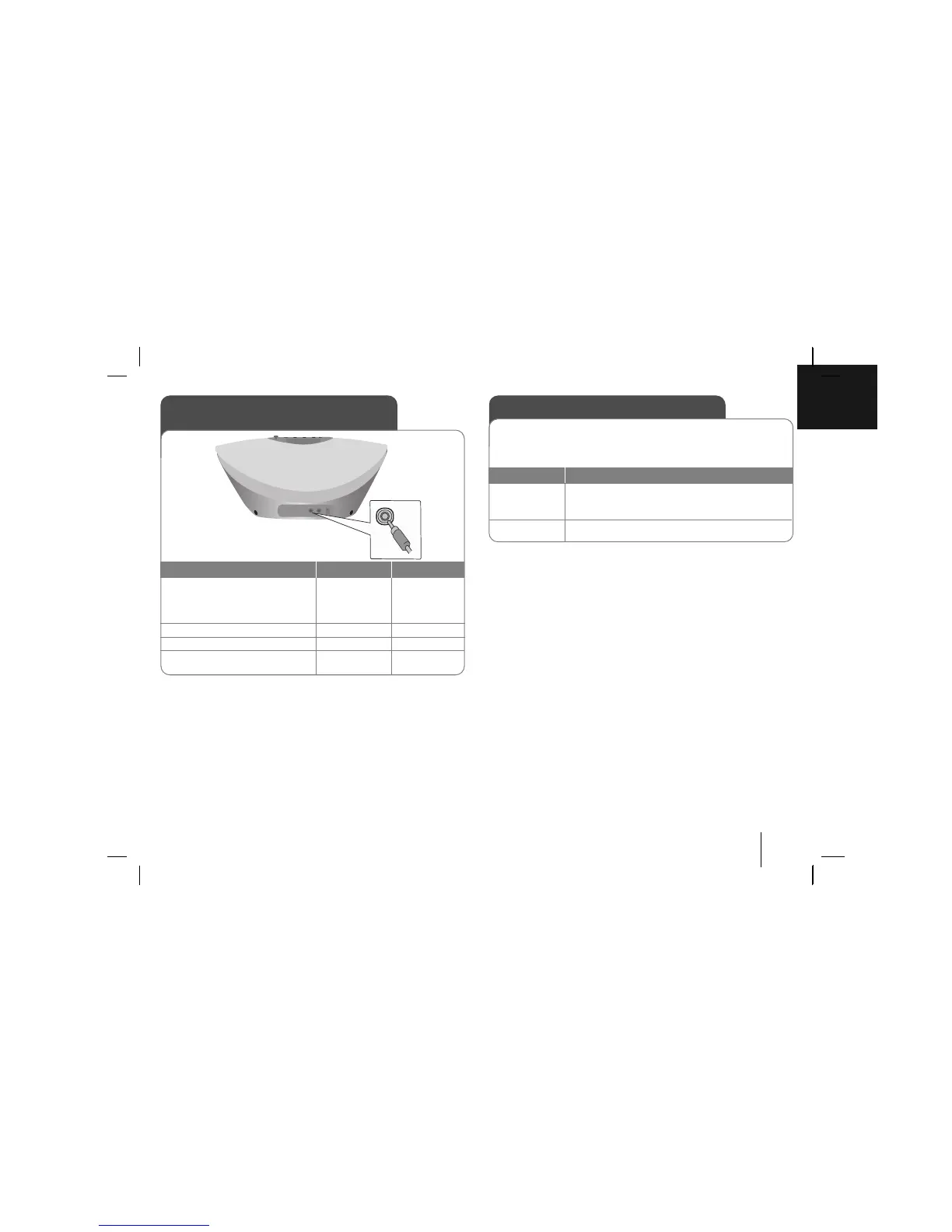
Listening to music from your
portable player
1. Connect the portable player by
plugging the unit into
PORTABLE IN on the rear of the
unit
2. Turn the power on
3. Select the PORTABLE function
4. Turn the portable player on and
start it playing
ON UNIT
11
/
]]
INPUT/FUNC.
ON REMOTE
11
F
The unit can be used to play the music from
many types of portable player.
Enjoying a pre-programmed sound field
This system has a number of pre-set surround sound fields. You can select a
desired sound mode by using EQ.
The displayed items for the Equalizer may be different depending on sound
sources and effects.
ON DISPLAY
Description
POP This program lends an enthusiastic atmosphere to the
CLASSIC sound, giving you the feeling you are at an actual
JAZZ pop, classic or jazz concert.
NORMAL You can enjoy the sound without equalizer effect.



 To Next Page