20
HUMIDIFIER FUNCTION
ENGLISH
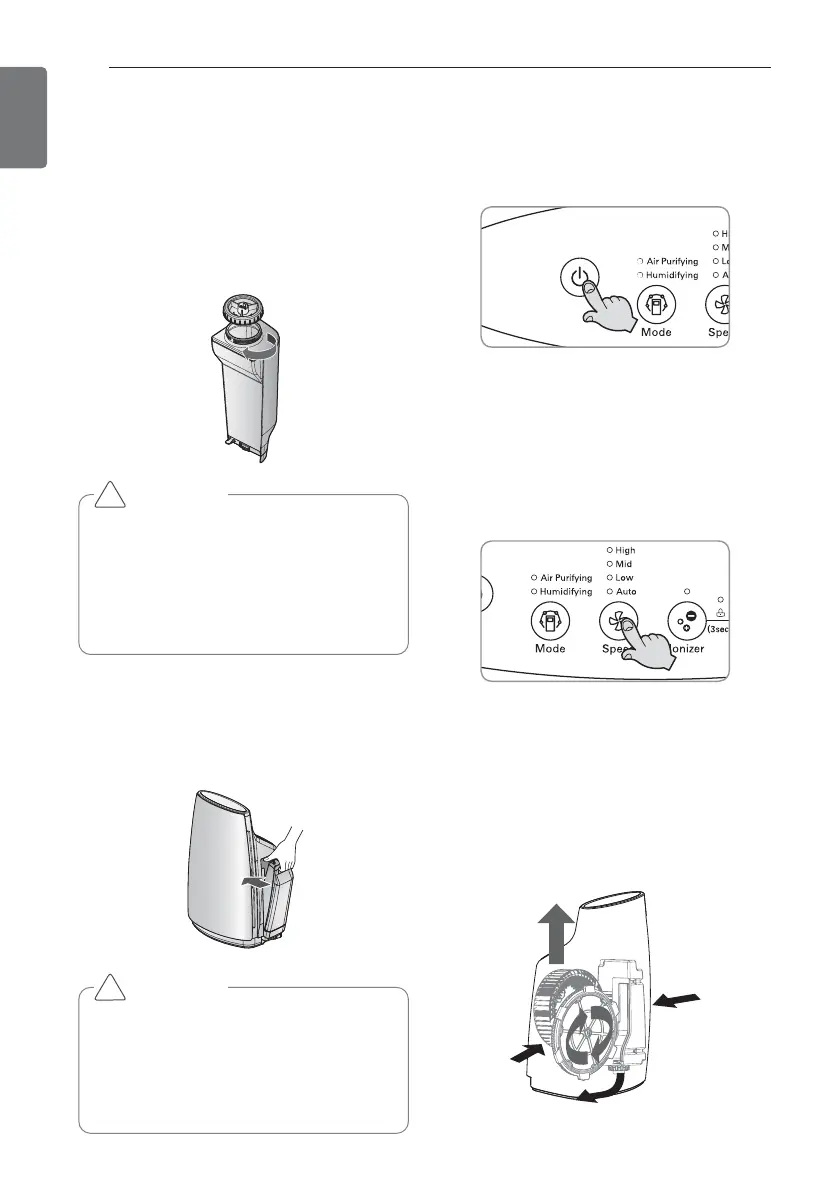
2. Close the water tank cap.
• Check whether the water is leaking.
• Always wipe out any moisture around
the water tank.
• When the water tank is assembled
without the packing on the cap,
water can easily spill over to cause
electric shock and product damage.
Humidifier operation
1. Press the ON/OFF button.
2. Press the HUMIDIFYING button.
• The user cannot set to the specific
level of humidity the user wants.
When the humidifier operates, the
mist may not be visible as it is humidi-
fied in fine particles.
3. Press the Fan speed button.
• Every time you press speed button, it
is changed in the order of Automatic
→ Low → Mid → High → Automatic.
During the humidification & cleaning
operation, the wind amount can be
selected from 3 stages.
3. Assemble the water tank to the main
unit.
• If the water tank is not mounted
properly, it causes malfunction or
noise.
CAUTION
• When inserting the water tank,
check whether the tray humidifier
filter and float are assembled cor-
rectly. If not, it can limit the per-
formance of the humidifier or cause
product failure.
!
CAUTION
• When loosening or tightening the
water tank cap or when filling
water to the water tank, hold the
water tank with hand while loosen-
ing the part.
!


 To Next Page