y
Levitating is limited to only PJ9 model.
Do not use other PJ series speaker.
y
Without connecting speaker and woofer
station, press the
button to levitate the
speaker.
y
When the speaker completes levitation or
descent, it stops melody.
y
When you turn off the melody, press and
hold the
button on woofer station for 3
seconds. To cancel it, press and hold the
button for 3 seconds again.
y
You will not be able to hear played music
while melody is sounding. It will be able to
hear the music after the levitation or descent
is completed.
y
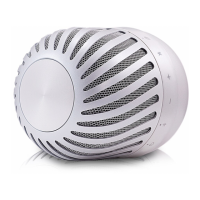
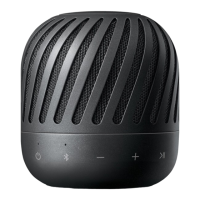
In a case like image, levitating might not work
well. Place the speaker in a different place,
and then unplug the power cord from the
electrical outlet. Wait 5 minutes prior to use.
,
Note
Charging mobile device
You can charge mobile device by woofer station.
1. Connect the AC adapter to the woofer station.
- Turn on the woofer station.
2. Connect the mobile device to the woofer’s USB
port by using USB cable.
3. Mobile device starts to be charged.
y
Detailed way of charging is different
depending on the mobile device. Refer to your
mobile device guide.
y
Some of the mobile devices may not be
charged.
,
Note



 To Next Page
 Loading...