29
ENGLISH
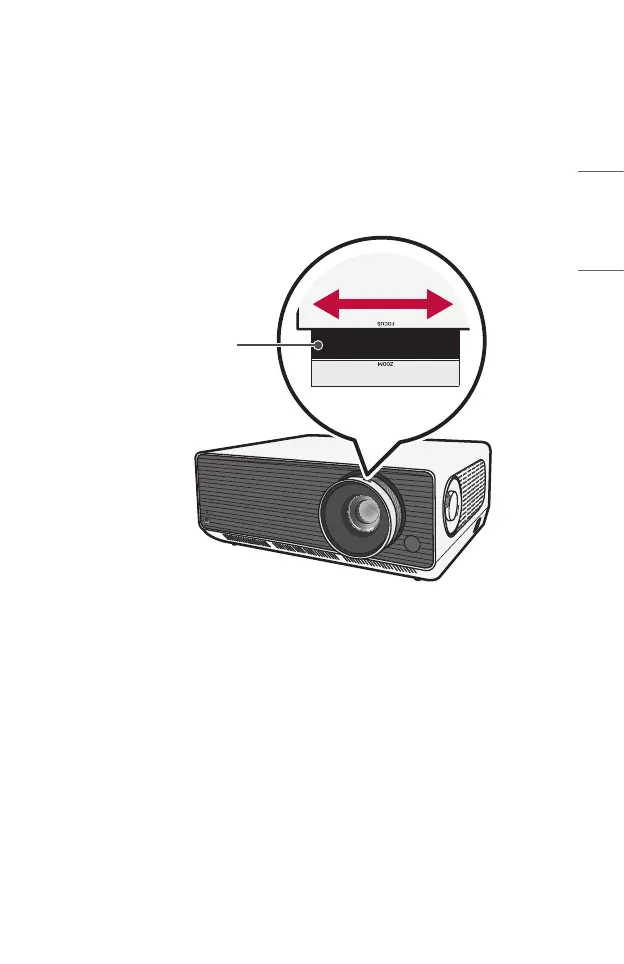
Adjusting the Focus of the Projection Screen
When an image appears on the screen, check if it is in focus and ts the screen
properly.
To adjust the focus of the image, slowly adjust the focus ring to the left or right while
looking at the top center of the screen. You can adjust the focus most effectively when
the left and right screen are balanced. When adjusting the focus on the screen, do not
let the product shake.
Focus Ring



 To Next Page