30
ENGLISH
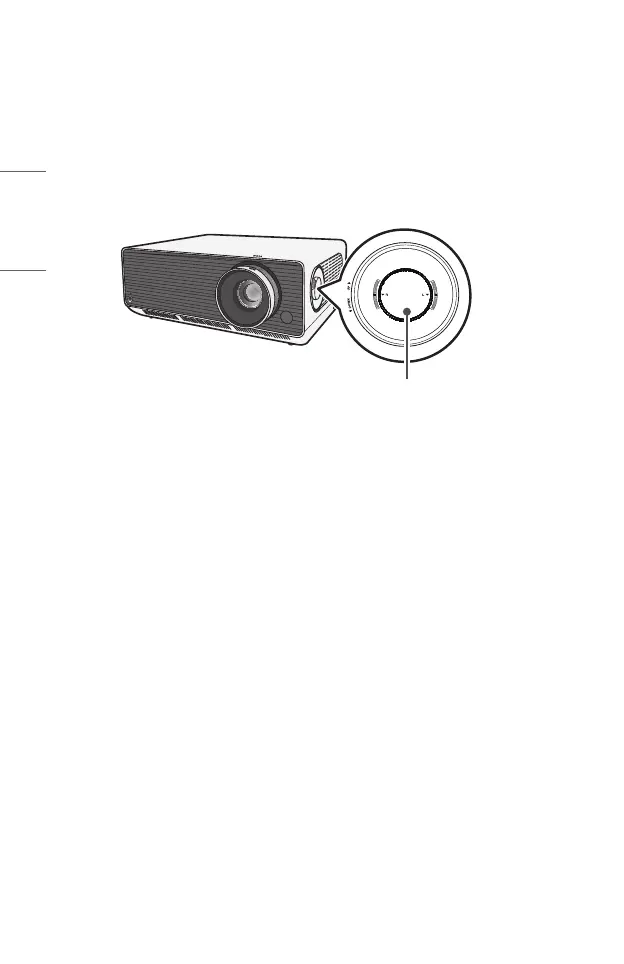
Adjusting the Position of the Projection Screen
You can use the Projection Screen (Lens) Position Adjustment Dial to adjust the
position of the projection screen without moving the projector up, down, left or right.
If the projection screen does not align properly on the screen even after adjusting
the position of the projection screen using the Projection Screen (Lens) Position
Adjustment Dial, use the [Edge Adjustment] function.
Projection Screen (Lens) Position
Adjustment Dial



 To Next Page