Custom-designed Features 13
Google Assistant
You can manage tasks, plan your day, get answers, and much more.
• To use this feature, first connect to the network and sign in to your
Google account.
Launching Google Assistant
1
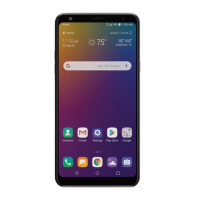
Press and hold from the Home screen to launch Google Assistant.
2
Follow the on-screen instructions to configure the voice settings.
• The device saves your voice data for recognition.
Launching Google Assistant with your voice
1
Say “Ok Google” when the screen is turned on or locked.
2
Say a command or question when you see on the bottom of the
screen.
Launching Google Assistant from the Home
screen
Touch and hold from the Home screen.
• Voice recognition accuracy may decrease if you speak with an unclear
voice or in a noisy place. When you use the voice recognition feature,
increase its accuracy by speaking with a clear voice in a quiet place.


 To Next Page