Useful Apps 95
File Manager
You can view and manage files saved on your device or cloud.
1
Tap Management File Manager.
2
Tap and select the desired storage location.
Smart cleaning
You can delete temporary files or apps that are no longer used.
1
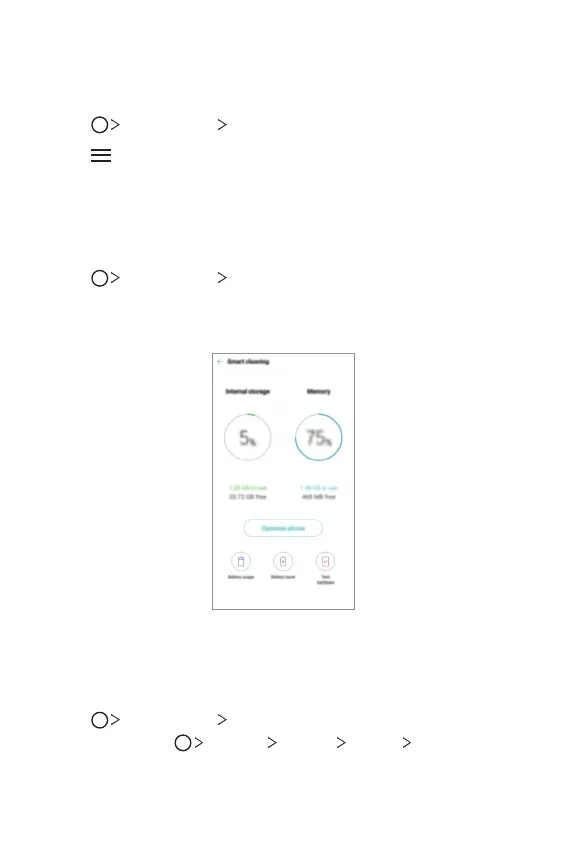
Tap Management Smart cleaning.
2
On the Smart cleaning screen, you can access Optimize phone,
Battery usage, Battery saver, and Test hardware.
LG Mobile Switch
You can transfer data from your old LG device to a new LG device.
1
Tap Management LG Mobile Switch.
You can also tap
Settings General Backup LG Mobile
Switch.
2
Follow the on-screen instructions to select a desired method for transfer
.


 To Next Page