Custom-designed Features 6
Camera features
QLens
You can do shopping, search image, or scan QR code by taking a photo
with QLens.
1
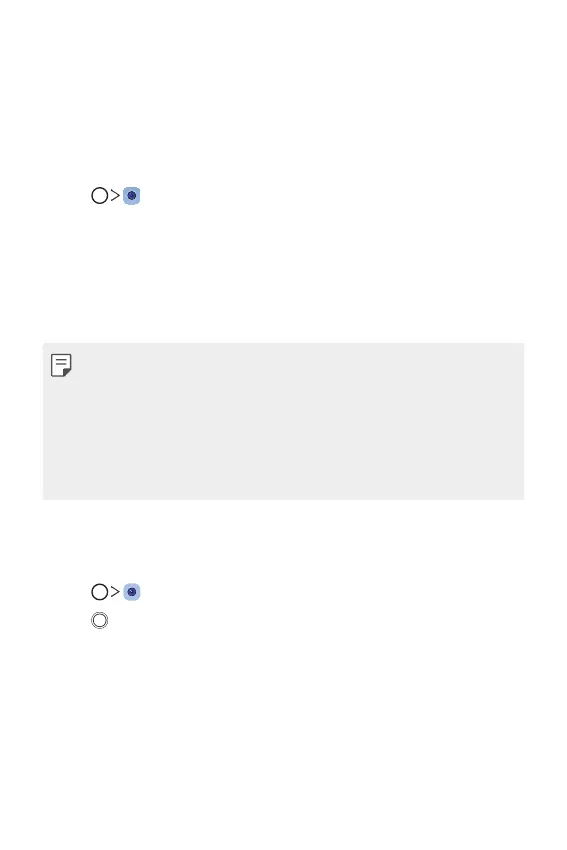
Tap , then tap QLens.
2
Select a desired option among Visual Shopping, Visual Search and Scan
QR code.
3
Tap the screen to take a photo of an object you want to search or scan
a QR code.
• The result will appear after a moment.
• This feature is available only when your device is connected to a
network. If you use mobile data, you may be charged for data usage,
depending on your pricing plan.
• For Visual Shopping and Visual Search features, you can select the
desired area from the image that you have taken, and then search it
again.
• This feature is available only when the rear camera is in the Auto mode.
Portrait
You can take a sharp portrait by applying the camera lens blur effect.
1
Tap , switch to the front camera, then tap Portrait.
2
Tap to take a photo.
• To adjust blur strength, drag the slide bar up, down, left or right
(depending on the orientation of the phone).


 To Next Page