Custom-designed Features 7
• This feature is not available if the surroundings are too dark.
• After applying this feature, touch and hold the desired position on the
preview screen to automatically apply the exposure value and focus. In
this case, the Portrait feature and blur strength stay the same.
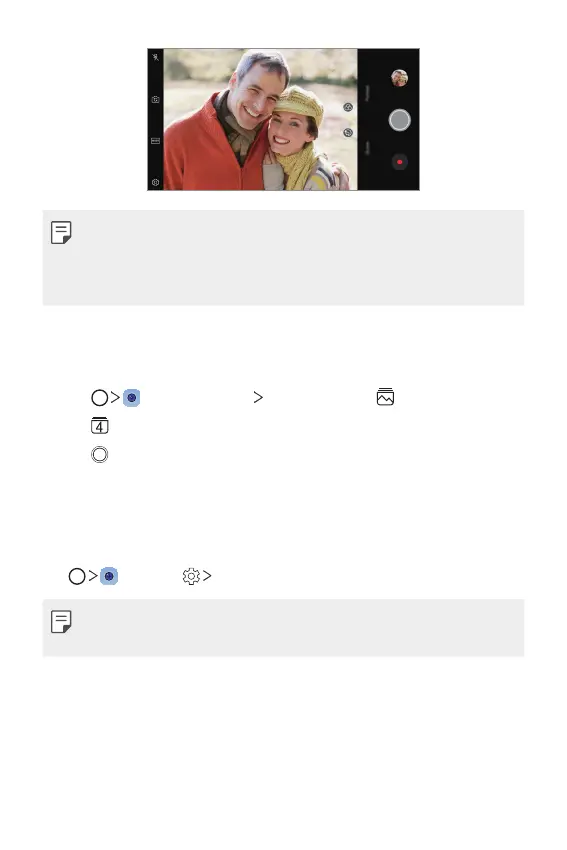
Flash Jump-Cut
You can create a GIF by taking photos at three second interval.
1
Tap , then tap MODE Flash Jump-Cut .
2
Tap to set the number of cuts you want to take.
3
Tap to take photos.
Steady recording
You can use the Steady recording feature to minimize motion blur while
recording a video.
Tap
, then tap Steady recording.
• See
Starting the camera
for details.
• This feature is available only in specific modes.


 To Next Page