Basic Functions 35
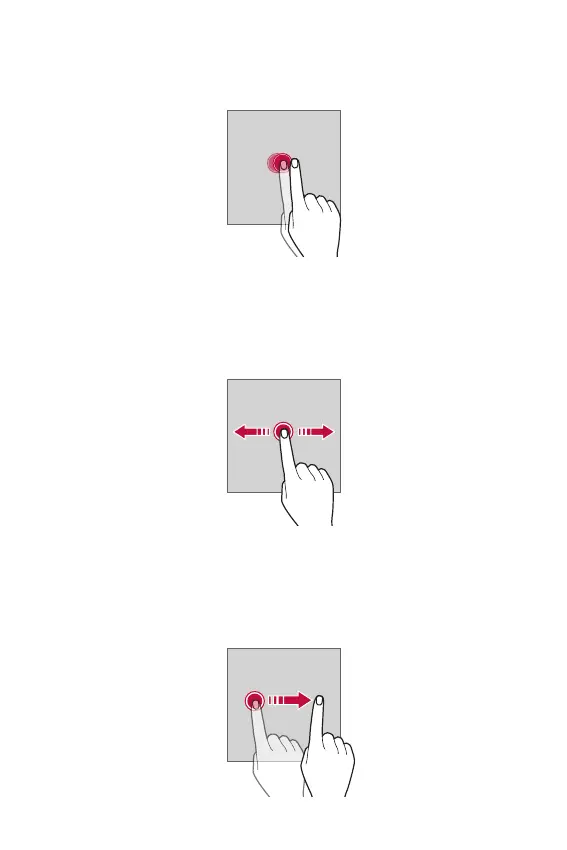
Double-tapping
Tap the screen twice quickly to zoom in or out on a specific app.
Dragging
Touch and hold an item, such as an app or widget, then move your finger
to a desired location in a controlled motion. You can use this gesture to
move an item.
Swiping
Touch the screen with your finger and move it quickly without pausing.
You can use this gesture to scroll through a list, a web page, photos,
screens, and more.



 To Next Page