Basic Functions 42
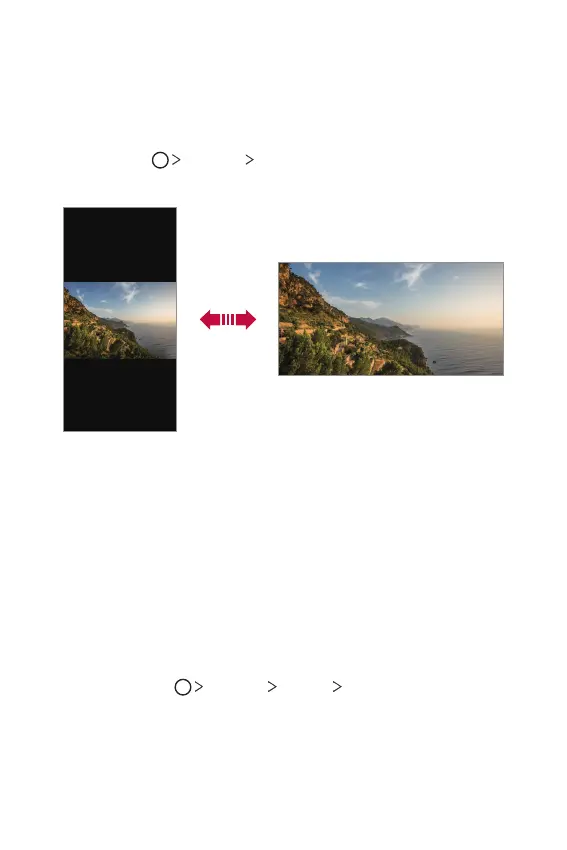
Switching the screen orientation
You can set the screen orientation to automatically switch according to
the device’s physical orientation.
On the notification panel, tap Rotation from the quick access icon list.
You can also tap
Settings Display and activate Auto-rotate
screen.
Editing the Home screen
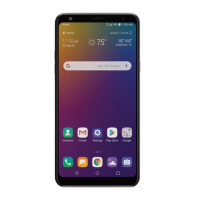
On the Home screen, touch and hold on an empty space, then select the
desired action from below.
• To rearrange the Home screen canvases, touch and hold on a canvas,
then drag it to a desired location.
• To add a widget to the Home screen, touch and hold on a blank area of
the Home screen, then select Widgets.
• To change a wallpaper, theme and icon styles, touch and hold on a
blank area of the Home screen, then select Wallpaper & theme.
You can also tap
Settings Display Wallpaper & theme, then
select a desired wallpaper, theme and icon style to apply to the device.


 To Next Page