Need help?
Do you have a question about the LG RN1840 Series and is the answer not in the manual?
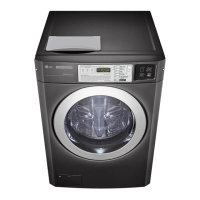
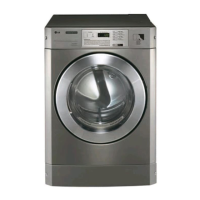
Highlights the dryer's modern front panel and clear glass door for a stylish look.
Emphasizes user-friendly functions that make operating the dryer easy.
Details the Laundry Lounge Installer and Laundry Lounge mobile applications.
General safety rules and warnings for appliance use to prevent hazards.
Requirements for proper electrical grounding of the dryer to prevent shock.
Safety measures to follow during dryer installation and setup.
Technical details including size, weight, capacity, and model nomenclature.
Description of the control panel layout, buttons, and display indicators.
Step-by-step instructions for normal dryer operation, including cycle selection.
Explains the different programming modes and their overall structure.
Details settings for prices, times, and various dryer features.
Procedures for machine testing, error detection, and factory reset.
Accessing and understanding collected usage data like cycle counts and income.
Technical details of the appliance's radio modules, including power and frequency.
Information on open-source licenses and how to obtain source code.
Guidelines for routine exterior and interior cleaning of the dryer.
Instructions for cleaning the dryer's lint filter after each cycle.
Procedures for cleaning internal components and vent ducts.
Identifies models compatible with stacking and lists kit components.
Step-by-step guide for physically stacking the dryer and washer.
Explains LED displays for error codes, their causes, and solutions.
How to resume operation after a power interruption.
Lists the factory default settings for various dryer parameters.
Information on meeting harmonic current emission limits.
Guidelines for power supply system impedance for flicker.
Comprehensive list of technical data including power, size, and gas type.


 To Next Page
 General