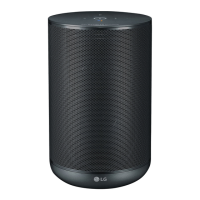
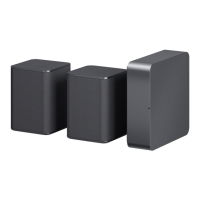
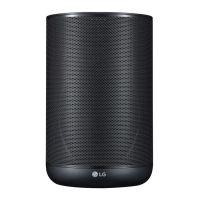
”LG Wi-Fi Speaker”
The “LG Wi-Fi Speaker”app is provided by LG
Electronics. This app allows you to use various
functions of this speaker through your smart device:
Requirements before using
You should connect Wi- by using “Google Home”
app prior to use this app.
"LG Wi-Fi Speaker" app will be available in
version of the software as follow; Android OS :
Ver 5.0 (or later) iOS : Ver 10 (or later)
,
Note
Enjoying music on your device and
home network server
You can listen to the music on your smart device and
home network server.
Using Chromecast built-in
You can enjoy music contents through this speaker.
Installing “LG Wi-Fi Speaker”
App
Through Apple “App Store” or Google
“Play Store”
1. Tap the Apple “App Store” icon or Google “Play
Store” icon.
2. Type in “LG Wi-Fi Speaker” in the search bar and
tap “Search”.
3. Select “LG Wi-Fi Speaker” in the search result list
to download.
Depending on the device, "LG Wi-Fi Speaker"
app may not work.
,
Note
Setting and controlling the speaker
You can manage the speaker settings and control the
speaker.


 To Next Page