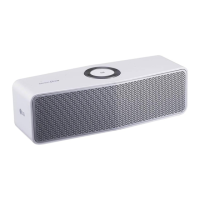
Enjoying the Music with
“LG Wi-Fi Speaker” app
With “LG Wi-Fi Speaker” app, you can play music in
your smart device.
Some of the content in this part may differ
from “LG Wi-Fi Speaker” app depending on the
application’s version.
,
Note
Overview of the side menu
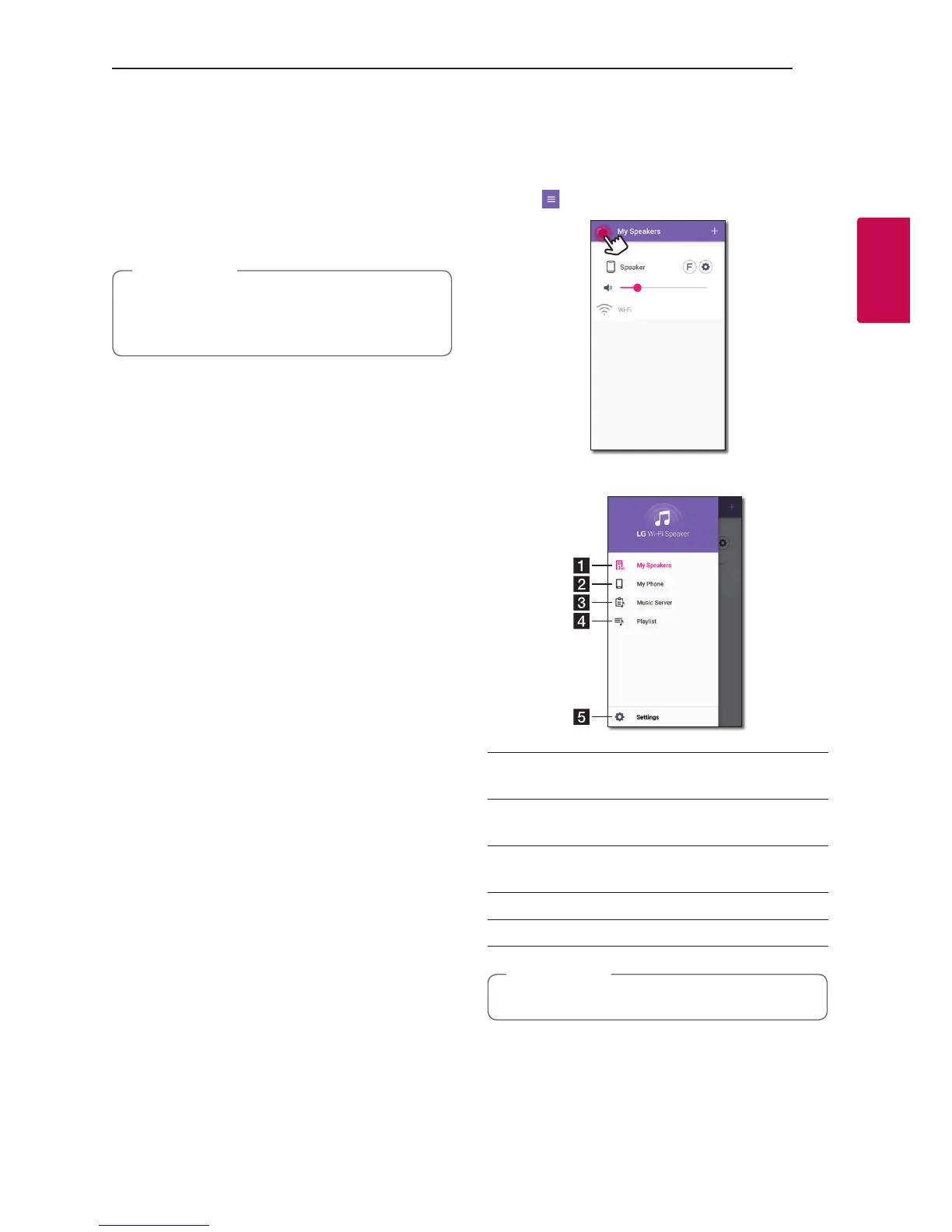
1. Launch “LG Wi-Fi Speaker” app on your smart
device. [My Speakers] appears.
2. Tap [
] button.
3. Side menu appears.
a
[My Speakers] – Displays the connected
speaker.
b
[My Phone] – Displays the songs on this smart
device.
c
[Music Server] – Displays the songs on the
connected devices (Media server).
d
[Playlist] – Displays the playlists.
e
[Settings] – Displays the application settings.
It may request permission to use music.
,
Note


 To Next Page