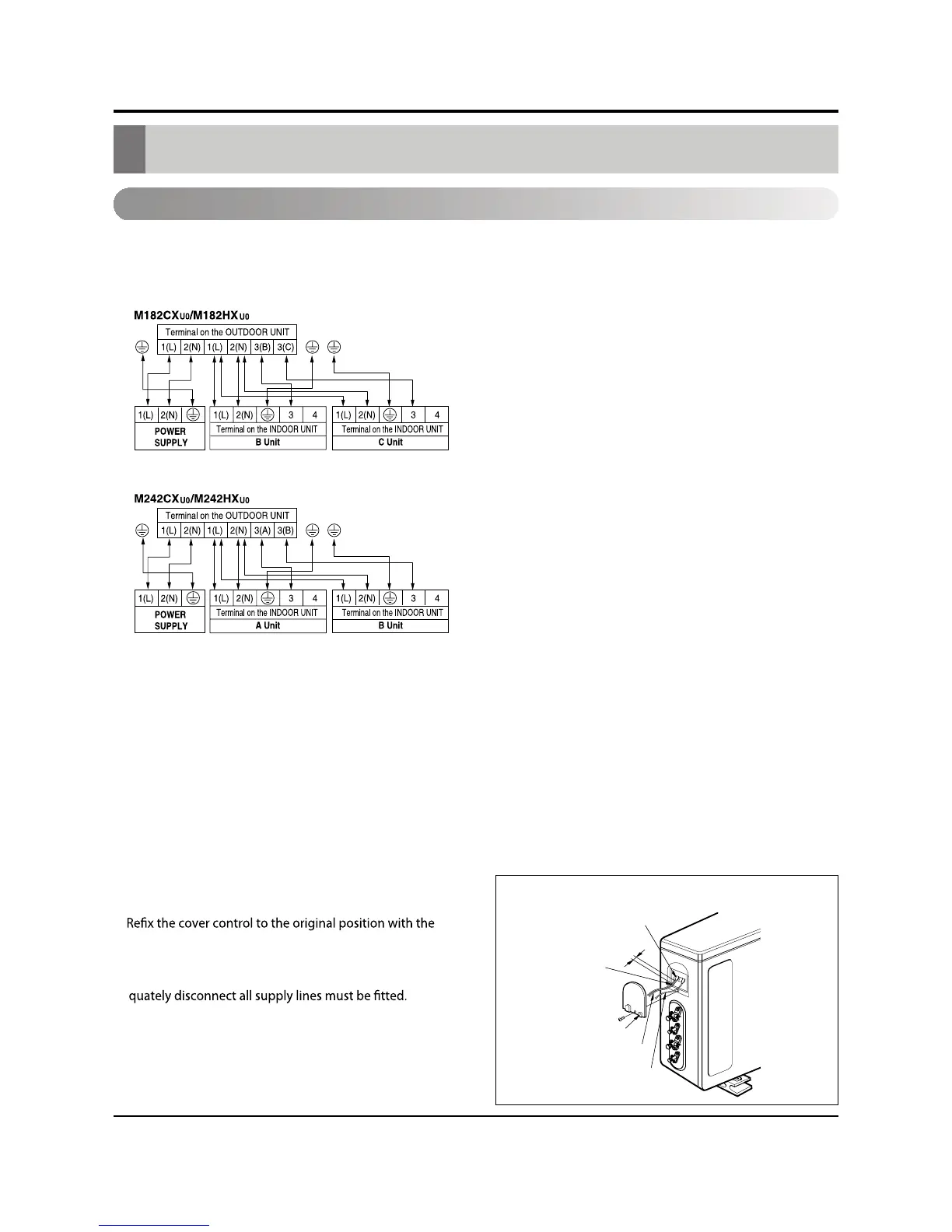
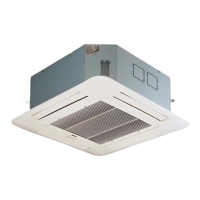
Connecting the cable between indoor unit and outdoor unit
Outdoor unit
Terminal block
Over 5mm
Cover control
Connecting cable
Power cord
Holder for
power supply
cord
Connection of the cable
1.
Remove the cover control from the unit by loosening the screw.
Connect the wires to the terminals on the control board individually as the following.
2.Secure the cable onto the control board with the hold-
er (clamper).
3.
screw.
4.Use a recongnized circuit breaker between the power
source and the unit. A disconnection device to ade-
Connect the cable to the Indoor unit.
Connecting the cable between indoor unit and outdoor unit
Service Manual 47



 To Next Page