36
Additional Features-VCR part
On Screen Display
You may easily display the current time or tape
counter, amount of tape left, day, month, year, day of
week, programme channel, tape speed and opera-
tional mode of your VCR will appear on the TV
screen. If a recording is taking place these On Screen
Displays will not be recorded onto the tape.
1. Press CLK/CNT to display.
Press CLK/CNT repeatedly to cycle through the
display options. The tape counter and amount of
tape left will appear if there is a tape loaded.
2. After 3 seconds the majority of the On Screen
Displays will clear leaving only the clock or tape
counter and the amount of tape left on the screen.
Press CLK/CNT again to remove all displays from
the TV screen.
Tape Counter Memory Stop
The Digital Tape Counter can be displayed on the
display window instead of the time by pressing
CLK/CNT on the remote control. The Digital Tape
Counter indicates the relative positions of recordings
on the tape.
1. Press CLK/CNT.
Press CLEAR to set the counter to 0:00:00.
Press N or start recording.
The tape counter will display the actual play time
in hours, minutes and seconds.
2. Press STOP when playback or recording is
complete.
Press BACKWARD.
The tape will rewind and automatically stop when
the counter returns to 0:00:00.
Lock (Child Lock)
The control buttons on the front of the unit can be
switched off so that your unit can only be operated
using the remote control.
1. Press LOCK.
and SAFE will appear in the display window.
None of the buttons on the front of your unit will
work.
If any buttons on the front of your unit are pressed
SAFE will flicker in the display window for a few
seconds.
2. Press LOCK again to switch off the child lock.
OFF will disappear in the display window.
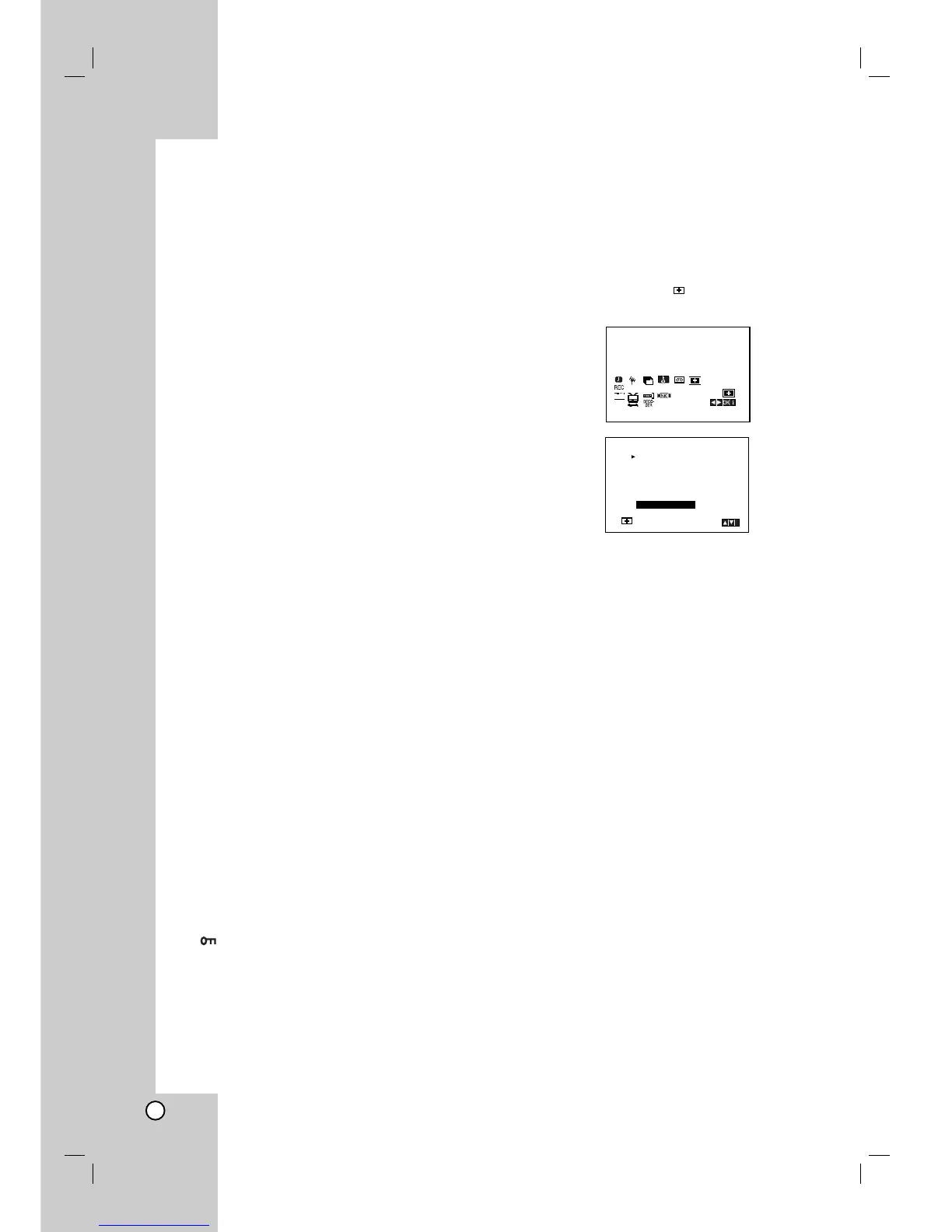
Video Doctor (Self-Diagnosis)
This feature informs you that there is a problem with your
DVD+VCR. These error messages will appear on the TV
screen.
1. Press i.
Press
11
or
22
to select .
Press OK.
2. Press
33
or
44
to check a problem.
ANTENNA CONNECT
O PLEASE CHECK:
Connect the aerial into the jack securely.
HEAD STATUS
O PLEASE CLEAN:
Clean your video heads.
TAPE STATUS
O NOT RECORDABLE:
Insert a tape with its protection tab in place
NO. OF TIMER PROGRAMME
O 2
Shows the number of timer recording.
NEXT TIMER PROGRAMME
O PR-01 26 10:00~11:00 SP
Shows the current status of timer recording.
3. Press i to remove the menus from the TV screen.



 To Next Page