18
DVD Micro Hi-Fi System ] USER GUIDE
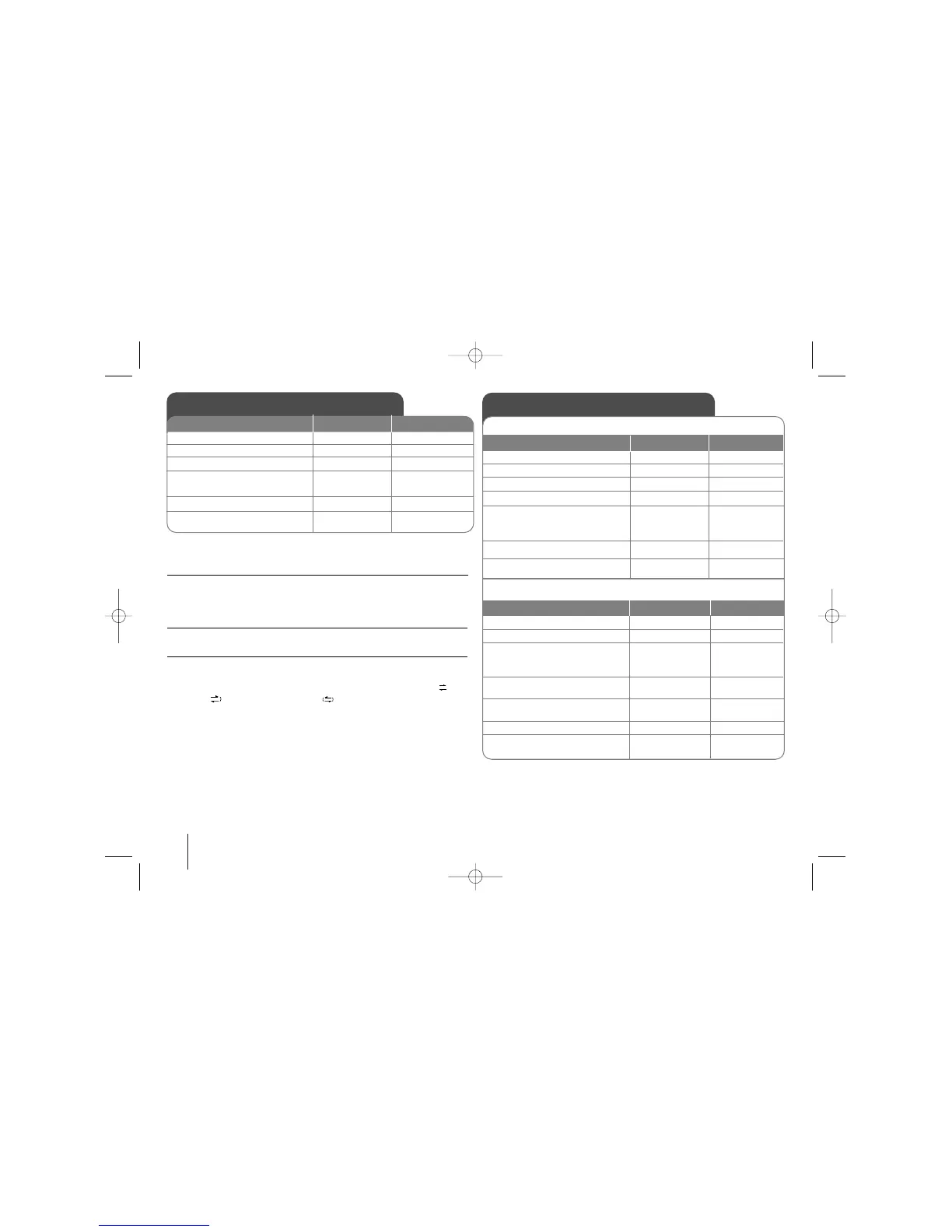
Listen to cassette tapes - more you can do
Play Fast backward or Forward
After pressing
.or > (bbor BB on the remote control) during play-
back, or stop,press
BB
or
BB
again on the remote at a point you want.
Auto Stop Deck :
After playing one side of the tape, the unit stop automatically.
Auto Reverse Deck :
You can select direction of the cassette you want by pressing the
REVERSE MODE button repeatly.
Press FUNC. to select Tape .You can set the tape to play one side ,
both sides , or both sides six times , by pressing REVERSE MODE
one or more times.
Listening to cassette tapes
1. Open the tape door:
2. Insert the tape:
3. Close the tape door:
4. Select the TAPE function:
5. Start the tape playing:
6. To stop a tape playing:
ON PLAYER
ZZ
PUSH EJECT
FUNC.
BB
xx
ON REMOTE
FUNCTION
BB
or
BB
one more
xx
STOP
Tape Recording
Recording from Audio CD to cassette
1. Open the tape door:
2. Insert a blank tape:
3. Close the tape door:
4. Selects the (DVD/CD) mode
5 Press:
Appears “USB REC”or “TAPE
REC” on the display window
6. Selects “TAPE REC”
7. To stop a Recording:
ON PLAYER
ON REMOTE
ZZ
PUSH EJECT
FUNC.
USB Rec.
USBRec.
x
FUNCTION
z/
[]
z/
[]
x STOP
1. Open the tape door:
2. Insert a blank tape:
3.
Selects the function
(TUNER/PORTABLE/TV-AUDIO
(Optional) /USB...etc) :
4. Press: “REC” will blink on the
display window.
5. To Start the Recording:
6. To pause a Recording:
To stop a Recording:
ON PLAYER
ON REMOTE
ZZ
PUSH EJECT
FUNC.
USB Rec.
USB Rec.
USB Rec.
x
FUNCTION
or INPUT
z/
[]
z/
[]
z/
[]
x STOP
Recording from other source to cassette


 To Next Page