51
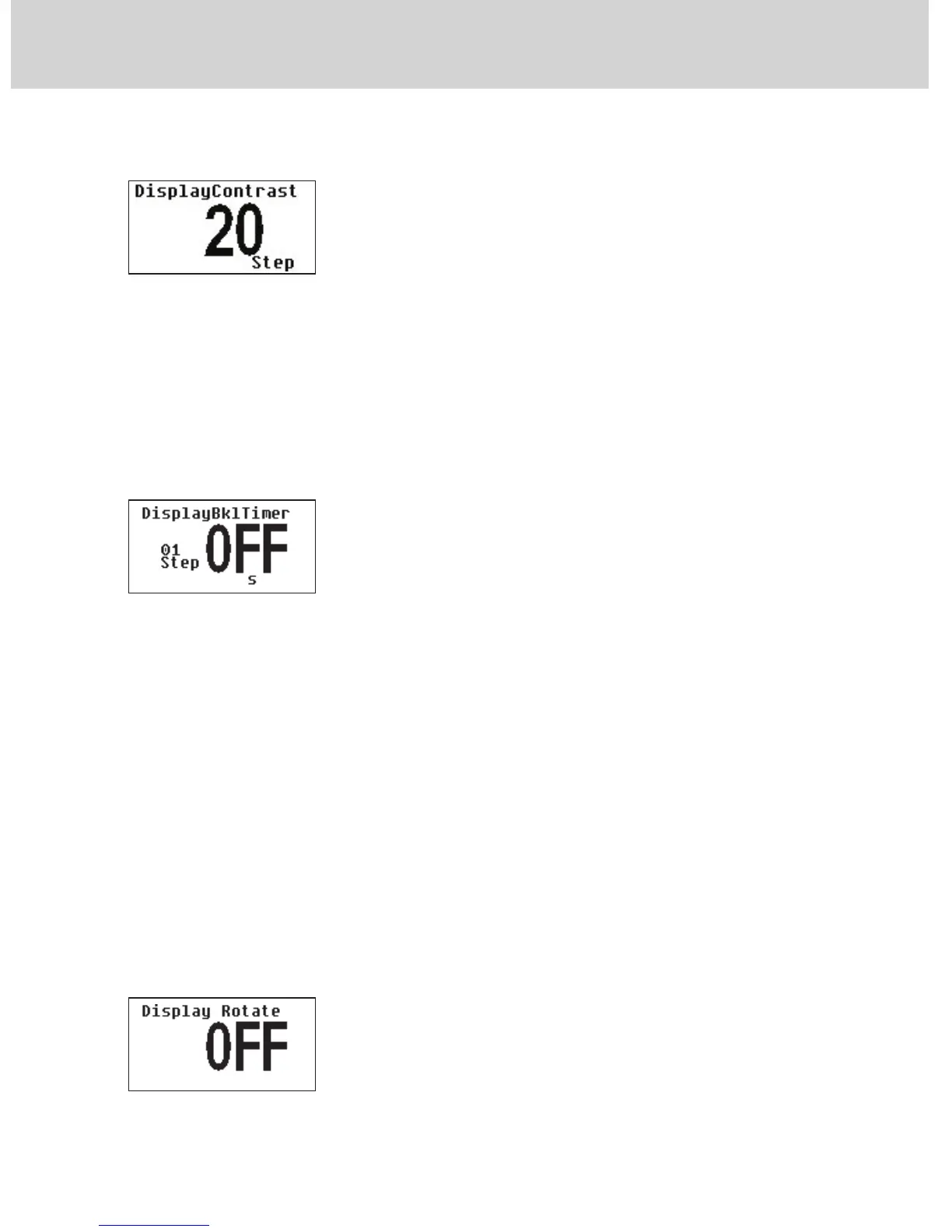
4.2.13.3 “DISPLAY CONTRAST”
The display contrast can be adjusted as a function of the existing lighting
conditions. This parameter can vary from a minimum value of 15 to a maxi-
mum value of 45; The adjustment is made by using the keys + and -. The set
parameter is entered upon pressing the key √.
4.2.13.4 “DisplayBklTimer”
The display backlighting feature can either be ON continuously (which is not
recommended due to the backlighting lamp wearing out over time) or set to
only light up when buttons are pressed.
The time required by the backlighting lamp to light up after a button is
pressed can be set in seconds:
- from 0 (“OFF”) = always ON
- to a maximum of 900 seconds (15 minutes).
Once the set light-up time has elapsed, the light will go out. The default
setting is 60 seconds.
By holding pressed the “X” button for 3 seconds, the minimum value that the
parameter can take is set.
4.2.13.5 “Display Rotate”
Display view rotation.
4 - SETTING THE OPERATING PARAMETERS


 To Next Page