52
In cases when the textile application requires the yarn to move bottom-up
and the SPIN to be fitted with the outlet mounted upwards, the use of the
menus can be made simpler by turning the view on display by 180°.
OFF = Normal view
1 = View rotated by 180°
The default value is “OFF”.
By holding pressed the “X” button for 3 seconds, the minimum value that the
parameter can take is set.
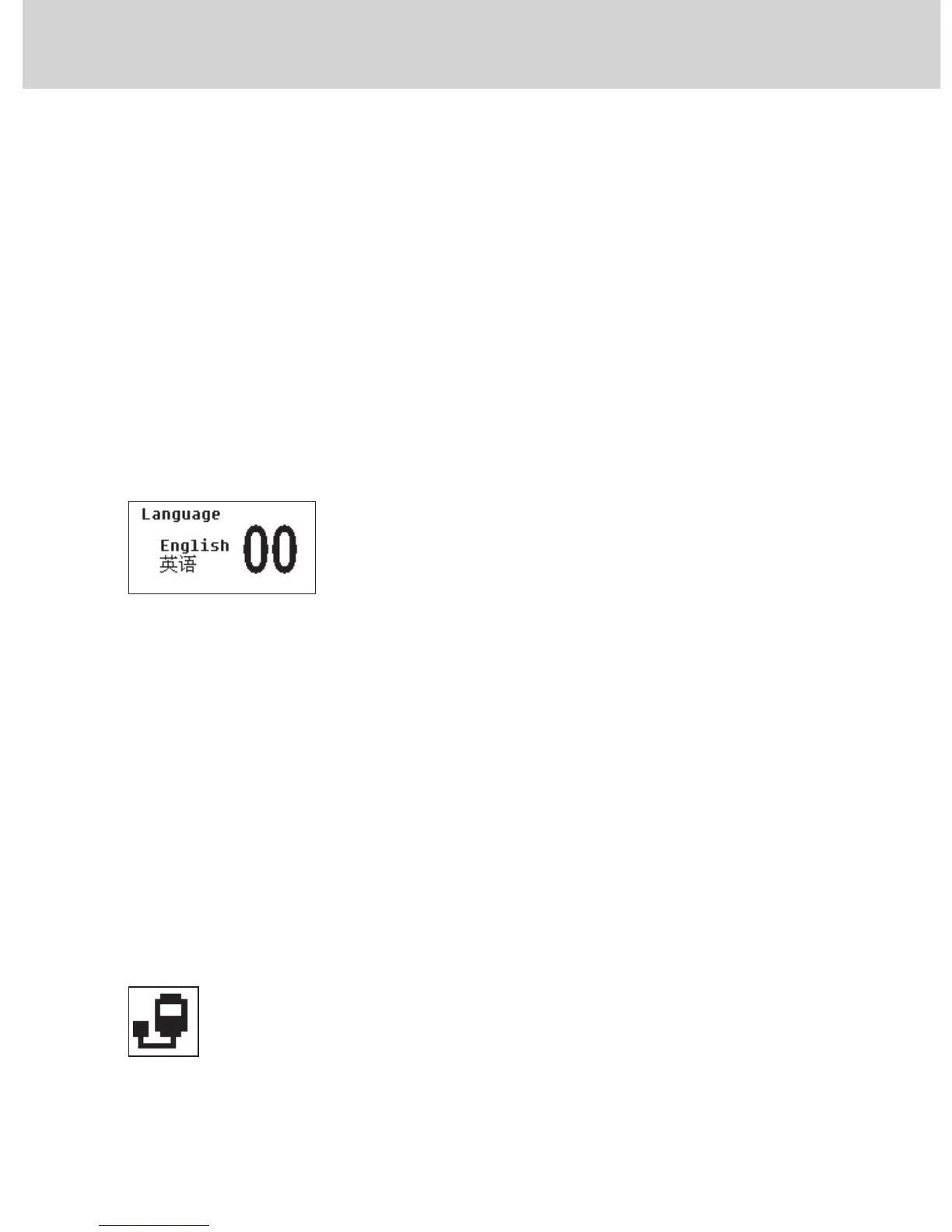
4.2.12.5 “Language”
Setting of the language of messages appearing on display.
0 = English
1 = Chinese
The default setting is 0 = English.
By holding pressed the “X” button for 3 seconds, the minimum value that the
parameter can take is set.
4.3 DEVICE CONTROL VIA SERIAL COMUNICATION
In some applications, control of device parameters is performed from the
knitting machine.
In this condition, the following blinking icon will show up in the icon side bar:
In this circumstance, some parameters can not be managed from the device
keyboard. They can only be managed from the knitting machine control panel.
Here follows a list of the blocked parameters:
4 - SETTING THE OPERATING PARAMETERS


 To Next Page