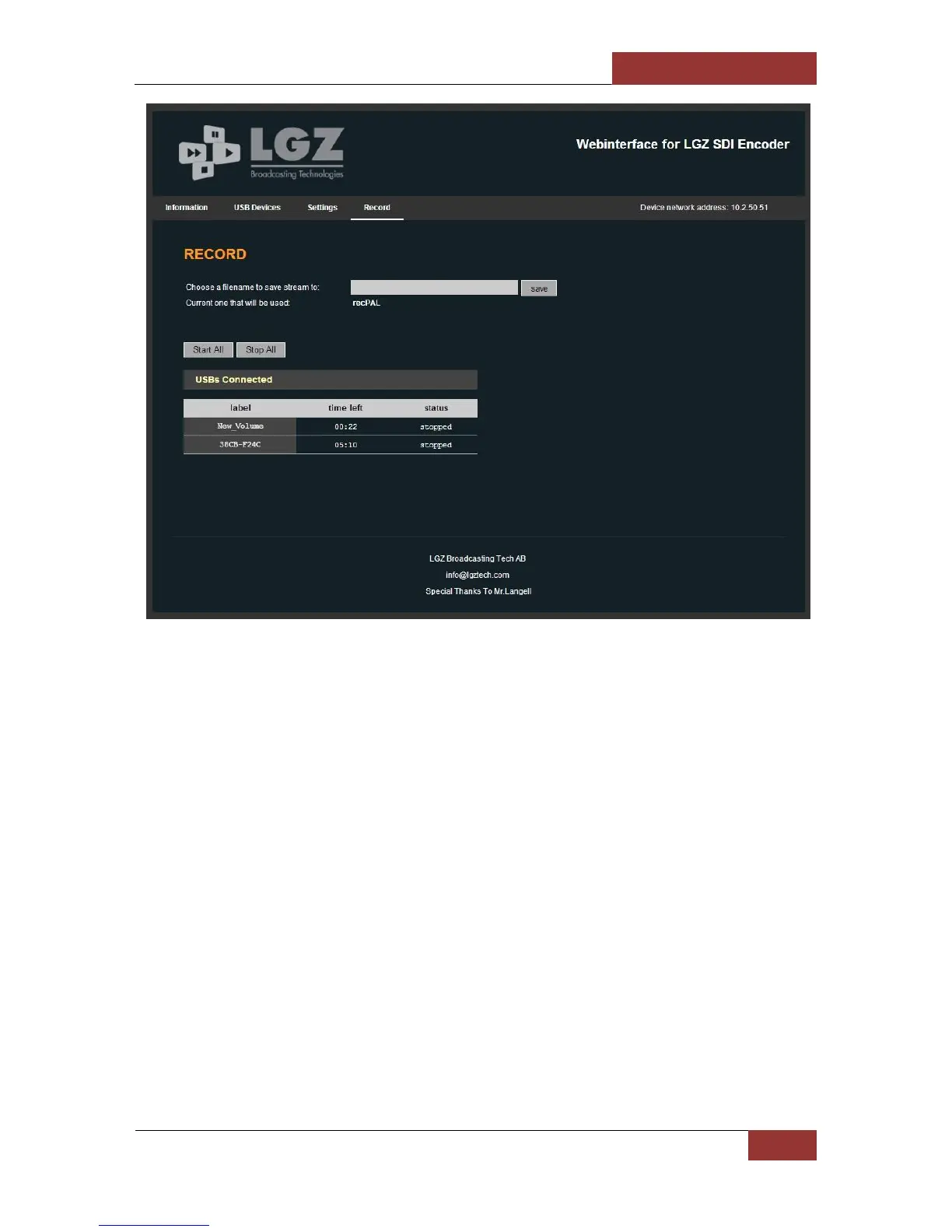
The Record page shows the status of the currently connected USB Sticks. You can see if they are
recording or not and how much available time they can still record before being full.
On the next page is the USB Settings page where most settings can be set by an operator. Most of
them are quite straight-forward. For the Logo tow ork, the file that you try to upload must be
1920x1080 in PNG format with an alpha channel. Once you’ve uploaded it you should see a preview
of what it will look like (the background is black). On the example you can see the LGZ logo which is
the logo that is default on all the units until you’ve uploaded your own logo. Only one logo can be
loaded at a time on the unit.


 To Next Page