7
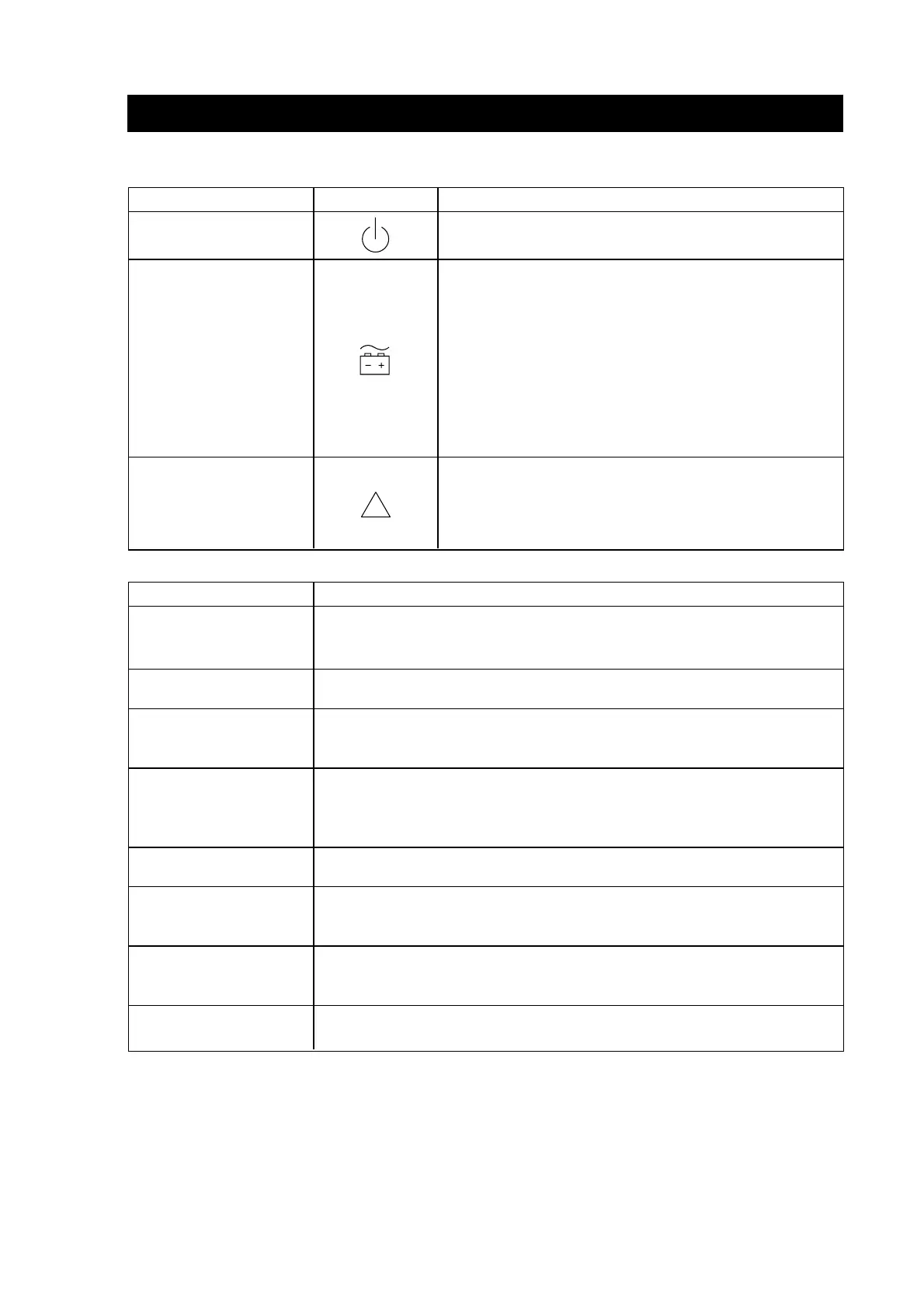
Switch and LEDs Symbol Function
On/off Turn the UPS system an and off.
1. Steady: Input power is acceptable;
the UPS is in normal mode (online)
Status-LED 2. Blinking: Input power is out of
(green) tolerance; the UPS is battery mode.
3. Off: No input power or
the battery is exhausted or
the UPS is switched off.
1. Blinking: The UPS is overloaded or
Fault-LED has failed at battery test.
(red)
2. Steady: UPS fault.
LED & ALARMS
Switch and LEDs Function
Beep continuously Starting up the UPS.
for 2 sec.
1 beep every 4 sec. Power failure: UPS is battery mode.
1 beep every sec. Battery low: UPS is in battery mode, batteries are
nearly axhausted, and UPS will be shut down.
1 beep every 2 sec. Battery weak: UPS is normal mode (online), battery is not
fully charged, backup time during power failure shorter
than nominal value.
3 beep every 2 sec. Battery replacement: battery needs to be replaced.
2 beep every 2 sec. Charger fault: UPS cannot recharge the battery. See
chapter Troubleshooting for more information.
1 beep every half Overload. See chapter Troubleshooting for more information.
sec.
Continuous Fault: please contact your dealer.
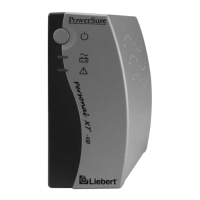
The front panel LEDs and audio beeps indicate the UPS status.




 To Next Page