EasyManua.ls Logo

Liebert PowerSure PSA - User Manual

Liebert PowerSure PSA
30 pages
Print Icon
To Next Page IconTo Next Page
Loading...
POWER AVAILABILITY
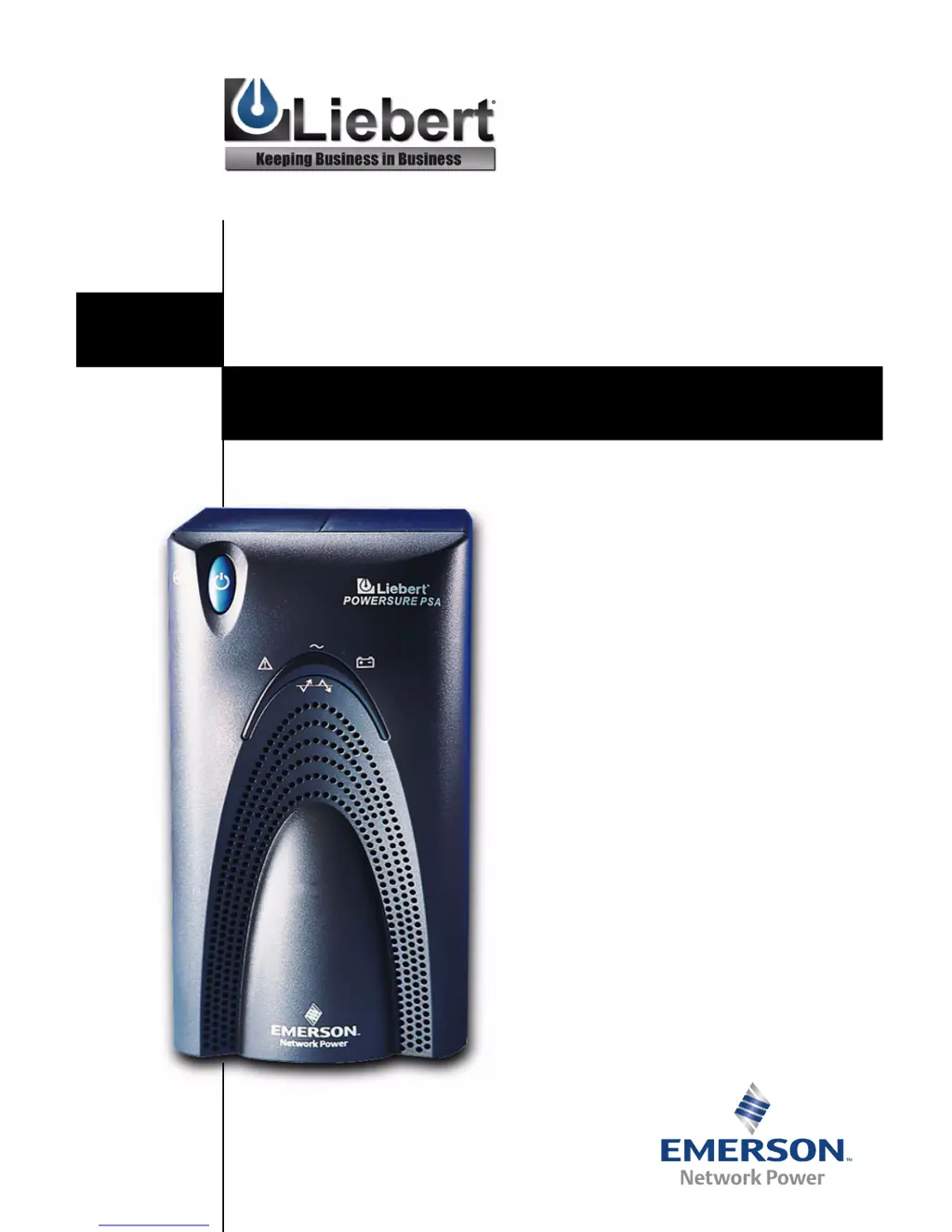
PowerSure™ PSA
USER MANUAL
350-1000 VA
120V

Other manuals for Liebert PowerSure PSA

Questions and Answers

  • E
    Edgar Austin MDJul 31, 2025
    Why does my Liebert UPS shut down and the fault indicator light up?
    • S
      scottgutierrezAug 1, 2025
      The Liebert UPS might shut down and show a fault due to several reasons: * An overload or short circuit: Check the circuit protector on the rear of the UPS. If tripped, reset it and restart the UPS. Also, ensure that the total wattage of your equipment does not exceed the UPS capacity, and disconnect some equipment if needed. * High temperature shutdown: Ensure the UPS operates in an environment between 32°F to 104°F (0°C to 40°C) with adequate ventilation. * MultiLink shutdown: Consult the MultiLink user manual or contact your LAN administrator.
  • T
    tylerelizabethAug 6, 2025
    What to do if Liebert UPS starts on battery but won't switch to AC?
    • T
      Tiffany FloresAug 6, 2025
      If your Liebert UPS starts on battery but doesn't switch to AC, consider the following: * Ensure the UPS is securely plugged in. * Check if the circuit protector has tripped; if so, reset it and restart the UPS. * Verify power is available at the utility receptacle. If not, have it checked by a qualified electrician. * If the input voltage is below the threshold or there is AC overvoltage, wait until the voltage rises or lowers to an appropriate level, or have the utility checked by a qualified electrician.
  • B
    bwongAug 12, 2025
    Why is my Liebert PowerSure PSA not providing expected back-up time?
    • S
      Susan HebertAug 12, 2025
      The Liebert UPS might not provide the expected backup time due to several reasons: * Overload: Reduce the load on the UPS. * Battery not charged: Recharge the battery, especially after a recent outage. * Battery replacement: The battery may need to be replaced.
  • G
    Grace HigginsAug 18, 2025
    How to fix site wiring fault indicator on Liebert UPS?
    • M
      Mark WallaceAug 18, 2025
      If the Site Wiring Fault Indicator is illuminated on your Liebert UPS, it indicates a line-neutral reversal or a poor ground connection. Have the utility checked by a qualified electrician.
  • M
    Michele WilsonAug 25, 2025
    Why will my Liebert UPS not start?
    • C
      Christine MezaAug 26, 2025
      The Liebert UPS might not start due to: * Overload or short circuit: Check the circuit protector on the rear of the UPS. If it is tripped, reset it and restart the UPS. * Disconnected or discharged battery: Check the proper connection of the battery or batteries.

Summary

Safety Instructions

Safety Precautions

Critical safety precautions to prevent fire or electric shock.

Battery Handling Precautions

Precautions for safe handling and servicing of UPS batteries.

Introduction and System Description

Front View of UPS

Visual overview of the UPS front panel controls and indicators.

Rear View of UPS

Visual overview of the UPS rear panel connections and ports.

Major UPS Components

TVSS and EMI;RFI Filters

Explains surge protection and interference filtering components.

Automatic Voltage Regulator (AVR)

Describes AVR function for voltage regulation.

Bi-Directional Converter

Explains power conversion between AC and DC for battery charging.

Battery Details

Details the type of batteries used and operating temperature.

Whats Included

Installation Guide

Controls and Indicators

ON;OFF;Alarm Silence Button

Explains the functions of the main power and alarm silence button.

Status Indicators Overview

Describes the meaning of the UPS status indicator lights.

Site Wiring Fault Indicator

Explains the rear panel indicator for wiring issues.

Transfer Voltage Selectors (DIP Switches)

Explains how to configure voltage transfer settings via DIP switches.

UPS Modes of Operation

Normal Mode Operation

Describes operation when utility power is stable.

Buck;Boost Mode Operation

Describes operation when voltage fluctuations occur.

Battery Mode Operation

Describes operation when utility power fails.

Communications and Ports

DB-9 Connector Details

Details the DB-9 serial port for UPS status communication.

Remote Shutdown via DB-9

Explains remote shutdown via DB-9 connector pins.

USB Interface Port

Describes the USB port for UPS communication and management.

Data Line Protection Connectors

Explains the connectors for protecting phone/fax/modem lines.

Maintenance and Care

Cleaning the UPS

Instructions for cleaning the UPS unit.

Maintaining Batteries

Guidance on maintaining UPS battery health and longevity.

Battery Replacement Overview

Information and precautions for replacing UPS batteries.

Battery Replacement Procedure

Troubleshooting UPS Issues

Guide to Status Indicators

Explains the meaning of various indicator light combinations.

Troubleshooting Chart

A table detailing problems, causes, and solutions for UPS issues.

Technical Specifications

Battery Run Times

Data on UPS backup runtime at different load percentages.

Product Warranty Registration

Information on how to register the product for warranty.

About Liebert and Support

About the Company

Overview of Liebert's history and product range.

Technical Support and Service

Contact information and services for technical support.

Liebert PowerSure PSA Specifications

General IconGeneral
BrandLiebert
ModelPowerSure PSA
CategoryUPS
LanguageEnglish

Related product manuals