12
Status Indicators: Utility, Battery, Fault
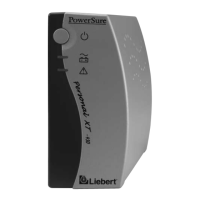
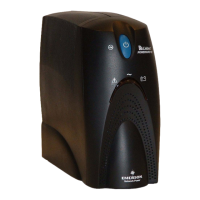
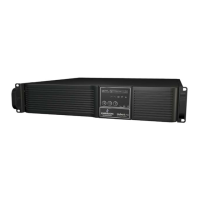
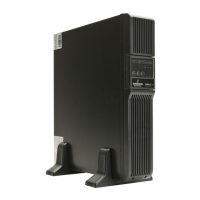
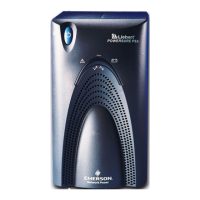
There are three (3) status indicators on the front of the UPS (Utility,
Battery and Fault), as shown in the diagram below. Each indicator
illuminates to specify the status of the UPS (see Troubleshooting
section for details).
Utility Indicator (Green/Amber)
The Utility Indicator illuminates when the UPS is operating and sup-
plying power to connected loads: green indicates Normal mode, amber
denotes Buck/Boost mode.
Battery Indicator (Green/Amber)
The Battery Indicator illuminates to indicate the UPS is operating on
battery (green) or to signify a battery warning (amber).
Fault Indicator (Red/Green)
The Fault Indicator illuminates when the UPS detects a problem: red
for an internal UPS fault, green for overload and over-temperature
conditions.
Location and Status of Indicators
Fault Indicator
Green: Overload/Over temperature
Red: UPS fault
Utility Indicator
Green: Normal operation
Amber: Buck/Boost mode
Battery Indicator
Green: On battery
Amber: Battery warning
NOTE
See Troubleshooting section for details.






 To Next Page