EasyManua.ls Logo

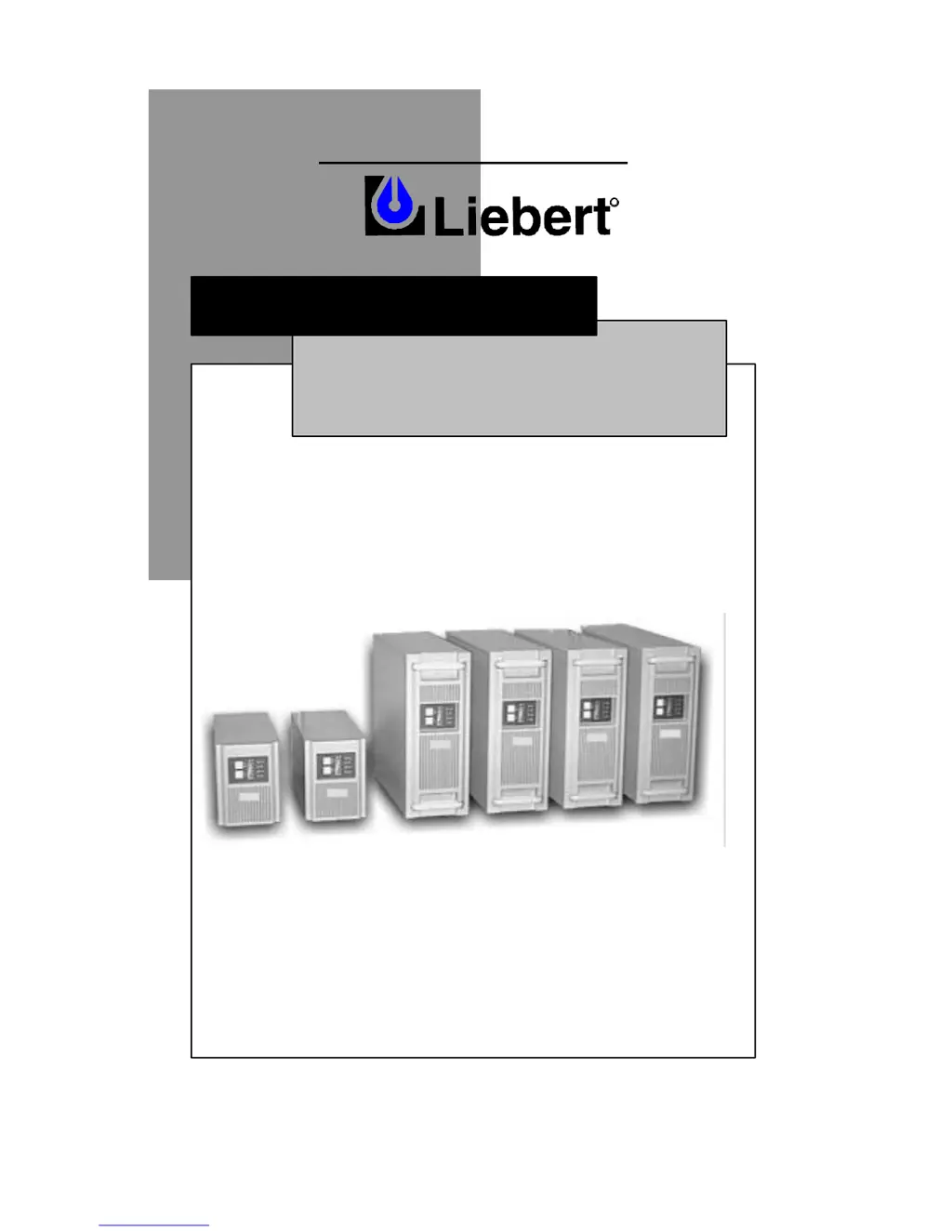
Liebert UPStation GXT - User Manual

Liebert UPStation GXT
28 pages
Print Icon
To Next Page IconTo Next Page
Loading...
POWER PROTECTION
USER M
ANUAL
English / Español
R
700-3000 VA
120V
UPStation GXT™

Questions and Answers

  • W
    Wendy MartinAug 16, 2025
    What to do if my Liebert UPStation GXT has reduced battery time?
    • A
      Amy JonesAug 17, 2025
      If your Liebert UPS battery time is reduced, there are a few things you can check. Initially, keep the UPS plugged in continuously for at least 24 hours to ensure the batteries are fully recharged. Also, the UPS might be overloaded, so check the load level display and reduce the load if necessary. Finally, the batteries may be old and unable to hold a full charge, consider replacing them.
  • Y
    Yolanda BrooksAug 19, 2025
    Why Liebert UPStation GXT is operating from battery mode?
    • J
      James WilcoxAug 19, 2025
      Your Liebert UPS might be running on battery for a few reasons. First, ensure it's securely plugged into the wall socket. Another reason could be that the UPS input protection has been triggered; try replacing the UPS input fuse or resetting the input breaker, then restart the UPS. Finally, the utility voltage might be outside the acceptable range for the UPS; in this case, verify that the utility supply voltage is within the correct limits for your UPS.
  • E
    Emily GrayAug 22, 2025
    What to do if Fault and Bypass indicators and all load level LEDs are illuminated on Liebert UPStation GXT UPS?
    • W
      williamsmithAug 22, 2025
      If the Fault and Bypass indicators and all load level LEDs are illuminated on your Liebert UPS, it may be overloaded or the connected equipment is faulty. Check the load level display and remove any non-essential loads. Recalculate the load VA and reduce the number of loads connected to the UPS. Also, inspect the connected equipment for any faults.
  • B
    burkekeithAug 25, 2025
    What to do if Liebert UPStation GXT UPS fails to start?
    • S
      scottdaughertyAug 25, 2025
      If your Liebert UPS fails to start, first ensure the UPS is off, disconnect all loads, and check for any obstructions in the output sockets. Make sure the connected loads aren't defective or shorted internally. If this doesn't resolve the issue, it may indicate an internal fault.
  • W
    watersmitchellAug 28, 2025
    What to do if Fault and Bypass indicators and diagnostic LED A are illuminated on Liebert UPStation GXT?
    • P
      paul21Aug 28, 2025
      If the Fault and Bypass indicators and diagnostic LED A are illuminated on your Liebert UPS, the internal fan may have a problem, or the UPS may have shut down due to a high-temperature condition. The load is currently on bypass power. Make sure the UPS is not overloaded, the ventilation openings are not blocked, and the room's ambient temperature is not too high. Allow the UPS to cool down for 30 minutes, then restart it.
  • M
    Marvin CummingsAug 30, 2025
    What does it mean when Fault and Bypass indicators and diagnostic LED C & E are illuminated on Liebert UPS?
    • E
      Erica OwenAug 30, 2025
      If the Fault and Bypass indicators and diagnostic LED C & E are illuminated, your Liebert UPS has shut down due to a command from the communications port(s). Your UPS has received a signal or command from the attached computer. If this was inadvertent, ensure the communication cable used is correct for your system.
  • H
    Heather DavisSep 2, 2025
    What does it mean when Fault and Bypass indicators and diagnostic LED B are illuminated on Liebert UPStation GXT?
    • J
      Jacqueline HarrisSep 2, 2025
      If the Fault and Bypass indicators and diagnostic LED B are illuminated on your Liebert UPS, it indicates an internal DC bus overvoltage. The UPS requires service.
  • A
    Andrew GarciaSep 4, 2025
    What does it mean when Fault and Bypass indicators and diagnostic LED C are illuminated on Liebert UPS?
    • V
      vjohnsonSep 4, 2025
      If the Fault and Bypass indicators and diagnostic LED C are illuminated on your Liebert UPS, it signifies a power control fault. The UPS requires service.
  • A
    alex14Sep 7, 2025
    What does it mean when Fault and Bypass indicators and diagnostic LED D are illuminated on Liebert UPS?
    • L
      Logan RiceSep 7, 2025
      If the Fault and Bypass indicators and diagnostic LED D are illuminated on your Liebert UPS, it indicates a PFC fault. The UPS requires service.
  • A
    Alicia BoothSep 10, 2025
    What does it mean when Fault and Bypass indicators and diagnostic LED E are illuminated on Liebert UPS?
    • D
      David FordSep 12, 2025
      If the Fault and Bypass indicators and diagnostic LED E are illuminated on your Liebert UPS, it means there is an inverter fault. The UPS requires service.

Summary

Important Safety Instructions

General Safety and Usage Guidelines

Covers saving instructions, product intent, battery precautions, and operational safety rules.

Introduction and System Description

UPStation GXT UPS Overview

Details the Liebert UPStation GXT UPS, its power ratings, and on-line operation capabilities.

Major Components

Component Functions Explained

Explains the role of TVSS, EMI/RFI Filters, Rectifier/PFC Circuit, and Inverter in UPS operation.

Major Components (Continued)

Additional Component Functions

Details the functions of the DC to DC Converter, Battery, and Dynamic Bypass.

General Installation

Mini-Tower;Tower UPS Installation

Steps for unpacking, inspecting, and installing the mini-tower/tower UPS unit.

Rack-Mount Conversion and Installation

Rack-Mount UPS Conversion Steps

Instructions for converting and installing the UPS unit into a rack mount configuration.

Optional Battery Cabinet Installation

Connecting External Battery Cabinets

Guidance on unpacking, installing, and connecting optional external battery cabinets.

Ferrite Bead Installation

Serial and SNMP Cable Ferrite Bead Use

Instructions for attaching ferrite beads to serial and network cables for noise reduction.

Controls and Indicators Diagram

UPS Front and Rear Panel Layout

Diagram showing the location of buttons, indicators, and connectors on the UPS unit.

Controls and Indicators Explanation

Button Functions and LED Indicators

Explains the functions of the On/Alarm Silence/Manual Battery Test and Off/Bypass buttons.

Operation Modes and Indicators

Normal Mode Operation Details

Describes normal operation, load/battery level indicators, and voltage selection.

Operation Modes (Continued)

Battery Mode and Recharge Operations

Details battery mode operation, alarms, and the battery recharge process.

Communications Interface Port

DB-9 Port Pin Assignments

Details the pin assignments for the DB-9 serial communications port and its collector/emitter configuration.

UPS Communications and Maintenance

Intelligent Communications Options

Describes intelligent communications via serial and Intellislot ports for monitoring and control.

Basic UPS Maintenance

Covers battery maintenance, storage recommendations, and safe battery replacement.

Battery Replacement Procedures

Battery Replacement Safety Precautions

Essential safety warnings and precautions to observe before replacing UPS batteries.

Mini-Tower Battery Replacement Steps

Step-by-step guide for safely replacing batteries in mini-tower UPS models.

Rack;Tower Battery Replacement

Rack;Tower Model Battery Replacement

Detailed procedure for replacing batteries in rack and tower UPS models.

Battery Replacement Diagrams

Rack;Tower Battery Access Points

Illustrations showing the rear view and the location of battery doors for rack/tower UPS units.

Battery Run Times

UPS Battery Discharge Curves

Tables showing estimated battery run times for various models with different load percentages and battery configurations.

Fuse Replacement and Alarms

Input Fuse Replacement Guide

Instructions for safely replacing input fuses in 700/1000 VA and 1500 VA UPS models.

Audible Alarm Conditions Summary

Lists audible alarms, their conditions, and corresponding sounds for UPS alerts.

Troubleshooting

UPS Problem Identification

Identifies common UPS problems indicated by fault lights and alarms.

Troubleshooting Guide

Problem Causes and Solutions

Provides a detailed guide linking UPS problems to their causes and recommended solutions.

Specifications (700;1000 VA Models)

GXT700 MT;1000 MT Specifications

Technical specifications for GXT700MT-120 and GXT1000MT-120 UPS models.

Specifications (1000 RT Models)

GXT1000 RT;1000 RTE Specifications

Technical specifications for GXT1000RT-120 and GXT1000RTE-120 UPS models.

Specifications (1500;2000;3000 VA Models)

GXT1500 RT;2000 RT;3000 RT Specifications

Technical specifications for GXT1500RT, GXT2000RT, and GXT3000RT UPS models.

Battery Cabinet Specifications

GXT Battery Cabinet Models

Technical specifications for GXT36VBATT, GXT48VBATT, and GXT96VBATT battery cabinets.

Limited Warranty

Warranty Terms and Conditions

Details the limited warranty period, terms, conditions, and exclusions for the UPS.

Technical Support and Company Info

Liebert Contact and Company Overview

Provides contact information for technical support and an overview of Liebert's services.

Liebert UPStation GXT Specifications

General IconGeneral
Power Rating1 kVA to 10 kVA
TopologyDouble Conversion Online
Frequency50/60 Hz
Power Factor0.9
EfficiencyUp to 94%
DimensionsVaries by model
WeightVaries by model
Product TypeUPS
Input Voltage120/208/240 VAC
Output Voltage120/208/240 VAC
Battery TypeSealed Lead-Acid (SLA)
RuntimeVaries with load (Scalable with additional battery cabinets)
Form FactorTower/Rackmount
Communication PortsUSB, RS-232, SNMP
Operating Temperature0°C to 40°C (32°F to 104°F)
Humidity0% to 95% non-condensing

Related product manuals