6 BioHeal User Manual Lifepro
GET STARTED
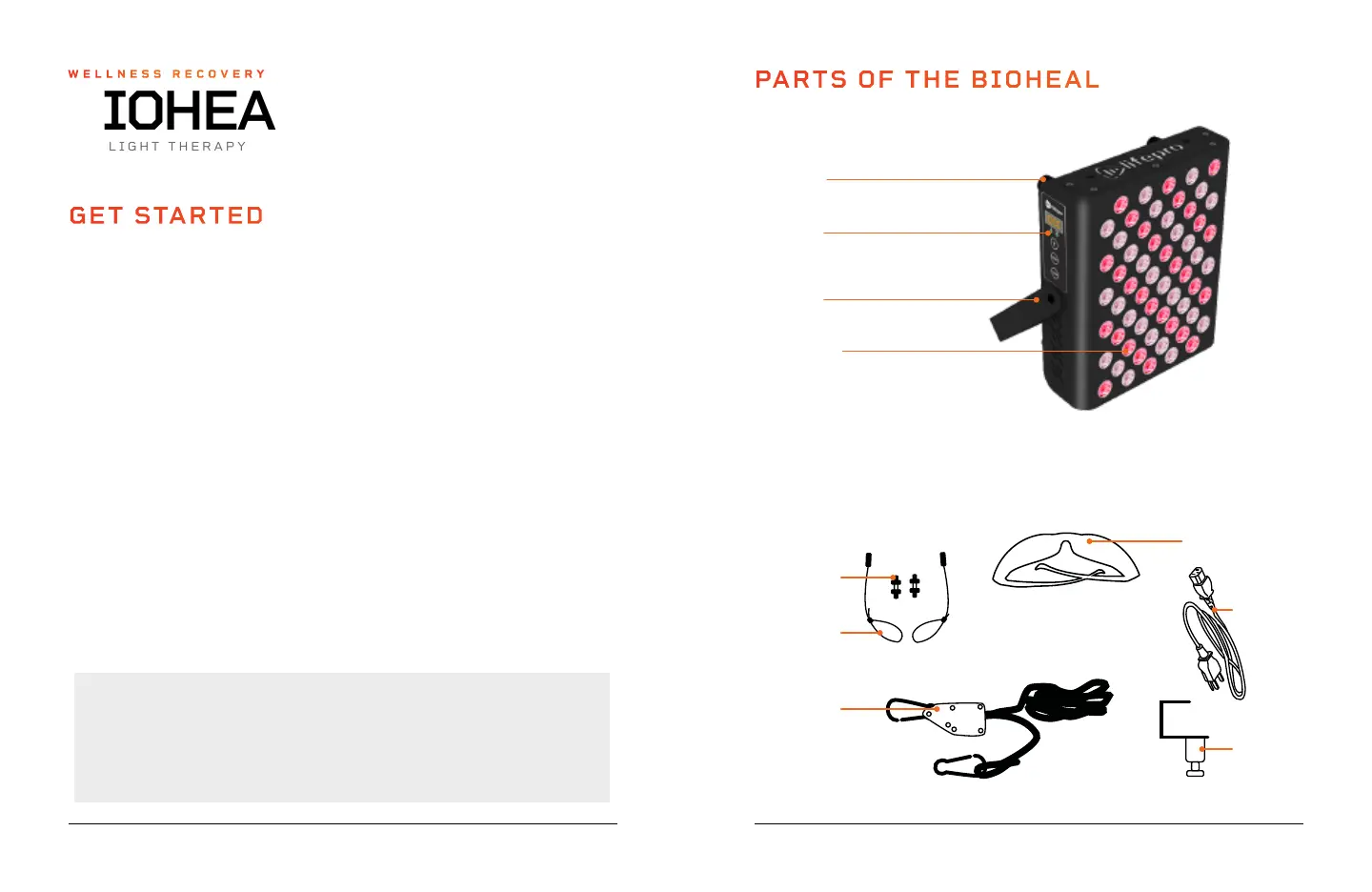
WHAT’S IN THE BOX
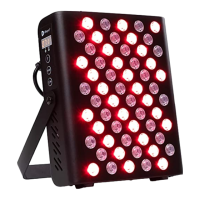
• Lifepro BioHeal Red Light Therapy Panel (A) • Hanging Pulley (E)
• Hanging Screws, x2 (B) • Door Hook (F)
• Hanging Cables, x2 (C) • 9' Power Cable (G)
• Protective Eyeglasses, x2 (D) • User Manual (H)
FIRST STEPS
1. Remove the BioHeal from the shipping box and remove all packaging
from the unit and accessories.
2. Inspect the device and accessories for shipping damage.
3. Read carefully through this user manual and all safety instructions
before using the BioHeal.
4. Go to bioheal.lifeprofitness.com and register your product within
14 days of purchase to activate your lifetime warranty.
5. Complete the steps in the EASY-START SETUP GUIDE on page 7 to
begin using the BioHeal.
CUSTOMER SUPPORT
If you have any questions about setting up the BioHeal, we’re
here to help. Call or email us and an experienced customer support
representative will be happy to assist you: (800) 563-6604 or
support@lifeprofitness.com.
BIOHEAL
RED LIGHT THERAPY PANEL
WELLNESS RECOVERY
Wellness Recovery Collection 7
PARTS OF THE BIOHEAL
LED Lights
• 60: 660nm, red
• 30: 850nm, near-infrared
Tilt Arm
Control
Panel
4 Rubber
Feet
BioHeal Red Light
Therapy Panel (A)
2 Protective
Eyeglasses*
(D)
Power
Cable (G)
2 Hanging
Screws
(B)
2 Hanging
Cables
(C)
Hanging Pulley
System
(E)
Door
Hook (F)
*Included eyeglasses may be different than pictured.


 To Next Page