Recovery + Fitness Collection 9 8 Hovert User Manual Lifepro
ASSEMBLE THE HOVERT
• Remove the back of the remote control
and insert two AAA batteries into the
battery compartment.
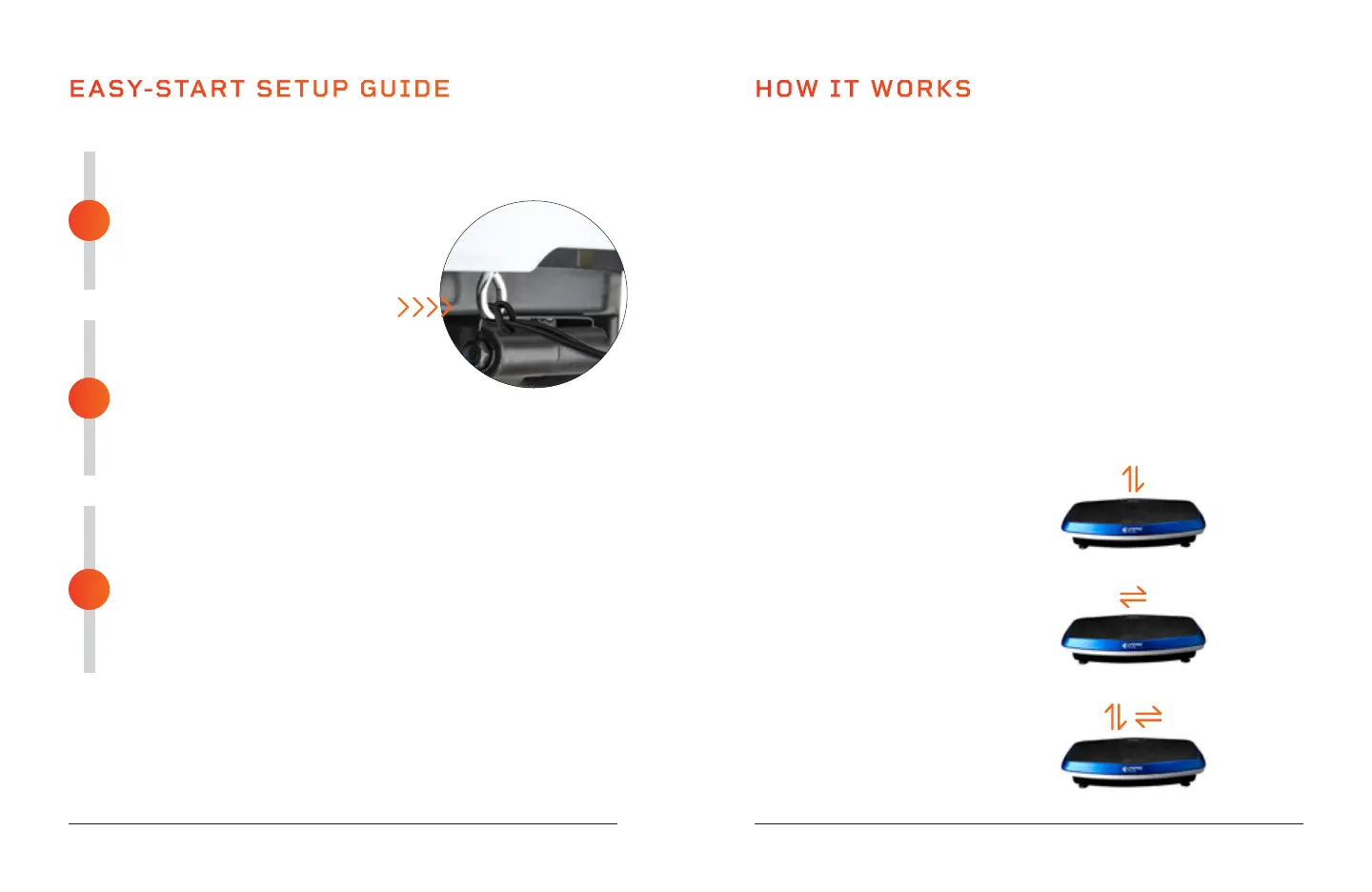
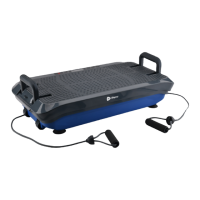
• Loop the resistance bands into the
metal rings at the front of the Hovert.
CONNECT TO POWER
• Insert the power cord firmly into the
front of the Hovert.
NOTE: Press forcefully until you feel a click, which
indicatesthat the cord is securely connected. The power cord
fitstightly so it will not loosen during use.
• Plug the power cord into an AC outlet.
POWER ON THE HOVERT
• Flip the breaker switch on the front of the Hovert to
the ON position.
• Press the power button on the Hovert’s display.
• That’s it. Your Lifepro Hovert is now ready to use. See
OPERATING INSTRUCTIONS and CHOOSING A PROGRAM on
the next pages for details about how to use your Hovert.
EASY-START SETUP GUIDE
Setup your Lifepro Hovert in just 3 easy steps:
3
2
1
MODES
Standby Mode: The Hovert is powered on, but no program is selected.
Program Mode: Choose from preset workout programs: P1-P8.
Manual Mode (HA): Set your own workout duration and vibration speed.
HOW IT WORKS
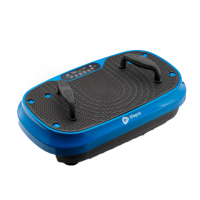
The Hovert has two powerful motors: a lateral motor (the L MOTOR on the
Hovert’s display) and a horizontal/oscillating motor (the H MOTOR on the
Hovert’s display). The dual motors produce three movements which provide
unlimited workout combinations: lateral, horizontal, and 3D/spiral. The
platform creates a repetitive motion using 3D vibration and oscillation that
activates all of your muscle fibers. This unique 3D vibration is particularly
beneficial for people who experience osteoporosis, osteoarthritis, or
sarcopenia, and it’s great for improving circulation and balance for older
users.
TRAINING SETTINGS
• Horizontal Training: Create a manual workout using the H motor.
• Lateral Training: Create a manual workout using the L motor.
• 3D/Spiral Training: Use one of the preset programs or create a manual
workout that includes both the horizontal (H) and lateral (L) motors.
Horizontal Movement
Up and Down (H motor)
3D/Spiral Movement
Combination of Above
Lateral Movement
Side to Side (L Motor)










 To Next Page