Recovery + Fitness Collection 7 6 RumblexMax User Manual Lifepro
GET STARTED
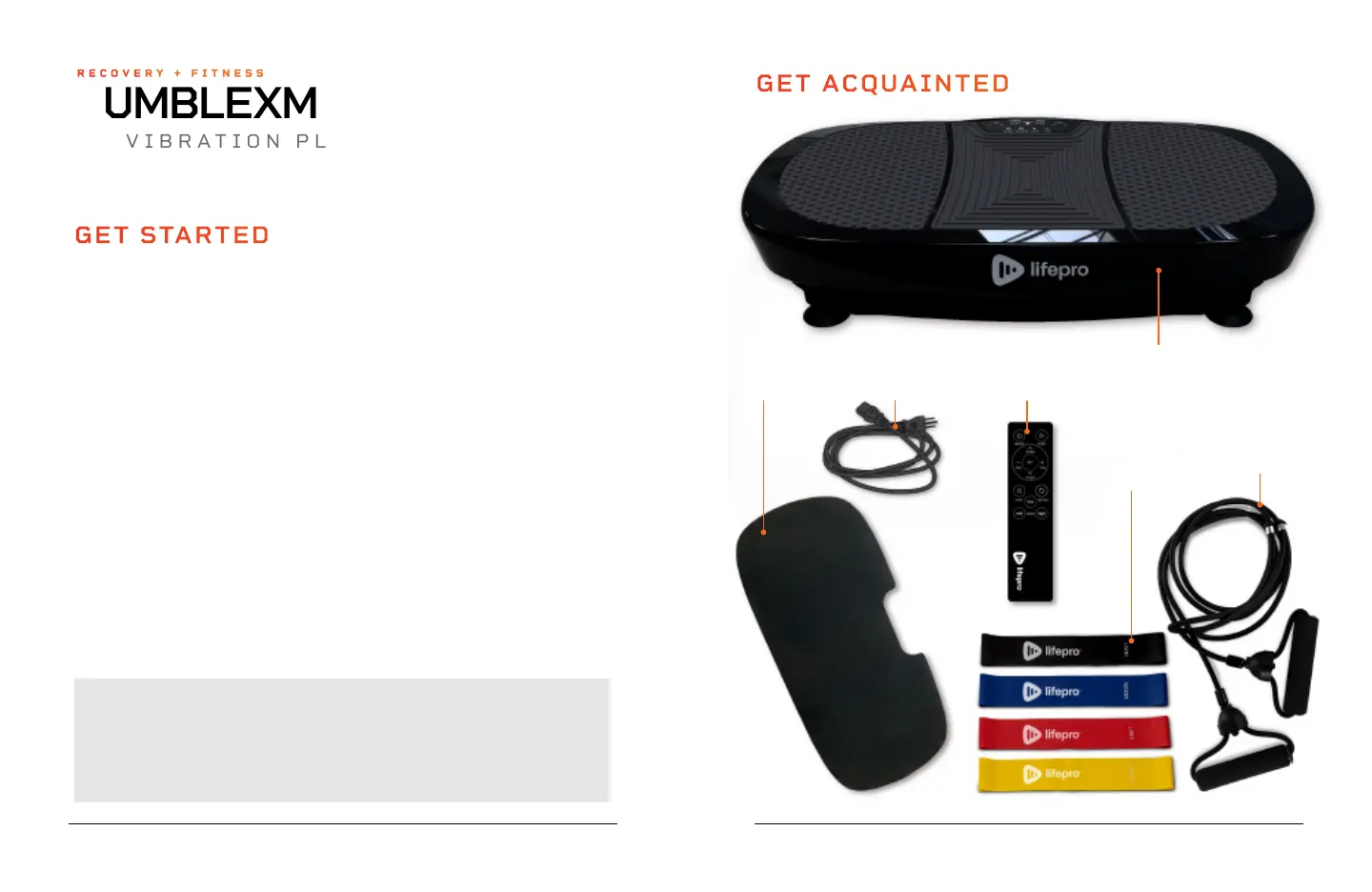
WHAT’S IN THE BOX
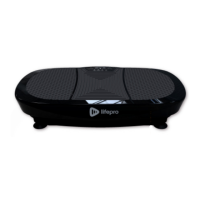
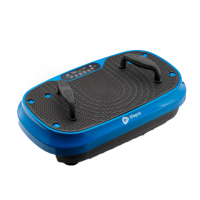
• Lifepro RumblexMax 4D Vibration Plate
• Power Cord
• Remote Control
• Resistance Bands (2)
FIRST STEPS
1. Remove your RumblexMax from the shipping box and remove all
packaging from the unit and accessories.
2. Remove the plastic screen protector from the control panel.
3. Inspect all items for shipping damage.
4. Read carefully through this user manual and all safety instructions
before using the RumblexMax.
5. Go to rumblexmax.lifeprofitness.com and register your product within
14 days of purchase to activate your lifetime warranty.
6. Complete the steps in the EASY-START SETUP GUIDE on page 8
to begin using your RumblexMax.
CUSTOMER SUPPORT
If you have any questions about setting up your RumblexMax, we’re
here to help. Call or email us and an experienced customer support
representative will be happy to assist you: (732) 456-6063 or
support@lifeprofitness.com.
GET ACQUAINTED
• Lifepro Mini Bands (4)
• Exercise Mat
• User Guide
Remote
Control
Power
Cord
4 Lifepro Mini
Bands
Exercise
Mat
Lifepro
RumblexMax 4D
Vibration Plate
2 Resistance
Bands
RUMBLEXMAX
4D VIBRATION PLATE
RECOVERY + FITNESS








 To Next Page