Recovery + Fitness Collection 9 8 Waver™ User Manual Lifepro
ASSEMBLE THE WAVER
• Remove the back of the remote control and insert
two AAA batteries into the battery compartment.
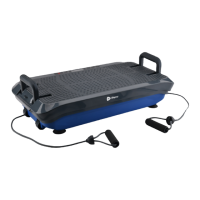
• Loop the resistance bands into the metal
rings at the front of the Waver.
CONNECT TO POWER
• Insert the power cord firmly into the front of the Waver.
NOTE: Press forcefully until you feel a click, which indicates
that the cord is securely connected. The power cord fits
tightly so it will not loosen during use.
• Plug the power cord into an AC outlet.
POWER ON THE WAVER
• Flip the breaker switch on the front of the Waver to
the ON position.
• Press the power button on the Waver’s display.
• That’s it. Your Waver is now ready to use. See OPERATING
INSTRUCTIONS and CHOOSING A PROGRAM on the next pages
for details about how to use your Waver.
EASY-START
SETUP GUIDE
Setup your Waver in just 3 easy steps:
3
2
1
MODES
Standby mode: The Waver is powered on, but no program is selected.
Program Mode: Choose from preset workout programs: P0-P9.
Each program has low, medium, or high vibration speed.
Manual mode: Set your own workout duration and vibration speed.
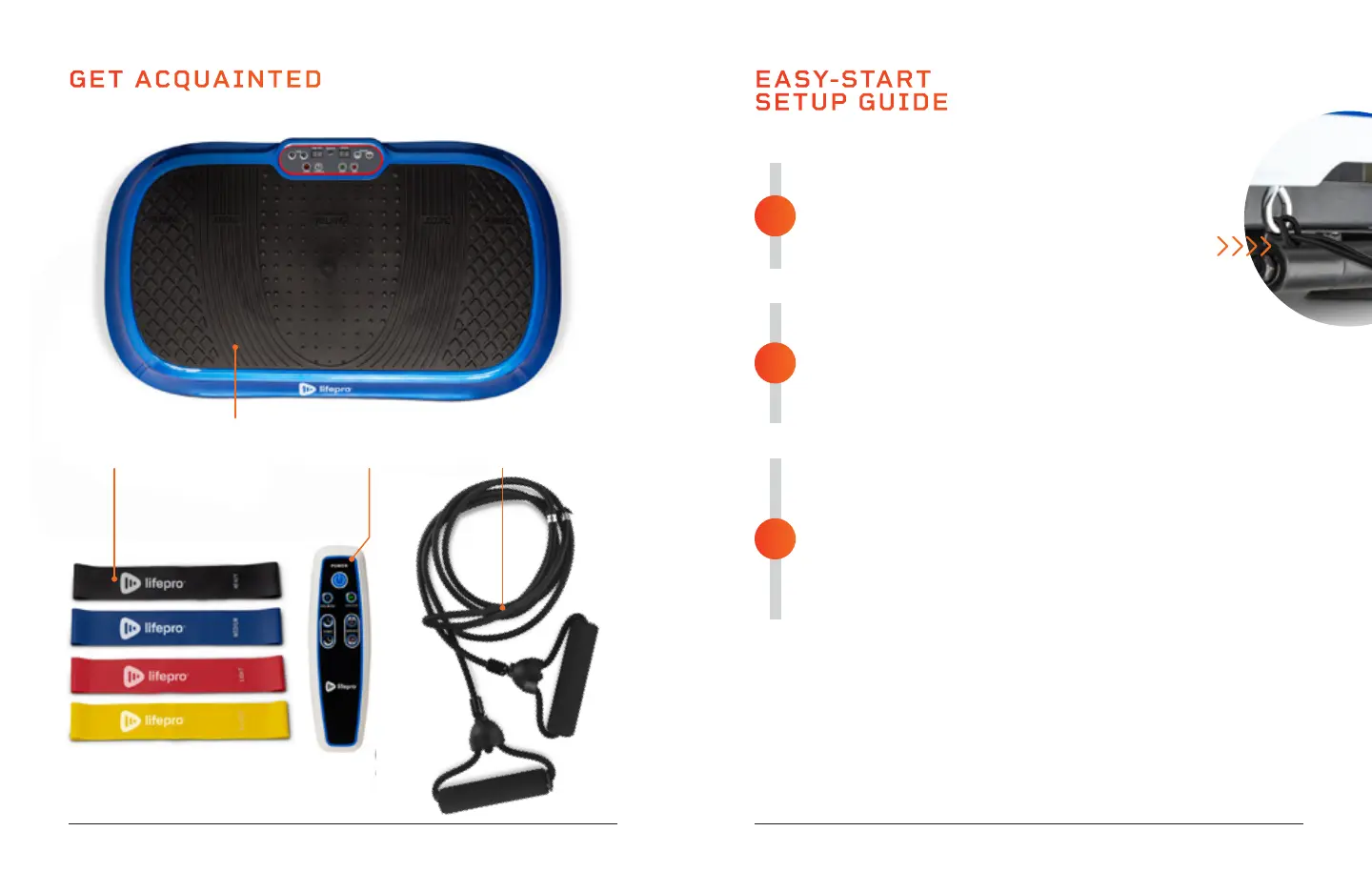
GET ACQUAINTED
Remote
Control
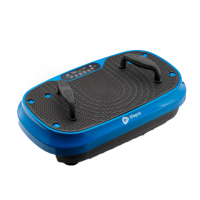
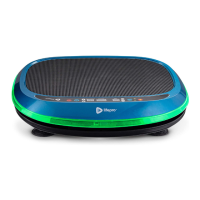
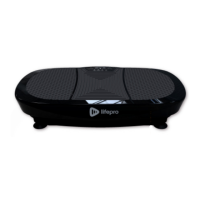
Waver™
Vibration Plate
4 Mini
Bands
2 Resistance
Bands








 To Next Page