CHOOSING A PROGRAM
12 WaverMini User Manual Lifepro Recovery + Fitness Collection 13
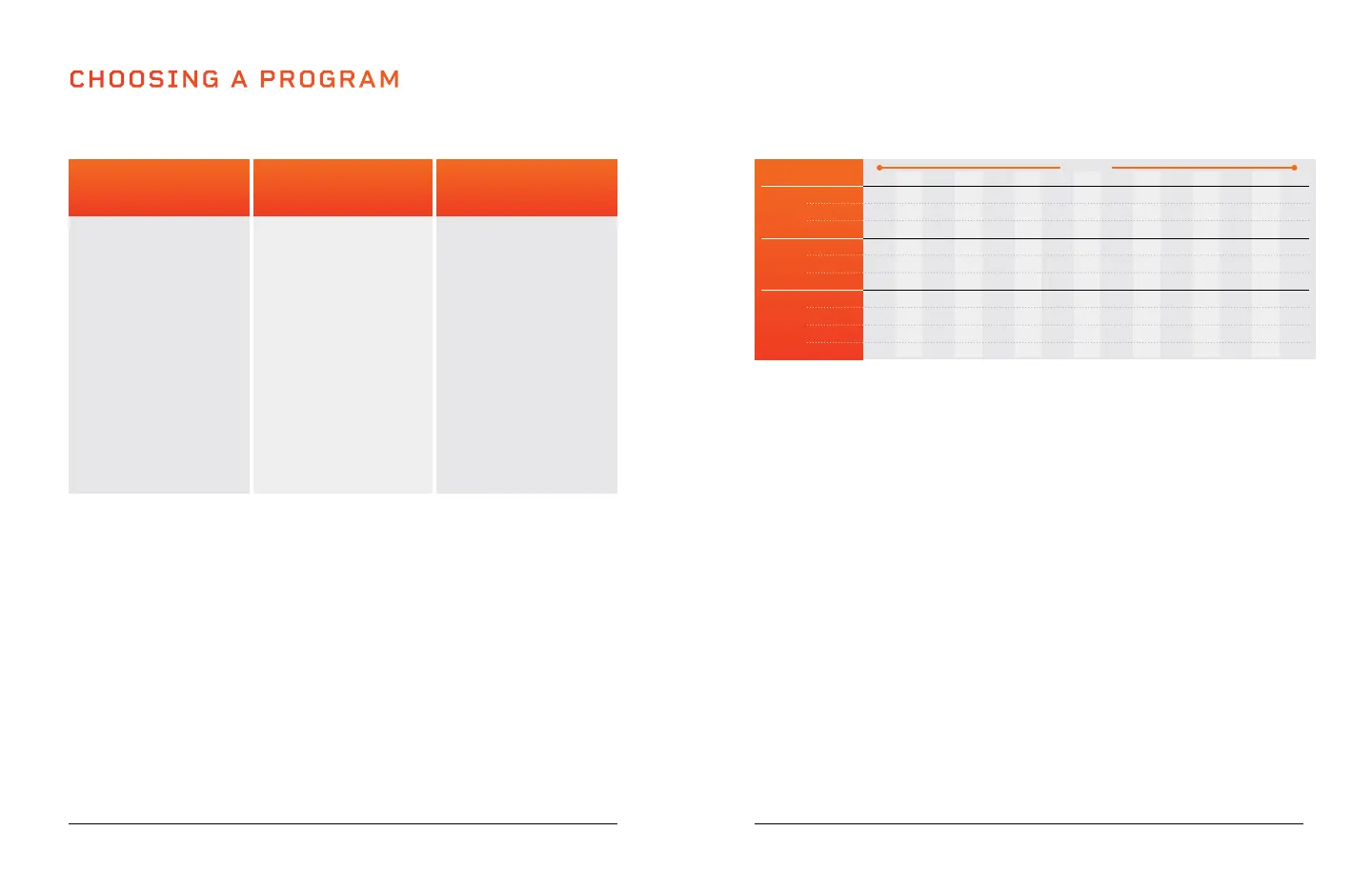
Low Settings
(P00-P02)
Great for
starting out.
• Detoxification
• Increased bone
density
• Improved balance
• Lymphatic
drainage
• Improved
postural control
Medium Settings
(P03-P06)
Perfect for people
with arthritis and
fibromyalgia.
• Joint
maintenance
• Improved
postural control
• Fat loss
• Increased bone
density
• Improved balance
• Cellulite removal
High Settings
(P07-P09)
Great for
increased intensity.
• Fat loss
• Muscle growth
• Highly increased
bone density
• Power
accumulation
• HGH release
PROGRAM MODE
PROGRAM SPEEDS
The WaverMini will change speed once a minute. Speed levels will depend on
the program level you’ve chosen (as outlined in the chart below).
MANUAL MODE
In manual mode, vibration speeds correspond to the following levels
Low Settings
(1-33)
Medium Settings
(34-66)
High Settings
(67-99)
15
4
2
8
12
9
23
11
30
55
40
14
8
4
14
23
13
55
11
30
40
85
13
10
6
8
29
16
23
25
50
55
75
12
12
8
14
38
21
55
25
50
40
65
11
17
10
8
49
24
23
38
70
50
25
10
20
13
20
6
35
55
38
70
77
96
9
24
15
8
68
67
23
48
40
80
78
8
20
12
14
76
50
55
48
40
65
60
7
17
9
8
48
38
23
25
60
65
65
6
6
8
14
29
30
55
25
60
99
80
5
12
8
14
38
21
55
25
50
40
65
4
17
10
8
49
24
23
38
70
50
25
3
20
13
20
56
35
35
38
70
77
96
2
24
15
8
68
67
23
48
40
80
78
1
20
12
14
76
50
55
48
40
65
60
MINUTES
SPEED
Low
Med
High
PROGRAM
P00
P01
P02
P03
P04
P05
P06
P07
P08
P09
CREATING A CUSTOM WORKOUT IN MANUAL MODE:
1. Press the Power button to turn the system ON.
2. Press the Mode button to select manual mode (HA).
3. Use the Time Increase/Decrease buttons to set a time duration for your
manual workout.
4. While already standing on the WaverMini, press the Start button to
begin the manual workout. Speed will automatically begin at level 1.
5. Press the Speed Increase/Decrease buttons to adjust the
vibration speed.
TO GET THE BEST RESULTS, ALTERNATE BETWEEN PROGRAMS
Keep your body guessing. We tend to adapt, so we want to continue
eliciting change in our bodies. Each level has its own set of benefits;
however, we recommend you start out at the first level, P00, and work your
way up.
CHOOSING A PROGRAM IN PROGRAM MODE:
1. Press the Power button to turn the system on.
2. Press the Program Mode button to toggle between preset program
modes P00 through P09.
3. Press the Start button to activate the selected program.








 To Next Page