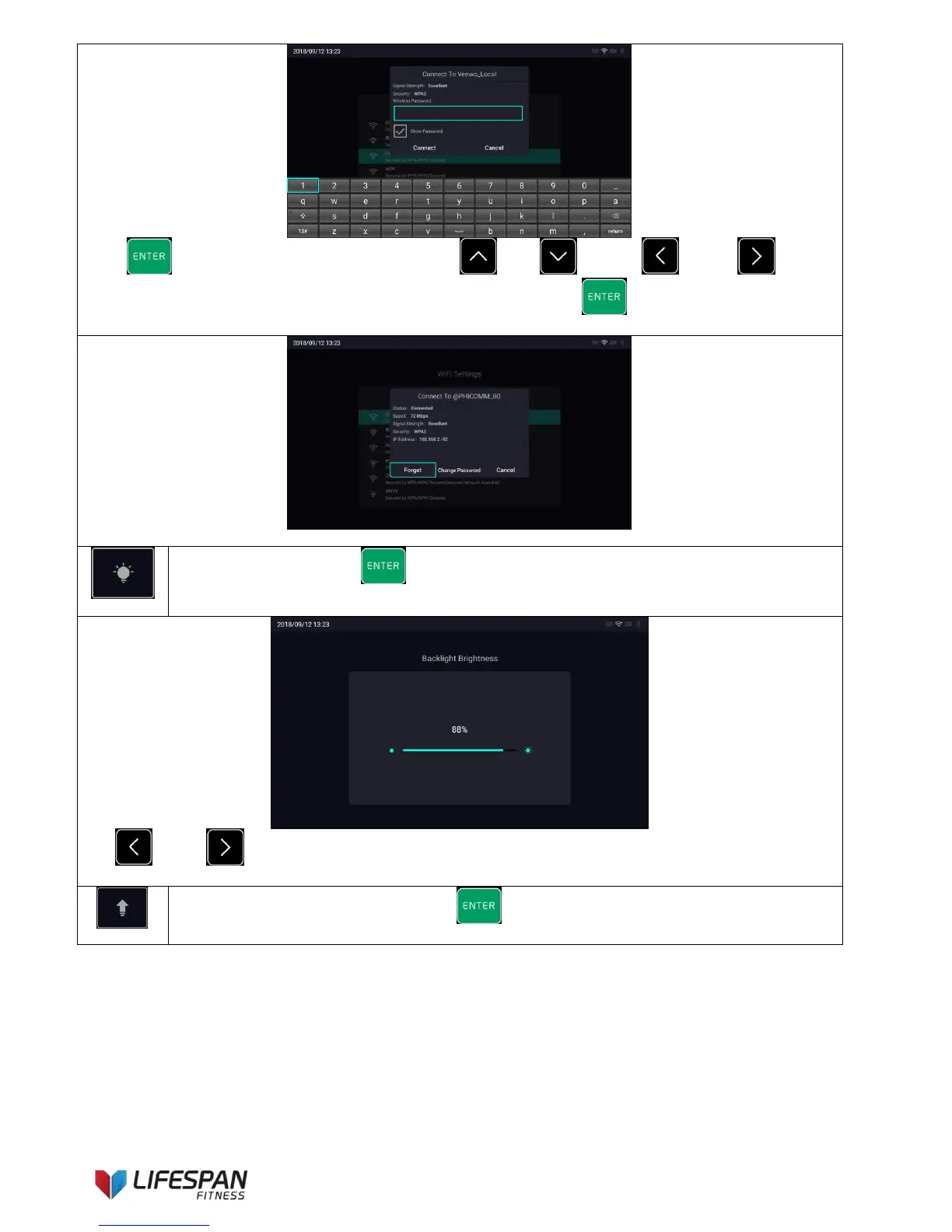
Press "ENTER" button to activate the keypad, use "UP", "DOWN", "LEFT",
"RIGHT" buttons to toggle between options and characters selections, press "ENTER" button to determine
the character. Enter the correct Wi-Fi password to connect to the network.
Enter the connected Wi-Fi signal, perform the related operations on the above display interface
Backlight adjustment: Press “ENTER” button to enter this category, the display interface is as
follows:
Use “LEFT”, “RIGHT” buttons to adjust the brightness of the backlight. The adjustment will be saved
automatically after exit.
System upgrade and system restore: Press "ENTER" button to enter this category, the display
interface is as follows:



 To Next Page