EasyManua.ls Logo

LifeSpan SPIRIT - User Manual

LifeSpan SPIRIT
36 pages
Print Icon
To Next Page IconTo Next Page
Loading...
NOTE: This manual may be subject to updates or changes. Up to date manuals are available through our website at www.lifespanonline.com.au
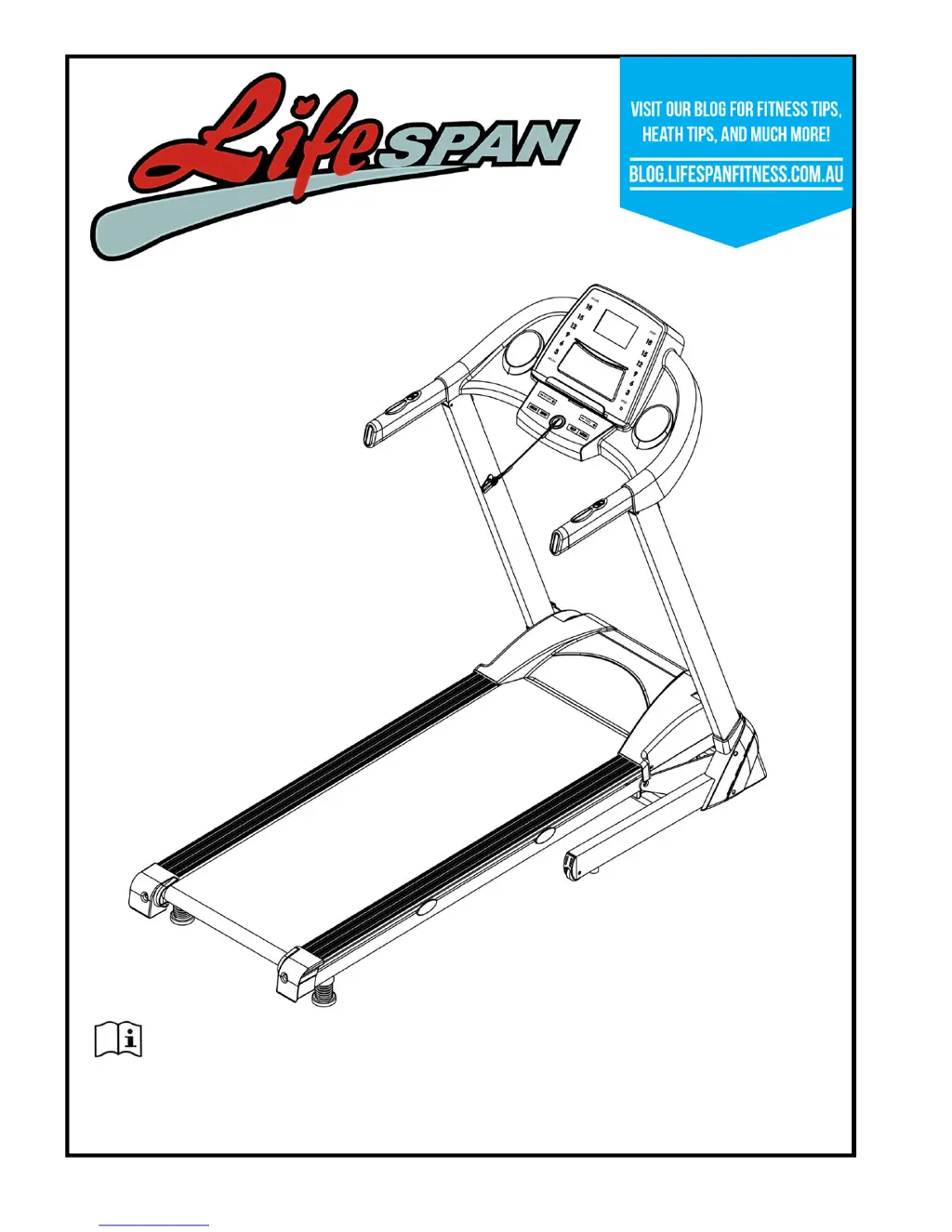
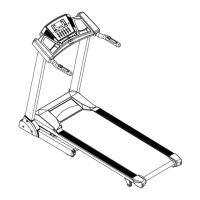
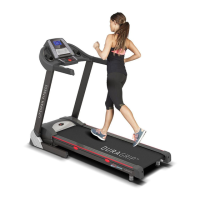
Product may vary slightly from the item pictured due to model upgrades
Read all instructions carefully before using this product. Retain this owners manual for
future reference.
SPIRIT OWNER’S MANUAL

Questions and Answers

  • B
    Brandon WillisJul 27, 2025
    What to do if my LifeSpan SPIRIT display is not working after connecting power?
    • M
      Miranda WebsterJul 27, 2025
      If the display of your LifeSpan Treadmill isn't working after you've connected it to a power source, here are a few things to check: * Start by checking the fuse. * Make sure all the wires for the power switch, fuse, control board, and transformer are correctly connected. * Also, verify the wire connecting the display to the control board is properly connected. Remove the upright tube to inspect the connection of each wire, ensuring they are fully plugged in. Replace any damaged wires. * Finally, check the condition of the transformer.
  • N
    Nicole TaylorAug 3, 2025
    What to do if my LifeSpan Treadmill shows E03 no sensor signal?
    • T
      Travis WilsonAug 3, 2025
      If your LifeSpan Treadmill is displaying an E03 error, which indicates no sensor signal, the following steps may help: * First, check the sensor plug connection, as the signal might not have been detected within 10 seconds. * Also, inspect the magnetic sensor for any damage. Test its connection and consider replacing the sensor if needed.
  • E
    Elizabeth BlakeAug 10, 2025
    What to do if my LifeSpan SPIRIT displays E01 message failure?
    • C
      Carlos FoxAug 10, 2025
      If your LifeSpan Treadmill shows an E01 error, indicating a message failure, try these solutions: * Check the wires connecting the computer and the bottom control board to ensure they are properly connected. Replace any damaged wires. * Check the condition of the control board. * Check the condition of the transformer.
  • D
    David ChandlerAug 19, 2025
    What to do if LifeSpan Treadmill displays E02 burst clash?
    • M
      Mark WatsonAug 19, 2025
      If your LifeSpan Treadmill is displaying an E02 error, which indicates a burst clash, here's what you can do: * First, make sure that the power supply is correct. If it isn't, use the correct power supply to test the treadmill. * Check the lower control board for any signs of burnout. If it's burnt out, replace it and then reconnect the motor wire. * Ensure the correct voltage is being used.

Summary

Important Safety Instructions

Important Electrical Information

Important Operating Instructions

Assembly Instructions

Operation Guide

Button Functions

Explains the purpose and operation of each button on the treadmill console.

Main Functions

Outlines the primary operational modes and features of the treadmill.

Exercise Guide

Maintenance Instructions

Belt;Deck;Roller Lubrication

Explains the importance and procedure for lubricating the treadmill's belt and deck.

How to Check the Running Mat for Proper Lubrication

Steps to check the running mat's lubrication level and apply lubricant.

Adjusting the Running Belt

Instructions on how to adjust the belt's alignment and tightness for optimal performance.

Replacing Motor Brushes

Step-by-step guide on how to replace worn motor brushes for treadmill maintenance.

Trouble Shooting Guide

Warranty

LifeSpan SPIRIT Specifications

General IconGeneral
Motor TypeDC
Motor2.5 HP
Speed0.5 - 11 mph
Weight Capacity300 lbs
DisplayLCD
Dimensions56" H
FoldingYes

Related product manuals