AM-HLTMC-OM
Rev AA January 2018
10. BLUE AC supply indicator
OFF = AC missing
ON = AC present
11. USB port
Download memos/upload software
Menu Access
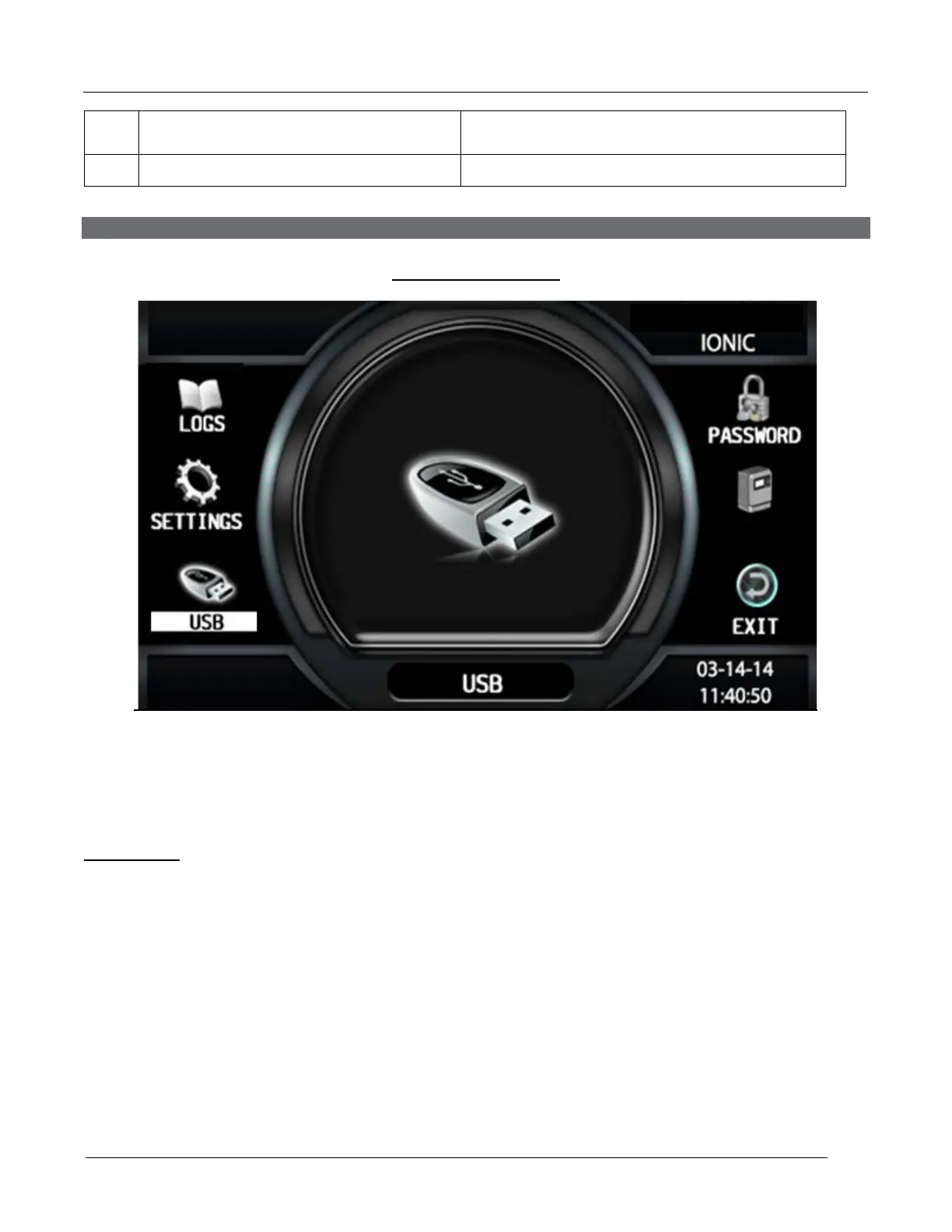
Main Menu Display
When the charger is idle, press and hold <ESC>, the Main Menu is then displayed. The main
menu is automatically exited after 60 seconds of inactivity or can be exited voluntarily by pressing
the <ESC> button.
Main Menu
All menus are accessed from Main Menu; a detailed description of each menu is included in the
next sections of this manual. The menus that require a password are not displayed until the
correct password has been entered.
The menus provide access to the following functions:
• View status and memorizations (LOGS icon).
• Setting of date, language and others (SETTINGS icon).
• USB functions (USB icon)
• Management of password (PASSWORD icon)
• Viewing of faults, alarms, etc. (CHARGER icon).
• Exit main menu (EXIT icon).



 To Next Page