23
TOOLS AND HARDWARE REQUIRED FOR THIS PAGE
1/2” (x2)
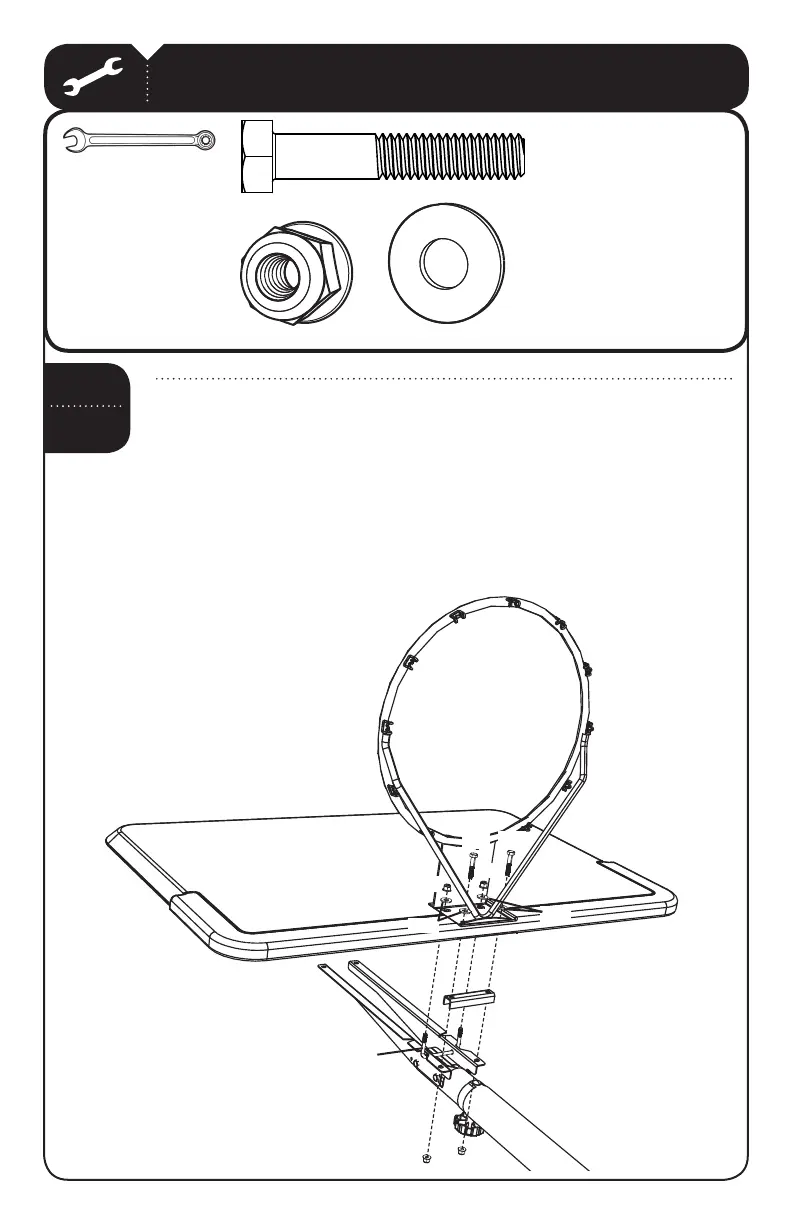
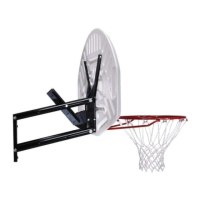
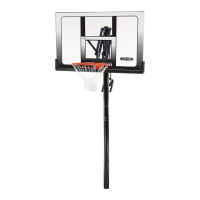
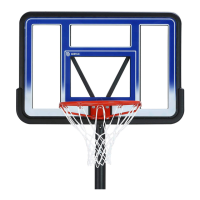
Attach the Rim (ALX) and "ACKBOARD!*) to the Pole assembly by placing the
Rim Support Channel (AOX) in the recess on the underside of the Backboard
with the fl at side placed against the Backboard. Insert the 3 1/2” U-Bolt
(APK) through the top holes of the Backboard and the Rim, and secure the
5"OLTWITHv7ASHERS!"$ and v.YLOCK&LANGE.UTS!"+.
SEC
3.3
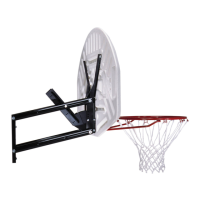
Then insert the vXv(EX"OLTS!!# with v7ASHERS!"$
through the bottom holes of the Rim and Backboard and through
the Rim Support Channel and Backboard Brackets, and secure with
the v.YLOCK&LANGE.UTS!"+
AAC (x2)
ABD (x4)
ABK (x4)
AOX
AAC
AAC
ABK
ABK
ABD
ABK
ABK
APK
!*)
ALX
ABD


 To Next Page