Lighthouse ActiveCount100 Operating Manual
248083444-1 Rev 2 P a g e 24 of 40
Status Indicators
Device Status Indicators
Status Indicators: ActiveCount100 displays status indicators on the Home screen. If ActiveCount100
displays Device status flag, it may indicate a device issue or problem. To display more device status
information, press SETTINGS button, then press the Status menu item.
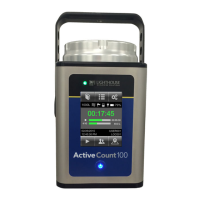
Sample status screens are shown below.


 To Next Page