[Function Setting]
1. Initialization
Please insert SIM card and insert the adapter output terminal into the power hole of
the host, and then power on the system. Alarm panel will take about 1 min to search
the GSM network.in the period of searching GSM network,the alarm panel will be in
Freeze status for a while ,until appear on LCD display,the alarm panel will
work properly.
2. System setting
Press firstly, then input 4- digit password by the keypad on the host. You will
hear a voice prompt: please enter instruction. You can perform different settings
repeatedly as long as the system keeps in setting status and after input different
settings,press to confirm. The system will exit setting mode and return to main
interface if you don't press any keypad button for 40 seconds.
Note: The system default password is [6666].
Operating method: Passwordsetting code
X indicates: 4-digits program password.
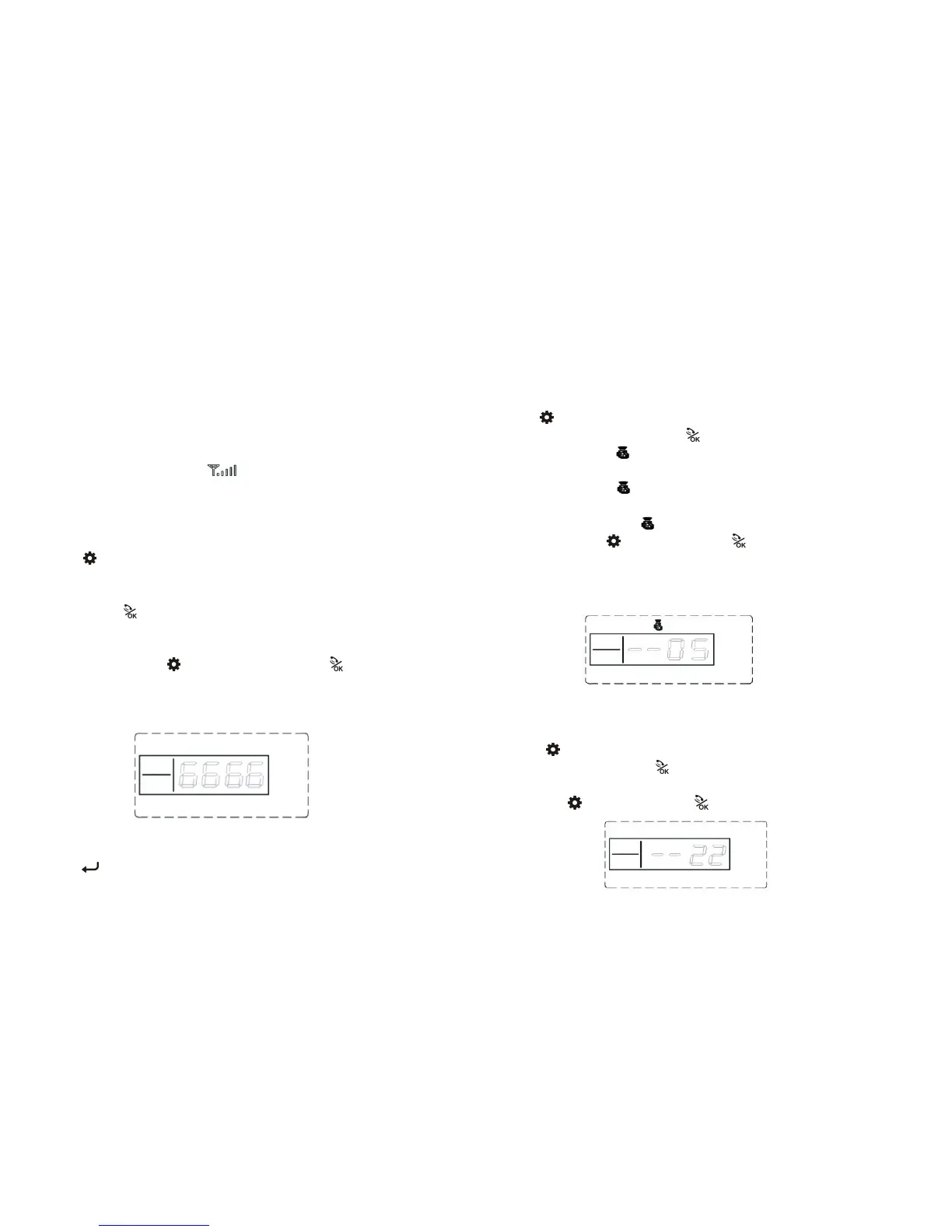
LCD display:
3. Exit Setting
Press buttons, the host emits a long beep and exits settings to main-interface.
4. Coding of Remote Controller Setting
The remote controller has to be coded to the alarm host in order to perform
normally.
Press firstly, then input 4- digit password by the keypad on the host,and
input instruction code [21], Press to confirm,then you will hear “remote
control coding” .the [ ] indicator is on without flashing; Press any button on
the wireless remote controller, the host makes a long beep and you will hear
“coding completed” [ ] indicators goes out, indicating the remote controller
succeeds in coding. The code of next remote controller will be displayed on the
LCD screen automatically , when coding completed.
Operating method : Password [21]
Notes: The same remote controller could be coded just one time. You can add
maximum 5 remote controllers.
LCD display:
5. Remote Controller Deleting Setting
The remote controller can’t control the host after it is deleted.
Press firstly, then input 4- digit password by the keypad,and input
instruction code [22], Press to confirm.The main a long beep, You will
hear a voice prompt “delete completed”.
Operating: Password [22]
LCD display:



 To Next Page