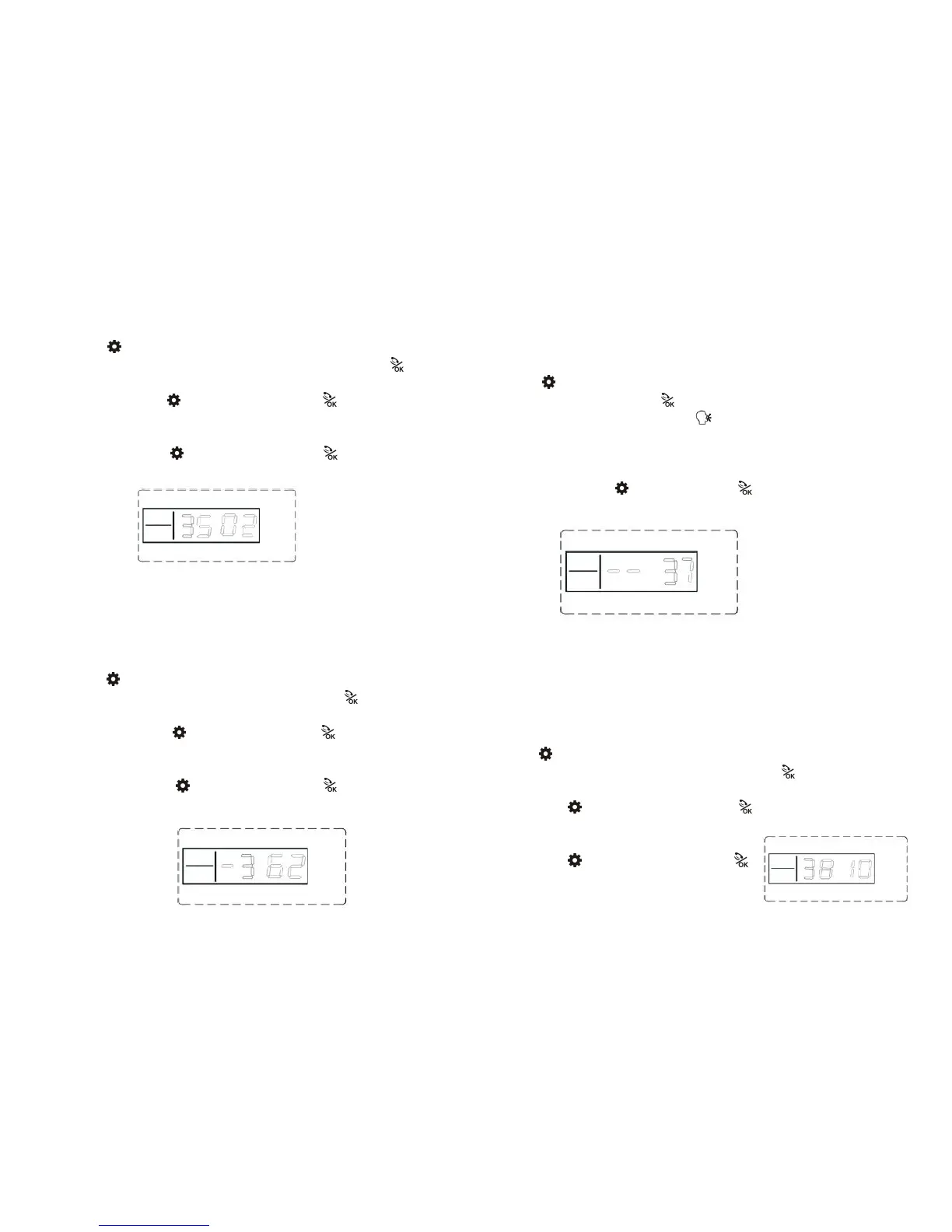
Press firstly, then input 4- digit password by the keypad,input instruction
[35], then input dial-up cycle time [00~09] times, finally press to confirm.
The host makes a long beep. You will hear a voice prompt “setting completed”.
Operating method: Password[35][XX]
XX indicates: Telephone dial-up cycle times.
Example: Detailed operating about 2 cycle times.
Operating method: Password[35][02]
LCD display:
16 Remote Call Ringing Times Setting(Default:6 Times)
Users dial-up the telephone connected to the host, then the signal of ringing times
would transfer to the host. Users through voice prompt, input correct password to
get remote control setting to the host.
Press firstly, then input 4- digit password by the keypad,input instruction
[36], then input delayed time [0~9] times, finally press to confirm. Main unit
make a long beep. You will hear a voice prompt “setting completed”.
Operating method:
Password
[36]
[X]
X indicates:ring times;
Example: After receiving 2 ringing signals, start the host to work remote control
Operating method:
Password
[36]
[2]
Notes: The host remote control closed, when ringing times is set to 0
LCD display:
17. Voice Recording message Setting
Pres s firstly, then input 4- digit password by the keypad,input
instruction [37],and then press to confirm.
The host will emits a beep and the [ ] indicator is on, and after 10 second
s countdown, recording starts: record at 30cm away from the host with mod
erate tone;10 seconds later, the host will make a beep indicating the recording
finish and the recorded voice will replay.
Operating method: Password[37]
LCD display:
Note: when you need to change the content of recording, just store your new one.
18.Password Change Setting
1. Change User Password(Default:1234)
User password is the key to enter the host operating system when start
Disarm or Remote Control.
Press firstly, then input 4- digit password by the keypad,input instruction[38],
and then input the 4- digit new password, finally press to confirm. The main
unit will make a long beep and you will hear a voice prompt “setting completed”.
Operating: Password[38][XXXX]
XXXX indicates:the new 4-digit password
Example: change the system password to 1012;
Operating: Password[38][1012]
LCD display:



 To Next Page