host to alarm.
4). Detector alarm type is set to “3”: This detector will trigger the host to alarm in
any status.
Wireless detector alarm type setting
Press firstly, then input 4- digit password by the keypad,input instruction code
[26], and press the defense zone [02~99] and then input [0~3] about detector
alarm type, finally press to confirm. The host emits a long beep,You will hear a
voice prompt “setting completed”
Operating method: Password[26][XX][Y]
XX indicates: two defense zones number.
Y indicates: one defense zone alarm type
Example: setting 02 defense zone alarm type to be Out Arm or Home Arm.
Operating method: Password[26][02][1]
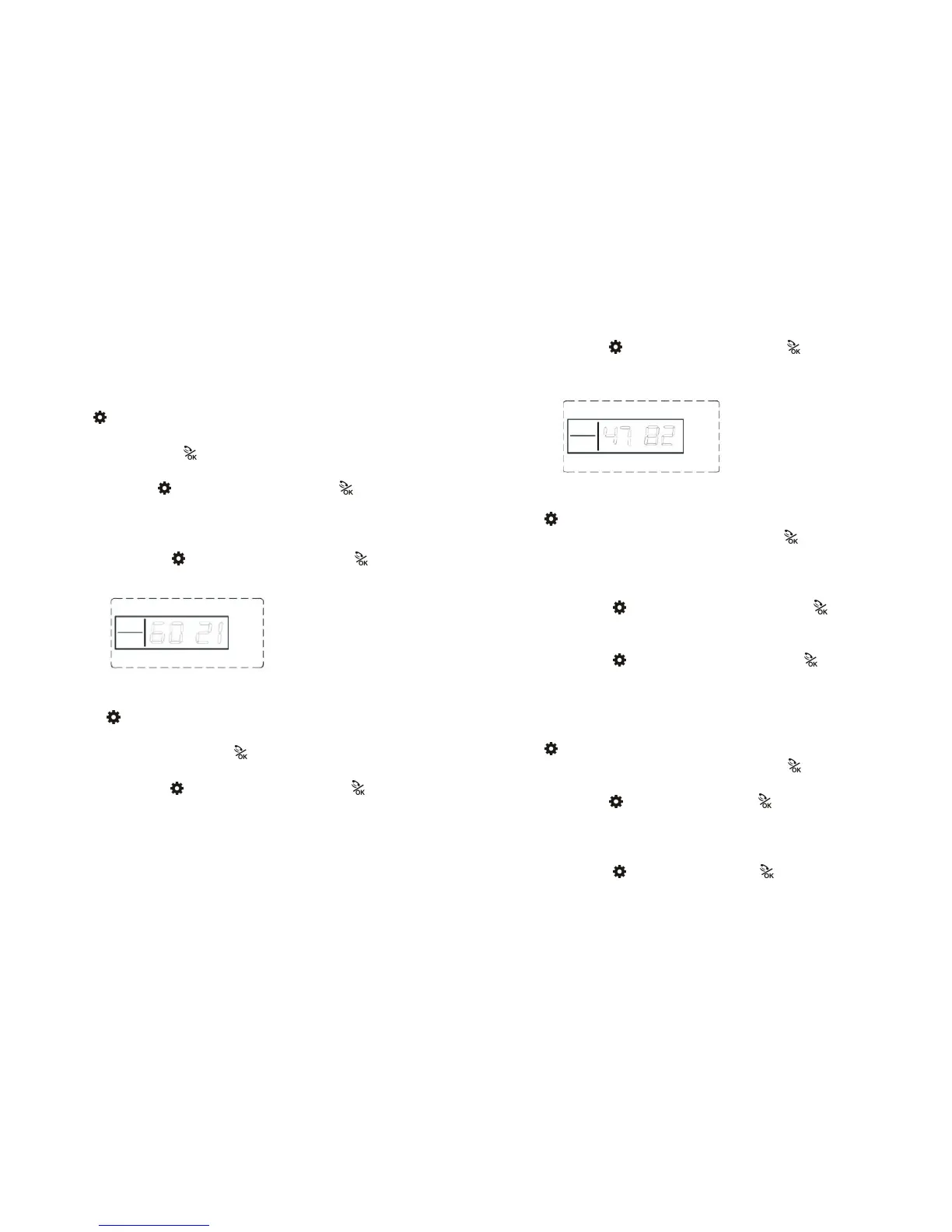
LCD display:
Wired detector alarm type setting
Press firstly, then input 4- digit password by the keypad,input instruction
code [47], and then press the defense zone [81~88] and then input [0~3] about
detector alarm type, finally press to confirm. The host emits a long beep ,You
will hear a voice prompt “setting completed”
Operating method: Password[47][XX][Y]
XX indicates: two defense zones number.
Y indicates: one defense zone alarm type
Notes: wired defense zone of Z1 is equal to zone of 81, wired defense zone of
Z2 is equal to zone of 82, and wired defense zone of Z8 is equal to zone of 88
in turn.
Example: alarm type about defense zone of 82 is set to out arm or home arm.
Operating method: Password[47][82][1]
LCD display:
10.Wireless Equipment Coding Setting
Press firstly, then input 4- digit password by the keypad,input instruction
code [27] + 8 wireless equipment coding, then enter to confirm. The host
makes a long beep,you will hear a voice prompt “setting completed”.
Note: Wireless equipment coding includes sc2262 coding four data bits & 8
address bits.
Operating method: Password[27][XXXXXXXX]
XXXXXXXX indicates:8 wireless equipment coding
Example: detailed operating of wireless equipment coding is“01020102”
Operating method: Password[27][01020102]
LCD display
11.Remote Controller Sound Prompt setting
In arm or disarm, external siren prompt arm or disarm.
Press firstly, then input 4- digit password by the keypad,input instruction
code [31] on the keypad, then enter[0~1], finally press ;The host makes a
long beep. You will hear a voice prompt “setting completed”.
Operating method: Password[31][X]
X =“0” indicates:Remote controller Sound Prompt closed;
X =“1” indicates: Remote controller Sound Prompt open;
Example: Detailed operating of external siren prompt open
Operating method: Password[31][1]
LCD display:



 To Next Page