6. Coding of Wireless Detector Setting
Wireless detectors have to be coded to the host in order to trigger its
alarm.
Press firstly, then input 4- digit password by the keypad,and input instruction
code [23], input the defense zone number you want to code [02~99],Press
to confirm,The host emits a long beep and the corresponding defense zone is
displayed on the screen. You will hear a voice prompt “detector coding”. Then
trigger a wireless detector to emit a wireless signal; after receiving the signal,
the host makes a long beep, and you will hear “ coding completed”, the
[ ] indicator goes out at the same time.
Operating method: Password[23][XX]
XX Indicates:02~99 defense zones number
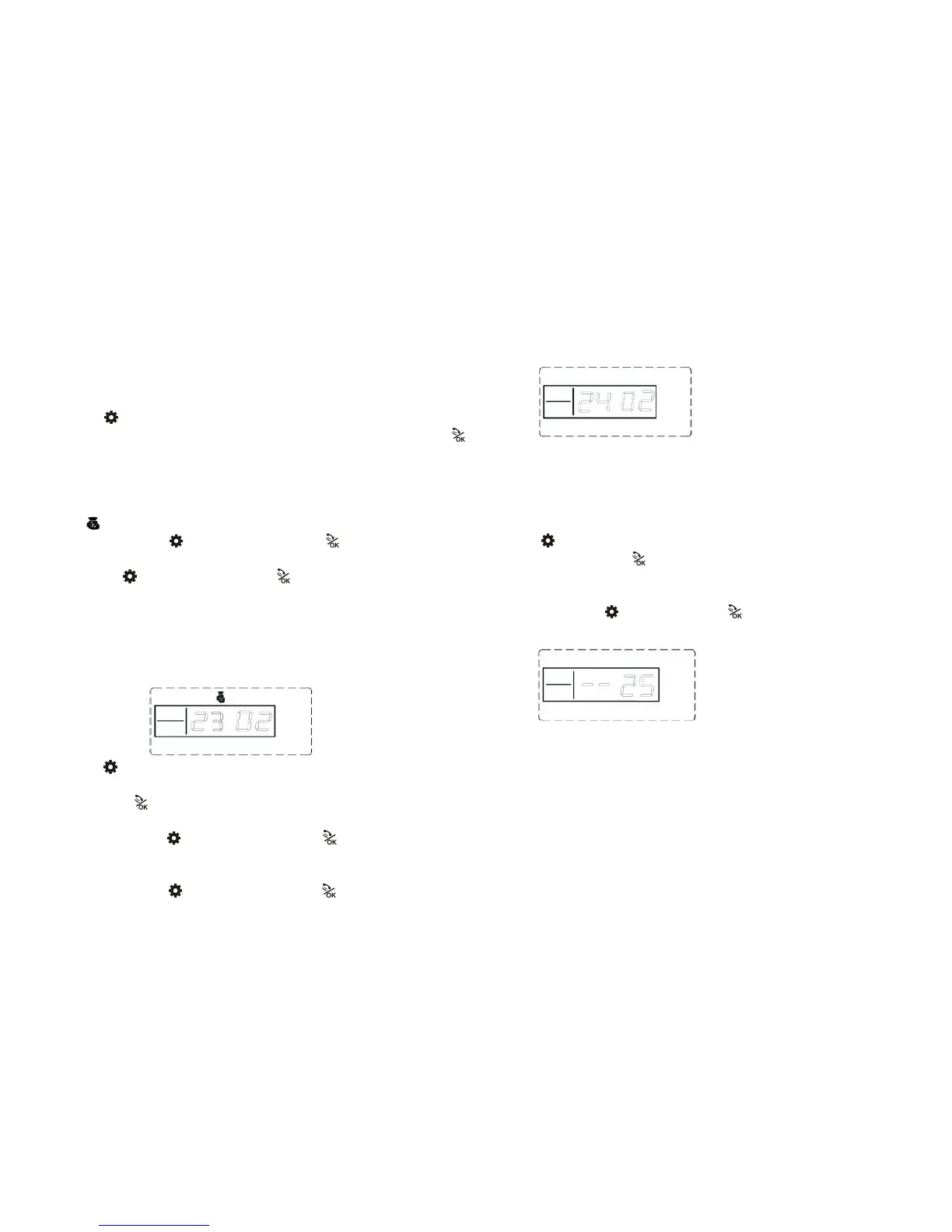
Example: Password[23][02]
LCD display:
7. Single Wireless Detector Deleting Setting
The wireless detector can’t control the host after it is deleted.
Press firstly, then input 4- digit password by the keypad,input instruction
code [24] and then press the [02~99] defense zone number needs to be deleted,
finally press to confirm. The host emits a long beep ,You will hear a voice
prompt “delete completed”.
Operating method: Password[24][XX]
XX indicates:02~99 defense zones number。
Example:Delete 02 defense zones
Operating method: Password[24][02]
LCD display:
8. All Wireless Detector Deleting Setting
The wireless detector can’t trigger the host to alarm after the whole
deletion.
Press firstly, then input 4- digit password by the keypad,input instruction
code[25],and then press to confirm.The host emits a long beep,and You will
hear a voice prompt “delete completed”.
Operating method: Password[25]
LCD display:
9. Alarm Zone Type Setting
Alarm Zone type is convenient to decide which detector will be alarmed.
There are 4 defense types:
1). Detector alarm type is set to “0”: This detector will not trigger the host to alarm
in any status.
2). Detector alarm type is set to “1”: This detector will trigger the host to alarm
whether in out arm or home arm.
3). Detector alarm type is set to “2”: This detector will trigger the host to alarm
only in Out Arm state; host is in Home Arm state, the detector cannot trigger the



 To Next Page