21. Host Timed Arm /Disarm Setting
Timed arm or disarm is convenient to arm or disarm at the necessary
time.
Press firstly, then input 4- digit password by the keypad,input instruction [42],
and then input disarming time [AABB], and then input arming time [XXYY],
finally press to confirm. The host makes a long beep. You will hear a voice
prompt “setting completed”.
Operating: Password [42][AABB][XXYY]
“AABB” indicates: disarming time—hour and minute
“XXYY” indicates: arming time—hour and minute
Example: set disarming is 8:20 and arming time is 20:30.
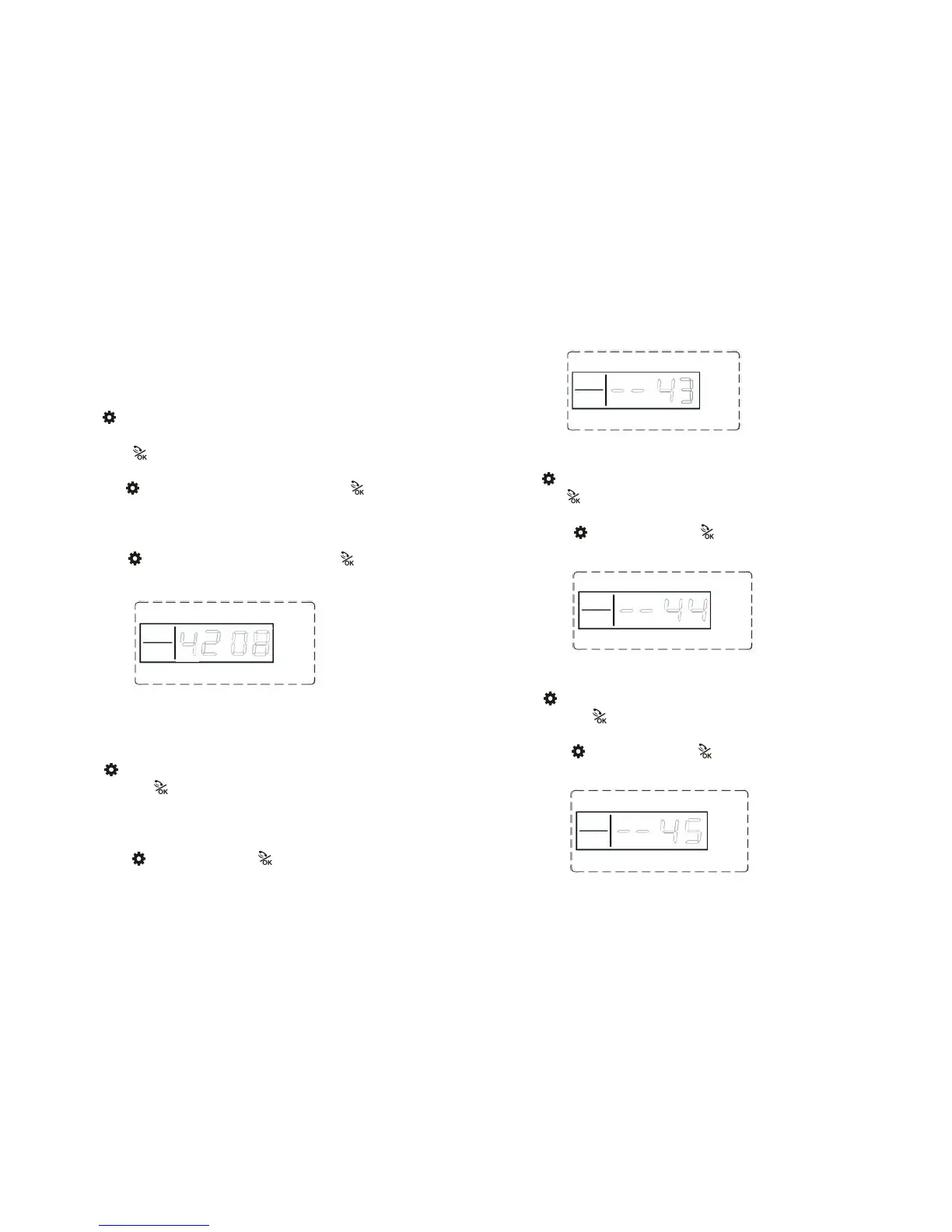
Operating: Password [42][0820][2030]
LCD display:
22.Host Reset Setting
All telephone number will be deleted automatically when main host reset.
Press firstly, then input 4- digit password by the keypad,input instruction
[43], then press to confirm. The host makes a long beep. You will hear a
voice prompt “setting completed”. (Will not delete the remote control and
accessories)
Operating:
Password
[43]
LCD display:
23. Host Historical Records Inquires Setting
Press firstly, then input 4- digit password by the keypad,input instruction [44],
then press to confirm. The host makes a long beep. You will hear a voice
prompt “setting completed”. Press “2” to page up and press “8” to page down
Operating: Password [44]
LCD display:
24.Host Historical Records Inquires Deleting Setting
Press firstly, then input 4- digit password by the keypad,input instruction
[45], then press to confirm. The host makes a long beep. You will hear a
voice prompt “setting completed”.
Operating: Password [45]
LCD display:



 To Next Page