2. Change Administrator Password(Default:6666)
Administrator password is the key to enter the host system when need
function setting.
Press firstly, then input 4- digit password by the keypad,input instruction
[39], and then input the 4- digit new password, and then press to confirm.
The host emits will make a long beep and you will hear a voice prompt “setting
completed”.
Operating: Password[39][XXXX]
XXXX indicates: the new 4-digit password
Example: change the system password to 2846
Operating: Password [39][2846]
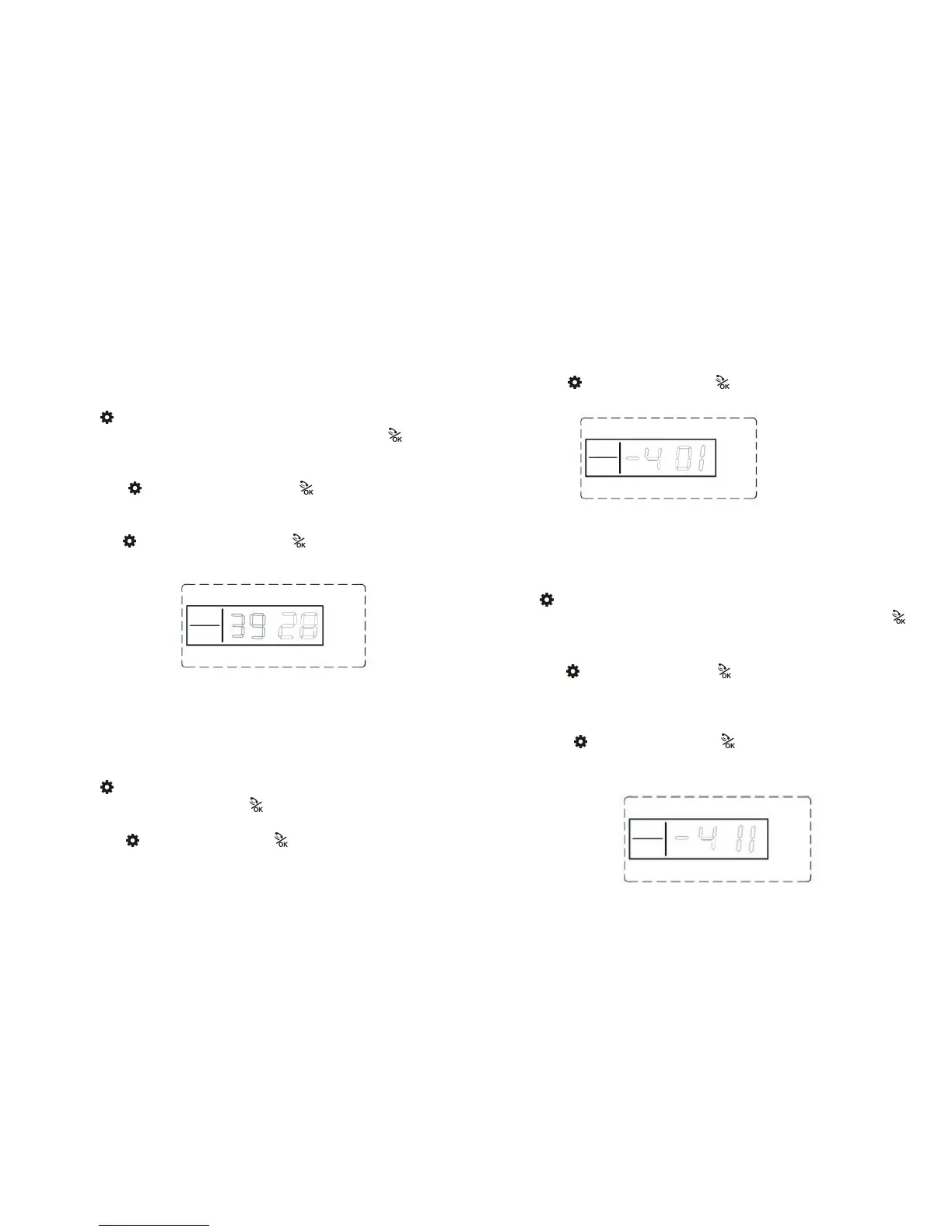
LCD display:
Note: The user password and the Administrator password cannot be the same.
19.Keypad lock setting(Default: Closed)
Keypad lock could ensure the host password can’t be changed maliciously.
Press firstly, then input 4- digit password by the keypad,input instruction
[40], then input [0~1], finally press to confirmed. The host makes a long
beep. You will hear a voice prompt “setting completed”.
Operating: Password[40][X]
X=“0” indicates: Keypad lock is closed. Arm/Disarm, password
don’t need to be entered
X=“1” indicates: Keypad lock is open. Arm/Disarm, password
should be entered.
Example: Open the keypad lock.
Operating: Password[40][1]
LCD display:
20.Turning Host Timed Arm/Disarm on/off
Setting(Default: Closed)
Press firstly, then input 4- digit password by the keypad,input instruction
[41], then choose on/off timed Arm or Disarm function key[1/0], finally press
to confirm, The host makes a long beep. You will hear a voice prompt “setting
completed”.
Operating:
Password
[41]
[X]
X=“0” indicates: close all timed Arm/Disarm function.
X=“1” indicates: Open all timed Arm/Disarm function..
Example: Indicates: Open all timed Arm/Disarm function
Operating:
Password
[41]
[1]
LCD display:



 To Next Page