EasyManua.ls Logo

Lightmaxx Shaft 5R - Control Panel Details; Manual Control and Test Functions; Advanced Settings and Parameters

Lightmaxx Shaft 5R
Print Icon
To Next Page IconTo Next Page
To Previous Page IconTo Previous Page
Loading...
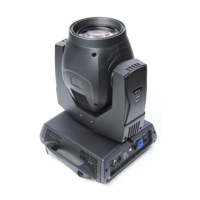
LightmaXX Shaft 5R Beam Moving Head
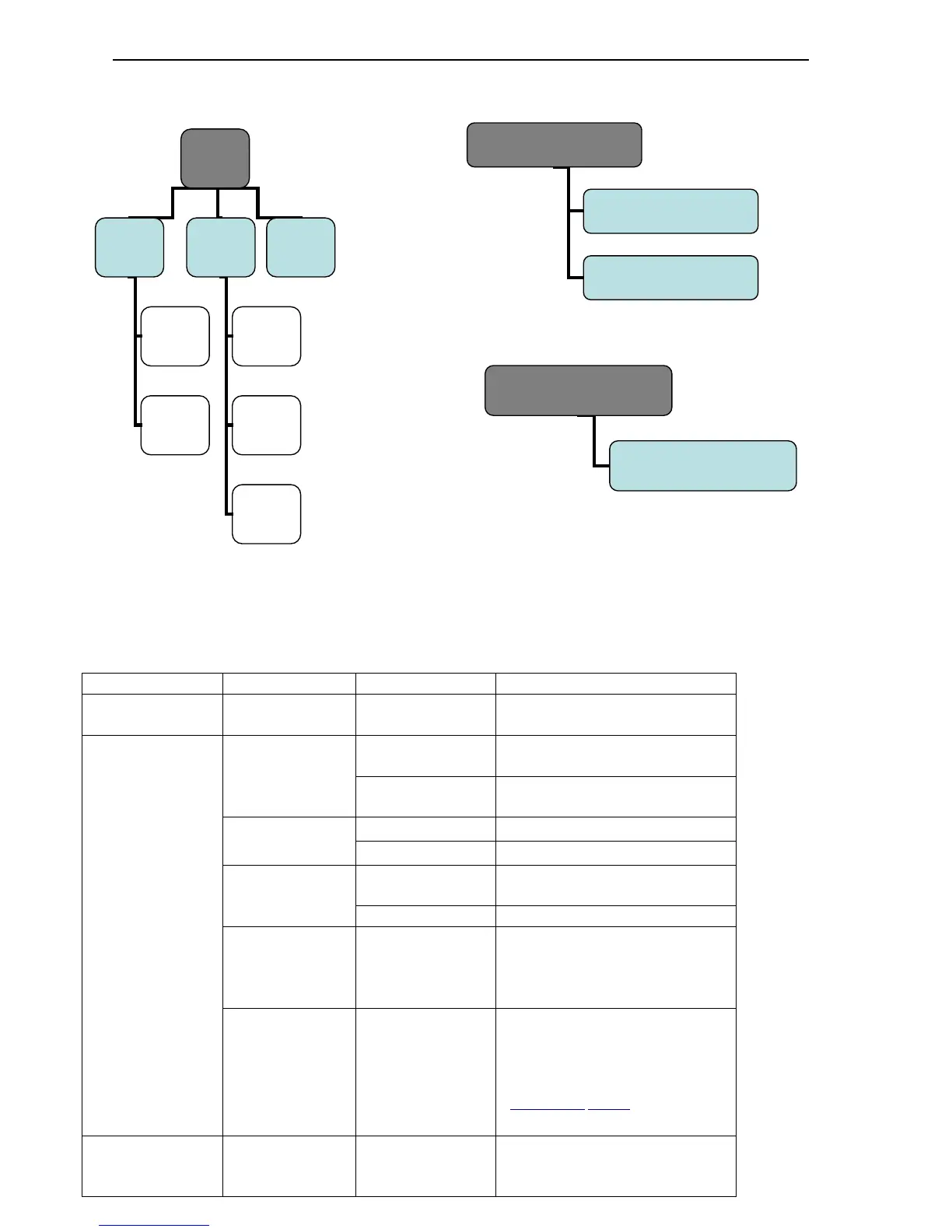
5.3 The control panel
Level 1 menu
Level 2 menu
Level 3 menu
Introductions
DMX Address
Set
DMX address
Set
Set DMX Address Code for
the light
Info
Power on
times
Power on times
Enter and see conduction
time
Clear times
Reset device conduction
time
Lamp on times
Lamp on times
Display bulb lighting time
Clear time
Reset bulb lighting time
Lamp strikes
Lamp strike
Display Bulb strike
information
Reset strikes
Reset strike number
System
version
Disp Board
1.50
Pan Tilt 1.50
8ch Board 1.50
Display version information
Fan Monitor
Fan Speed (RPM)
Lamp fan 1 ****
Lamp fan 2****
Display the speed of bulb fan
(Turn off the bulb when speed is
abnormal .Avoid bulb break
caused by poor cooling)
.reference value:Fan 14500-
5500r Fan 23200-4000r
Options
Pan Inverse
ON/OFF
According to the scene
choose the horizontal scan
direction
5
manual
control
Lamp
on or off
Reset
Functio
n
Adj
DMX
values
Reset
all
Reset
Effect
Reset
Pan/Tilt
Lamp
on
Lamp
off
6 Test
DMX values
Run program
7 Advanced
Access code
_ _ _ _

Related product manuals