A
B
C
D
E
F
G
H
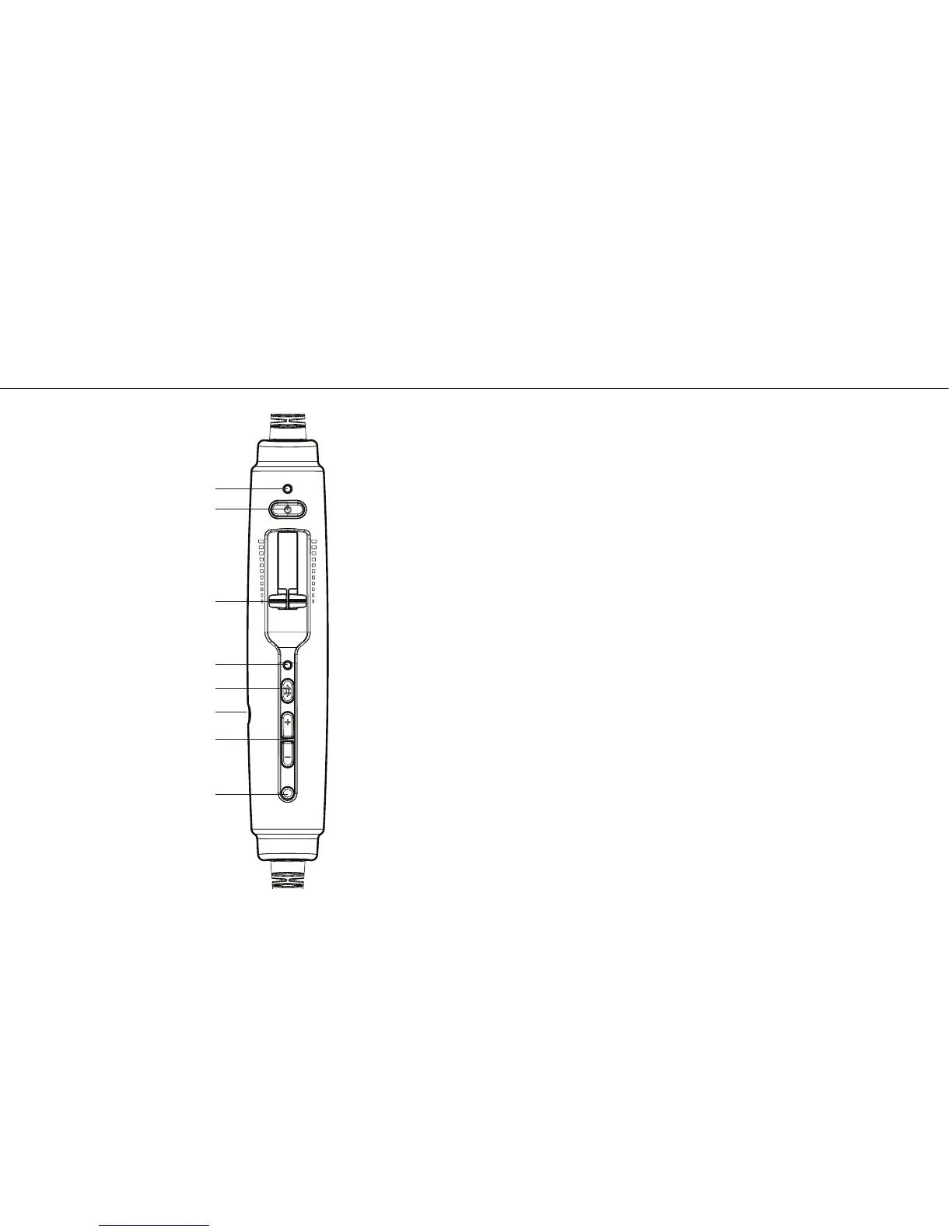
The Zulu.2 controller
Using Your Zulu.2 Headset
Turning ON and OFF
ON: Press the power button once to turn on the
headset. The GREEN power LED ashes when power
is supplied. Active Noise Reduction (ANR) is engaged
when you turn on the headset.
OFF: Press and hold the power button until the
GREEN power LED turns o.
Zulu.2 will auto shut o approximately ve minutes
after removing the headset and under quiet
conditions.
The power LED ashes RED when batteries are low;
see Battery Installation, on page 5.
7


 To Next Page