If you experience any problems, please call the Helpline on Freephone 0808 100 6554* or visit www.bt.com/producthelp
Using your BT Digital Baby Monitor & Pacifier 37
Backlight
You can select whether or not the LCD backlight
comes on when an alert is activated. When the
backlight comes on it will stay on for 15 seconds.
The default setting is On.
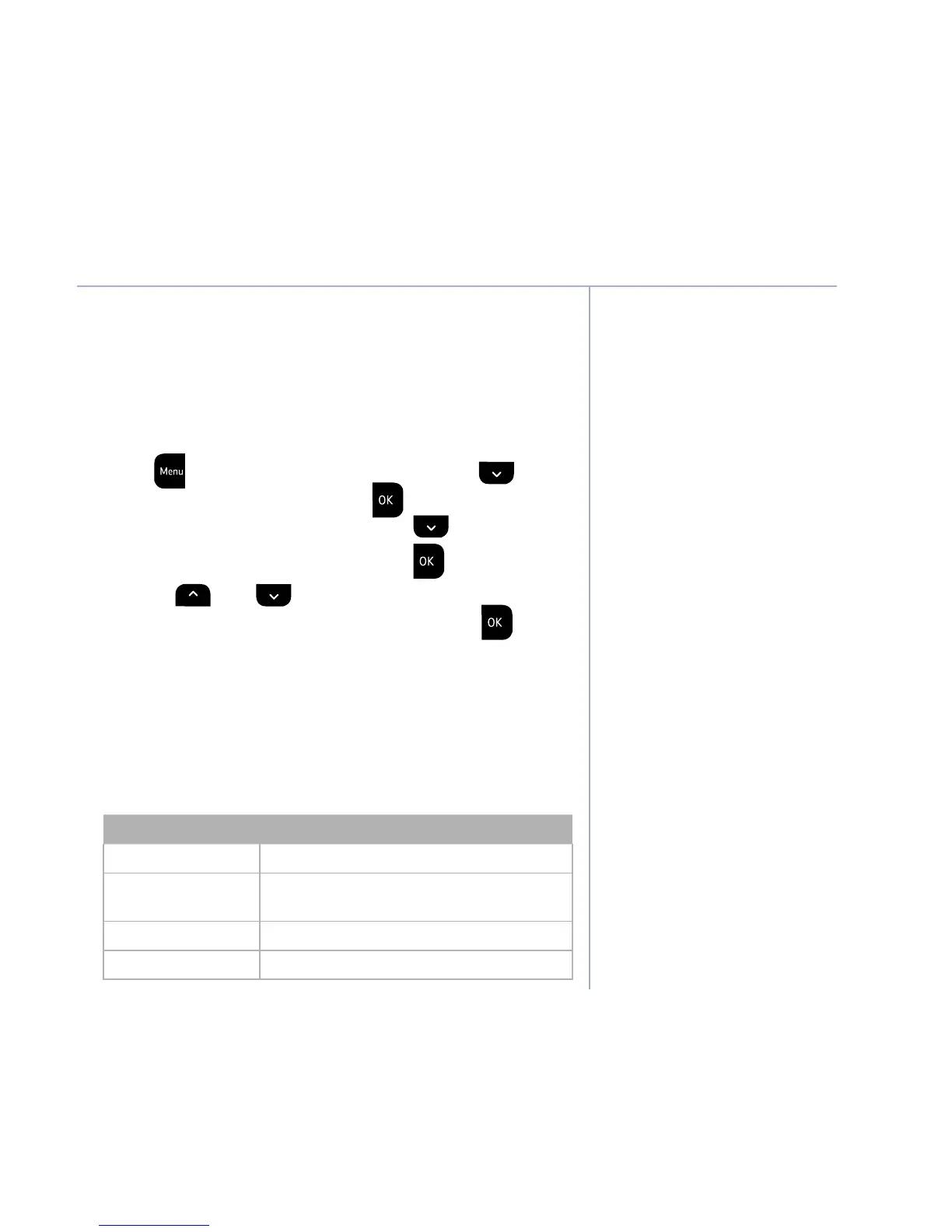
1. Press
. Lightshow is displayed, press until
SetUp is displayed and press
.
2. Crying Alert is displayed, press
until
Backlight is displayed and press
.
3. Use the
and buttons to display either
On w alerts or Off w alerts and press
to
select. The display will show Saved and you will
hear a confirmation beep.
List of tones
Your Baby Monitor & Pacifier unit can produce
various tones. They have the following meaning:
Tone Meaning
Single tone Confirmation tone e.g. setting saved.
Double tone (fast) Error tone e.g. max volume reached
when adjusting volume.
Double tone (slow) User alert e.g. crying alert, paging alert etc.
Triple tone (fast) System alert e.g. link lost, battery low etc.



 To Next Page