Troubleshooting
help.li.me/hc/requests/new
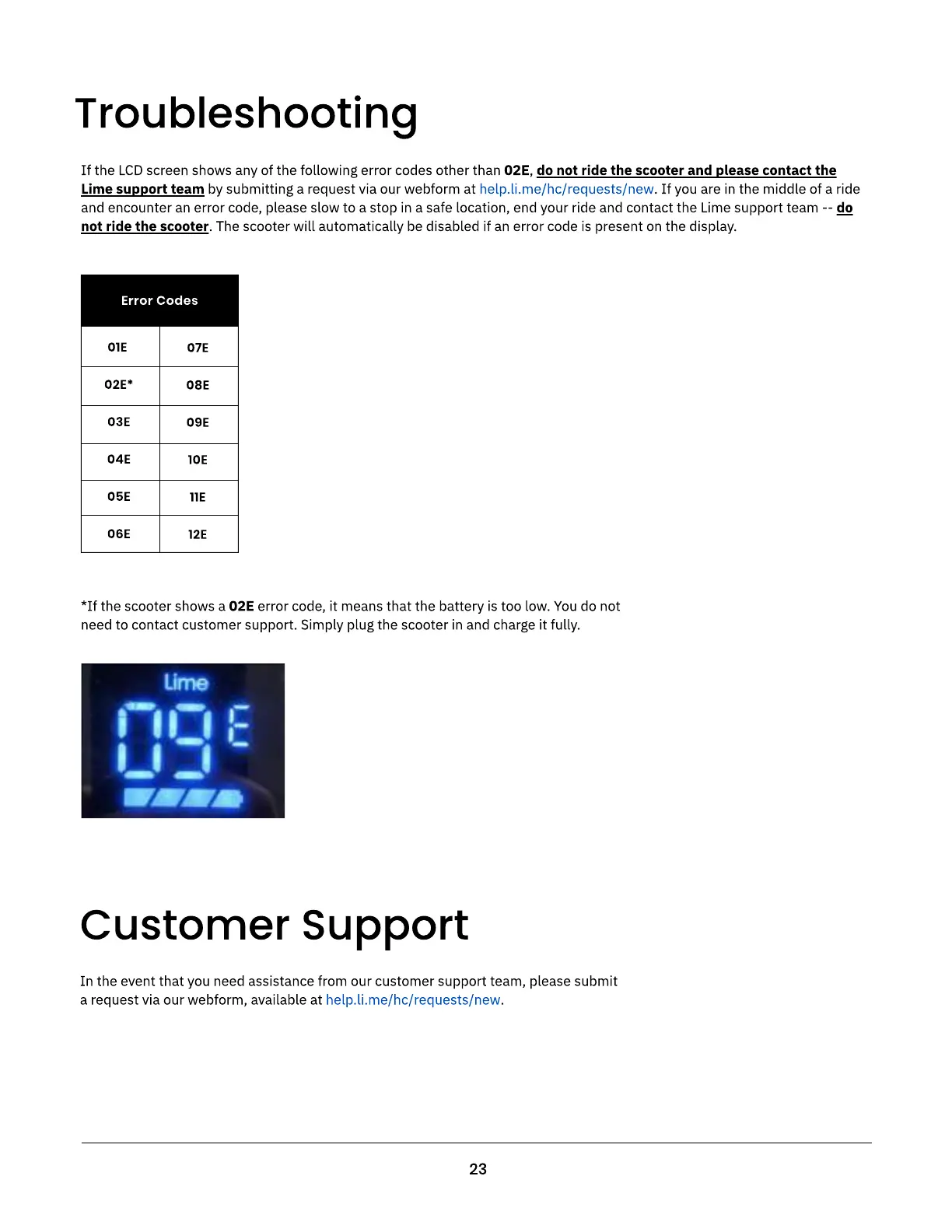
If the LCD screen shows any of the following error codes other than 02E, do not ride the scooter and please contact the
Lime support team by submitting a request via our webform at . If you are in the middle of a ride
and encounter an error code, please slow to a stop in a safe location, end your ride and contact the Lime support team -- do
not ride the scooter. The scooter will automatically be disabled if an error code is present on the display.
01E
02E*
03E
04E
05E
06E
07E
08E
09E
10E
11E
12E
Error Codes
*If the scooter shows a 02E error code, it means that the battery is too low. You do not
need to contact customer support. Simply plug the scooter in and charge it fully
23
Customer Support
help.li.me/hc/requests/new
In the event that you need assistance from our customer support team, please submit
a request via our webform, available at .



 To Next Page